FareHarbor vs Peek vs a custom booking system: who should run your tour calendar?
Tour, tasting and activity businesses usually choose between renting a booking platform and owning one. I built the booking and check-in tools Kentucky Peerless runs every tour day in Louisville, so this is written from the owning side, with the honest case for renting.
Or call or text (502) 387-1142
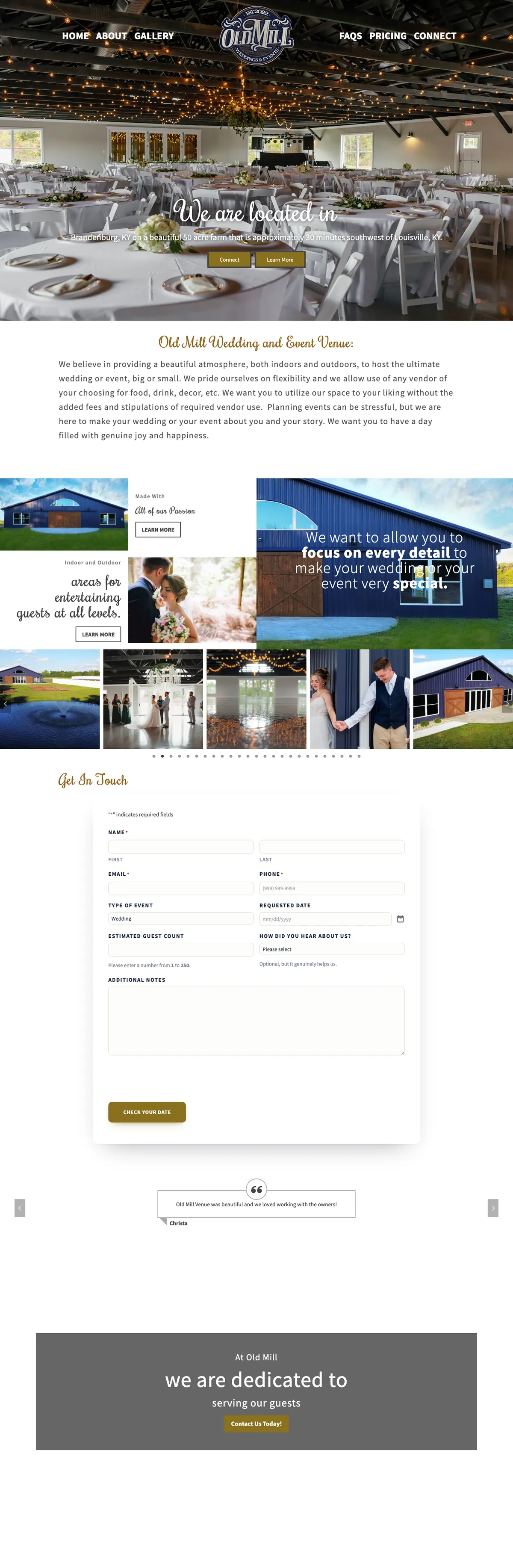

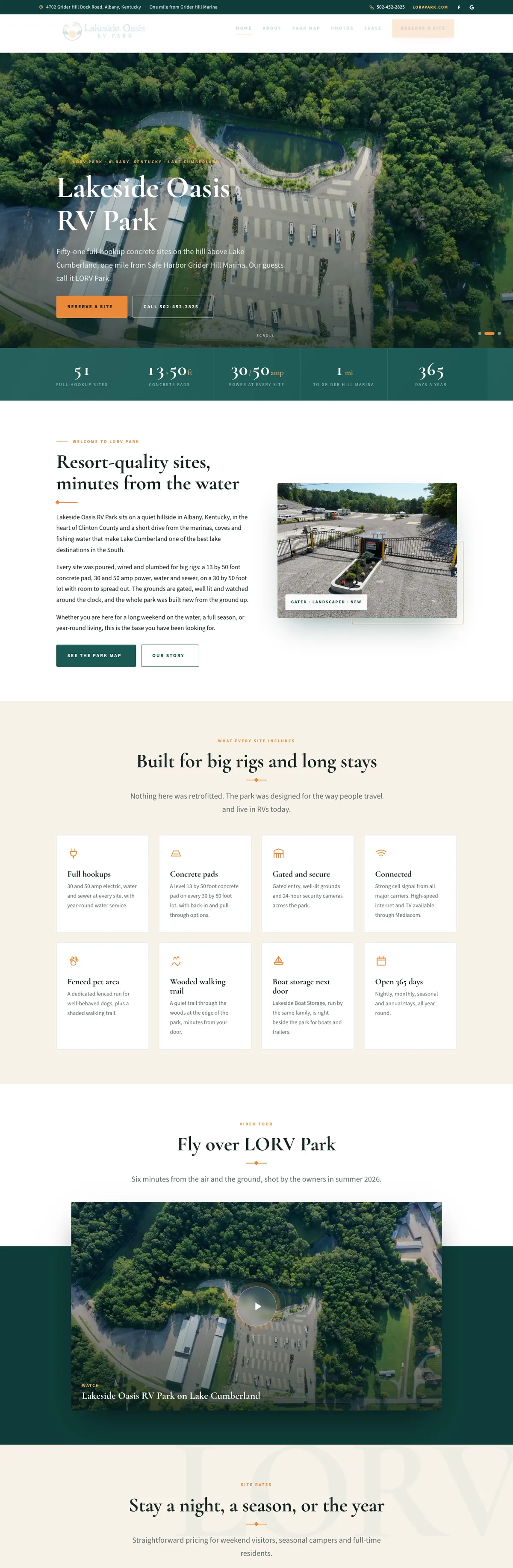

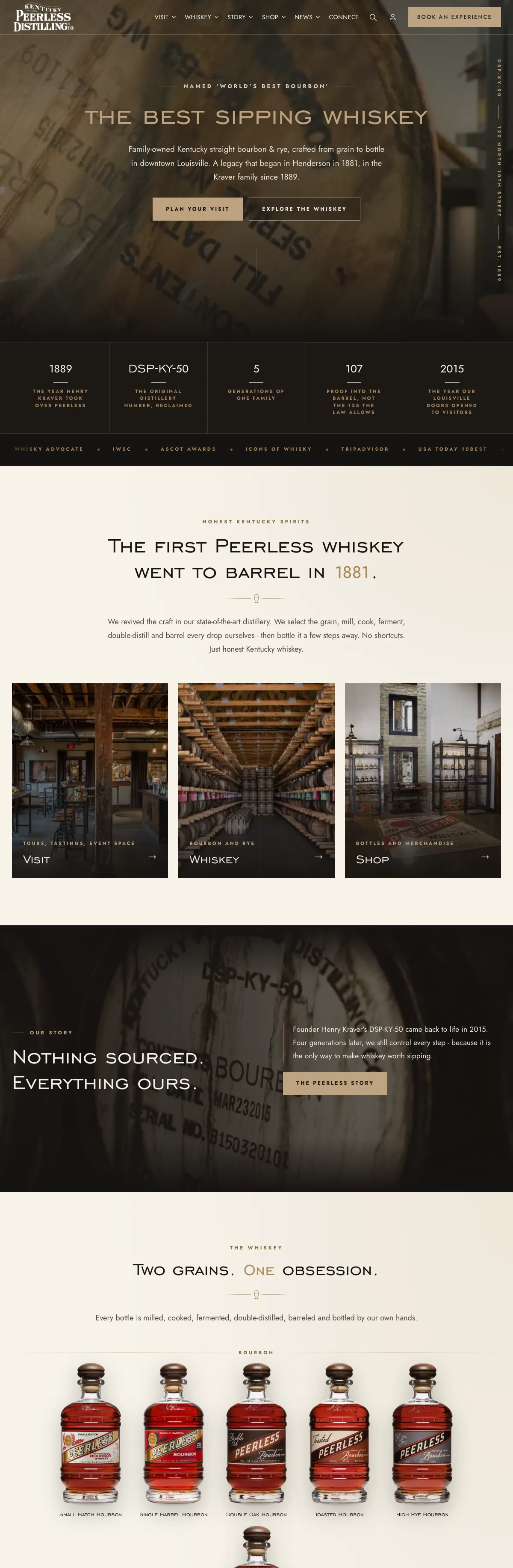
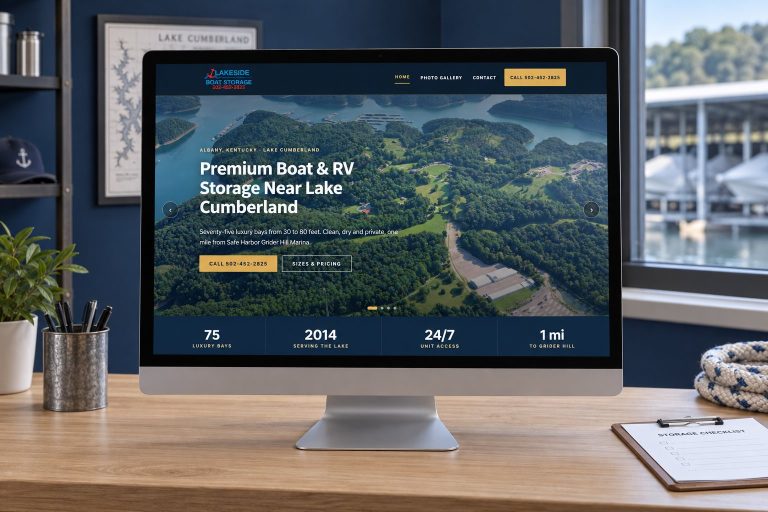
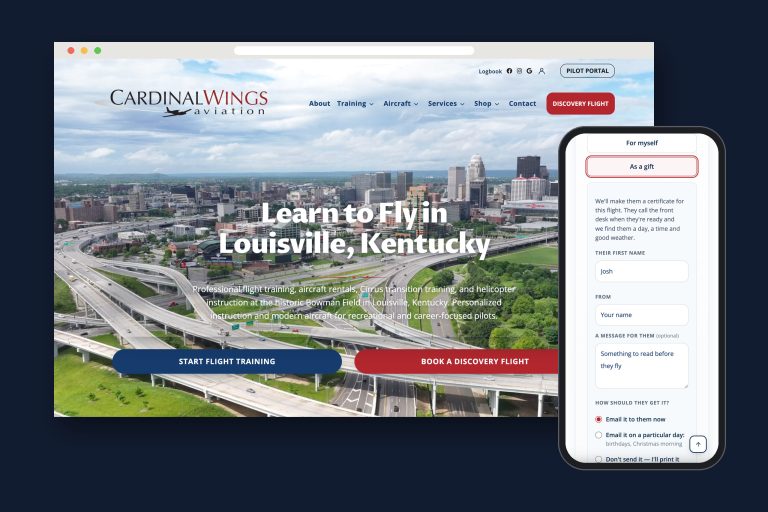
Websites I have built for Kentucky businesses



















FareHarbor vs Peek: the short answer
FareHarbor and Peek are complete tour booking platforms: calendar, checkout, payments and staff tools, running in days. Under FareHarbor’s provider terms, the standard model charges a booking fee to your customer instead of a monthly bill to you. Peek’s own site says its pricing is custom, quote-based and commission-based. A custom booking system built into your own website costs more up front, takes no cut of any booking, and keeps the brand and the guest records in your own database.
Rent if you need it running next month, want marketplace reach, or have nobody to look after software. Build when your tours follow rules no template fits, when you already run a WordPress site, or when the fees on every booking add up to more than owning would.
What each option actually is
FareHarbor is booking software for tours and activities. Your website gets book buttons that open FareHarbor’s booking flow as an overlay on top of your page, which FareHarbor calls the Lightframe; on some phones it can fall back to its own page instead. FareHarbor also publishes a WordPress plugin to add it.
Peek Pro is booking software for tour and rental operators. Its site lists an online and mobile booking flow, digital waivers signed in advance, point of sale for walk-ups, dynamic pricing, reporting and a link into Peek’s consumer marketplace.
A custom system is booking built into your own website. At Kentucky Peerless that means WooCommerce Bookings on the distillery’s WordPress site, extended with custom plugins I wrote: a live calendar with per-slot seat counts, five ticket types, payment at booking, export tools for the back office, and a guest check-in system the front desk runs from a tablet.
How the money works
FareHarbor. Its provider terms (last modified 1 January 2025) say FareHarbor may charge a fee to the person booking for payment and reservation services. That is the standard model: the operator does not get a monthly bill, and the guest sees a booking fee at checkout. The same terms describe an alternative where FareHarbor charges the provider a commission instead and does not charge guests a booking fee, and a separate fee to the provider for the payment infrastructure. The terms do not publish the rates; the commission percentage is communicated to each provider separately, so ask for the current rates in writing.
The same terms make the operator the merchant of record, responsible for honoring every booking and handling disputes, and on a partial refund FareHarbor keeps the full booking fee. Bookings that come through FareHarbor’s distribution network of resellers can carry a separate fee, with terms given to the provider directly.
Peek. Peek’s own site (checked October 2026) says it uses custom, quote-based pricing rather than a fixed monthly plan and describes that pricing as commission-based. It does not publish a standard booking fee, so treat any rate you see quoted elsewhere as unconfirmed until it is in your own quote. Get the booking fee, who pays it, the card processing rate and any monthly or setup fees in writing before you sign.
Custom. No booking fee and no commission on an online booking system you own. You pay a card processor its normal rate, and you pay for the build and for keeping it maintained. Nothing scales with your sales except the card fee.
A fee your guest pays is still part of your price. Two tours at the same ticket price cost the guest different amounts if one adds a booking fee at checkout.
Branding and the guest experience
A platform’s booking flow is well tested, which is a real strength. It is also theirs: their checkout layout, their emails, their rules about what the guest sees. FareHarbor’s overlay keeps guests on your page visually, and on some mobile devices it can fall back to a standalone booking page.
A custom system looks and reads like your website from the first click to the confirmation email, because it is your website. At Peerless the visit page, the ticket choices and the calendar sit inside the distillery’s own design, and guests never land on a page that looks like someone else’s product.
Who holds the guest data
Every booking creates a record: name, email, phone, party size, tickets, notes. That list is one of the most valuable things a tour business owns.
On a platform, the records live in the platform’s system. FareHarbor’s provider terms say the provider keeps its rights in its own content and refer booker data to a separate data processing agreement; they do not spell out a right to export your guest records. Before you sign with anyone, ask three questions: can I export every booking and guest record at any time, in what format, and what happens to the data if I leave?
On a custom system, every reservation is a row in your own database. At Peerless a custom export tool pulls any date range of bookings into a clean spreadsheet for planning and accounting, and the check-in board reads the same records directly, with no sync between vendors.
Tour day: what the front desk needs
Booking is half the job. The other half happens when guests arrive. Platforms include staff tools, and Peek lists point of sale for walk-ups and digital waivers, which matter a lot for outdoor and rental operators.
At Peerless the gap was specific. The bookings were online, but tour day still ran on printed rosters and hand counts. So I built a check-in board for a tablet at the door:
- Every tour and tasting for the day, grouped by time, with party size, tickets and notes.
- One-tap check-in with undo, synced across every device at the desk.
- Walk-ins and phone reservations entered by approved staff as real bookings, so the numbers stay whole.
- Attendance reports, booked against attended, by experience and date range.
That is the advantage of owning the system: when tour day needs something new, it gets added.
Kentucky Peerless · rebuilt 10-26-2026
What sits around a booking engine
The Peerless guest-operations case shows the custom work that can sit around a booking engine, including staff exceptions, arrivals and walk-ins.

Where the platforms genuinely win
I build custom systems, and I still tell people to rent one when it fits:
- Speed. A platform can take bookings within days. A custom system takes a proper build and testing.
- No developer needed. The vendor runs the hosting, updates and support.
- Distribution. Platforms can put your tours in front of marketplaces and resellers that bring bookings you would not get on your own. Peek links to its own consumer marketplace.
- Built-in extras. Peek lists digital waivers and point of sale for walk-ups. On a custom system, every extra is something to build.
- Low risk to start. With fees charged per booking, the cost arrives with the bookings.
If you are a new operator, run several unrelated activities, or depend on resellers, a platform is usually the right call.
What a custom system needs to be worth it
Owning makes sense when most of these are true:
- You already run a WordPress website you are happy with.
- Your tours follow rules a template handles badly: ticket types, capacity per slot, staff-only overrides, private events.
- Booking volume is steady enough that per-booking fees add up to real money every year.
- You want the guest list, reports and exports on your own terms.
- You have a developer who will support it, ideally the one who wrote it.
The last point is not optional. A custom system without someone looking after it is a liability, which is why WordPress maintenance belongs in the plan from day one. If you take deposits rather than full payment, see how I approach online booking deposits.
Choose FareHarbor if, choose Peek if, build your own if
Choose FareHarbor if
- You want to start taking bookings quickly with no monthly bill to you.
- You are comfortable with guests paying a booking fee at checkout.
- A booking overlay on your existing site is enough branding.
Choose Peek if
- You want booking, waivers and point of sale for walk-ups in one product.
- Marketplace exposure matters to you.
- You are prepared to negotiate a quote and get every rate in writing.
Build your own if
- Your website is WordPress and your tours have rules templates fight.
- Fees on every booking now cost more each year than owning would.
- You want your brand, your data and your front-desk tools under your control, with one developer who answers for all of it.
Frequently asked questions
Does FareHarbor charge tour operators?
Under its standard model FareHarbor charges a booking fee to the guest rather than a monthly fee to the operator. Its terms also describe a commission option charged to the operator instead, and a separate fee to the operator for payment infrastructure, so ask for the current rates in writing.
Is Peek cheaper than FareHarbor?
There is no single answer, because Peek prices by quote. Compare the full cost on the same booking: the fee, who pays it, the card processing rate and any monthly or setup charges.
Can I move from FareHarbor or Peek to my own booking system?
Yes. Plan it around the season: export your booking and guest records, build and test the new system, honor existing reservations, and switch your book buttons only when the new calendar is proven.
Does a custom booking system handle walk-ins and phone bookings?
It can. At Kentucky Peerless approved staff enter walk-ins and phone reservations as real bookings, so capacity and reports stay accurate.
Can I add FareHarbor to a WordPress website?
Yes. FareHarbor provides a WordPress plugin and book buttons that open its booking flow over your page.
Kentucky Peerless books every tour seat on its own website.
Distillery tours and tastings in downtown Louisville sell through the Peerless website: a live calendar, per-slot seat counts, five ticket types and payment at booking, built as custom plugins on WooCommerce Bookings.
Around it I built export tools for the back office, rules that keep open times visible, staff-side booking for phone calls and walk-ins, and the check-in board the front desk opens every morning. No booking fee and no commission on any of it.

Paying a platform for every tour seat?
Tell me what you sell, how guests book today and what the front desk struggles with. I will tell you honestly whether to keep renting or build your own, and what building would involve.