How to get Google reviews without breaking the rules
The way to get more Google reviews is plain: ask every customer, make it easy, and offer nothing in return. Here are Google’s rules and the FTC’s in plain English, and request templates you can copy today.
Or call or text (502) 387-1142
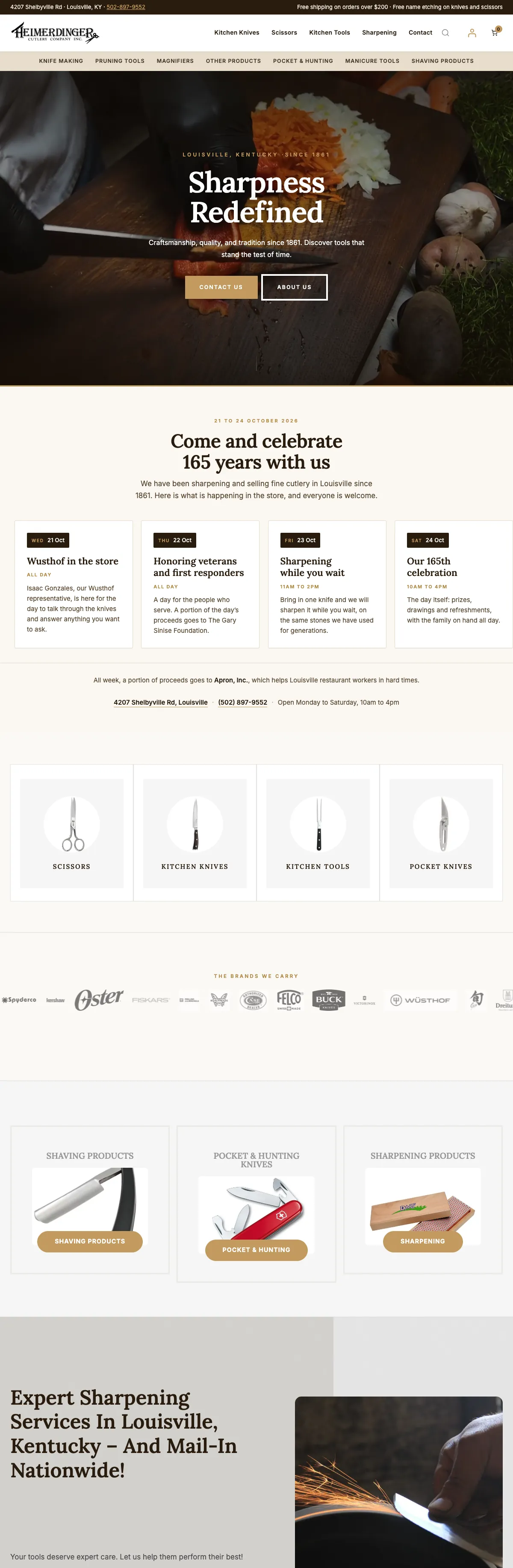



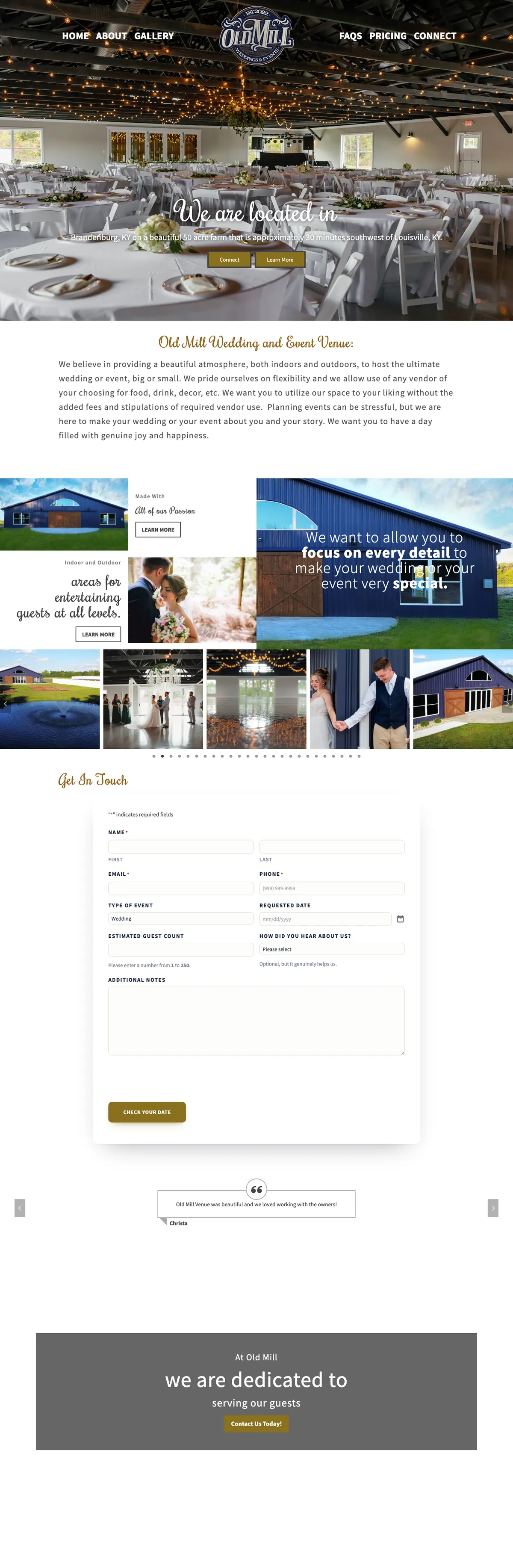
Websites I have built for Kentucky businesses



















The short answer
Here is how to get Google reviews that last: ask every customer soon after the job, send them straight to your review form with a direct link or QR code, and make asking a normal part of how you work. Do not offer discounts, gifts or prize entries for reviews, do not ask only the customers you think are happy, and do not tell anyone what to write.
Google’s review policy bans incentives for reviews and bans selectively asking for positive ones. The FTC’s rule on consumer reviews, in force since October 21, 2024, bans fake reviews, incentives tied to a positive or negative sentiment, undisclosed insider reviews and the suppression of negative reviews. In December 2025 the FTC sent warning letters under that rule to ten companies. I am not a lawyer, and this is not legal advice, but every template below stays well inside both sets of rules.
The rules in plain English
Google’s rules for review requests
Google’s prohibited and restricted content policy for Business Profile reviews allows you to ask customers for honest reviews, and it spells out what crosses the line:
- No incentives of any kind. Payment, discounts, free products or services in exchange for a review, or for changing or removing one, are not allowed. That includes incentives for honest reviews.
- No review gating. You may not discourage negative reviews or selectively ask for positive ones.
- No quotas or scripts for staff. Asking staff to collect a certain number of reviews, or reviews that include specific content, is listed as prohibited.
- No pressure on the premises. Google says businesses should not require or pressure customers to leave reviews while they are on site, or ask for specific content.
- No conflict of interest. Reviews based on a conflict of interest, such as current or former employment or a business relationship, are not allowed.
When Google finds fake engagement, it can remove the reviews and restrict the profile, for example by blocking new reviews for a period or showing customers a warning that fake reviews were removed.
The FTC’s rule on consumer reviews
The FTC rule, 16 CFR Part 465, applies to how businesses get and use reviews, including on third-party sites such as Google. It prohibits:
- Fake reviews, including reviews from people who never used the product or service.
- Incentives conditioned on a review being positive or negative, even when disclosed.
- Reviews by officers, managers, employees or their relatives that do not disclose the connection.
- Suppressing negative reviews with threats, intimidation or false accusations against the reviewer.
The FTC’s guide for marketers adds a plain warning: do not ask for reviews only from customers you think will leave positive ones. Violations can bring civil penalties, and the FTC’s December 2025 warning letters cited up to 53,088 dollars per violation.
Where the two differ
The FTC rule does not ban every incentive, only those tied to sentiment, and the FTC’s questions and answers on the rule warn that failing to disclose an incentive could still violate the FTC Act. Google bans incentives outright. For Google reviews, follow the stricter rule: offer nothing.
Get your direct Google review link and QR code
Customers leave more reviews when the link opens the review form directly instead of a search page.
- On a computer, open your Business Profile at business.google.com.
- Choose Read reviews, then Get more reviews.
- Copy the link, or right-click the QR code and save the image.
Google’s review link help says the QR code can only be generated from a computer browser, not a phone. Customers need a Google account to post a review, though it does not have to be a Gmail address. If you would rather not dig through menus, my free Google review link generator builds the link, a QR code and a printable card from your Place ID.
When and how to ask
- Ask everyone. Every customer, every job, the same way. That is the simplest way to stay clear of gating, and it gives you the most reviews.
- Ask soon. The best moment is right after the job is done, or when the customer thanks you.
- Make it one tap. Send the direct link, never a set of instructions.
- Ask once, remind once. One request and one gentle reminder is plenty.
- Train staff to ask every customer, without targets, contests or scripts about what to write.
- In person, hand over a card with the QR code so customers can review later, on their own time and their own phone.
- Text only customers who gave you their number for that kind of contact.
Google review request templates you can copy
Replace the words in square brackets. Each one asks for an honest review, offers nothing in return and does not hint at a rating.
Email after the job
Subject: Thank you, [First name]
Hi [First name], thank you for choosing [Business name] for [the job]. If you have a minute, I would be grateful for an honest review on Google. It helps other people in [town] decide who to call. Here is the link: [review link]. Whatever your experience was, I read every review. Thank you again, [Your name]
Text message
Hi [First name], it is [Your name] from [Business name]. Thanks again for today. Would you share an honest review of your experience on Google? It takes about a minute: [review link]
On a receipt or invoice
How did it go? An honest Google review helps [Business name] and the next customer who is deciding. Scan the code or visit [short link].
In person, at the end of a visit
Thanks for coming in today. If you have a minute later, an honest review on Google helps a small business like this one. This card has the link, so you can do it whenever suits you.
Printed card or counter sign
Reviews help neighbors choose. Scan to leave an honest Google review for [Business name].
One reminder, a few days later
Hi [First name], a quick note in case my last message got buried. If you would like to leave an honest Google review of [Business name], here is the link: [review link]. No problem at all if not. Thanks again for choosing [Business name].
Phrases and practices to avoid
Each of these breaks Google’s policy, the FTC rule, or both:
- Leave a five-star review and get ten percent off your next visit.
- Review on Google this month and be entered to win a gift card.
- Loved it? Review on Google. Not happy? Email me first. (That is review gating.)
- Please mention [service] and [town] in your review. (Google bars requesting specific content.)
- A staff contest for the most reviews this month.
- Reviews from employees, family or friends who never bought anything.
- A tablet at the counter where staff wait while the customer writes a review.
- Removing, hiding or threatening customers over negative reviews.
If a customer writes to complain instead of reviewing, help them. Just do not use the complaint channel as a filter that decides who gets the review link.
Replying to reviews, good and bad
Reply to every review if you can. Google’s own tips say to keep replies short and simple, personal, timely and free of promotional offers.
- Positive reviews: thank them by name and mention the job if it adds something.
- Negative reviews: stay calm, protect the customer’s privacy, apologize where it is warranted, and offer to sort it out by phone. Never argue in public.
- Never accuse a reviewer of something you know is false. The FTC rule lists false accusations used to suppress a review as a form of review suppression.
- Fake or off-topic reviews can be reported to Google if they break its content policy. The steps are in how to remove a Google review.
What reviews do for local search and AI answers
Google says plainly that more reviews and positive ratings can help a business’s local ranking. Detailed, honest reviews also give search engines and AI assistants real language about what you do and where you do it, which is why a steady flow matters more than a burst.
Reviews are one part of a bigger picture. The rest is in the local SEO and AI answers checklist and how to show up in ChatGPT and Google AI answers. If you would rather hand the profile to someone, that is what Google Business Profile management covers.
Frequently asked questions
Can I offer a discount for a Google review?
No. Google bans incentives of any kind for reviews, even for honest ones. The FTC rule separately bans incentives tied to a positive or negative review.
Is it allowed to ask only my happy customers?
No. Google prohibits selectively soliciting positive reviews, and the FTC warns that asking only customers you expect to be positive can violate the FTC Act. Ask everyone the same way.
Can my employees review my business?
Not on Google, where reviews based on a conflict of interest are prohibited. Under the FTC rule, any review by an employee or relative must clearly disclose the connection.
Can I ask customers to mention my service or my town?
No. Google lists requesting specific content as prohibited. Ask for an honest review of their experience; many customers mention the service and the town on their own.
How often can I ask the same customer?
One request and one reminder is courteous and effective. Past that, it starts to feel like pressure.
What do I do about a fake or unfair review?
Reply calmly and factually, then report it to Google if it breaks the content policy. Never threaten the reviewer or make claims about them you know are untrue.
Make your Google review link and QR code
Paste your Place ID or an existing review link. You get the direct link, a QR code to download and a printable card. It runs in your browser, and I keep the business name and the link it makes so I can follow up.
Want more reviews without the risk?
I can set up your review link, QR cards and a simple follow-up email that stays inside Google’s rules and the FTC’s. Call or book a time and I will look at your profile with you.