Campground reservation software vs a custom booking form: what your park actually needs.
Some parks need guests booking and paying for a site at midnight. Others fill by phone and do better with a clear inquiry the office answers. I built the second kind for Lakeside Oasis RV Park on Lake Cumberland, so here is an honest look at both.
Or call or text (502) 387-1142
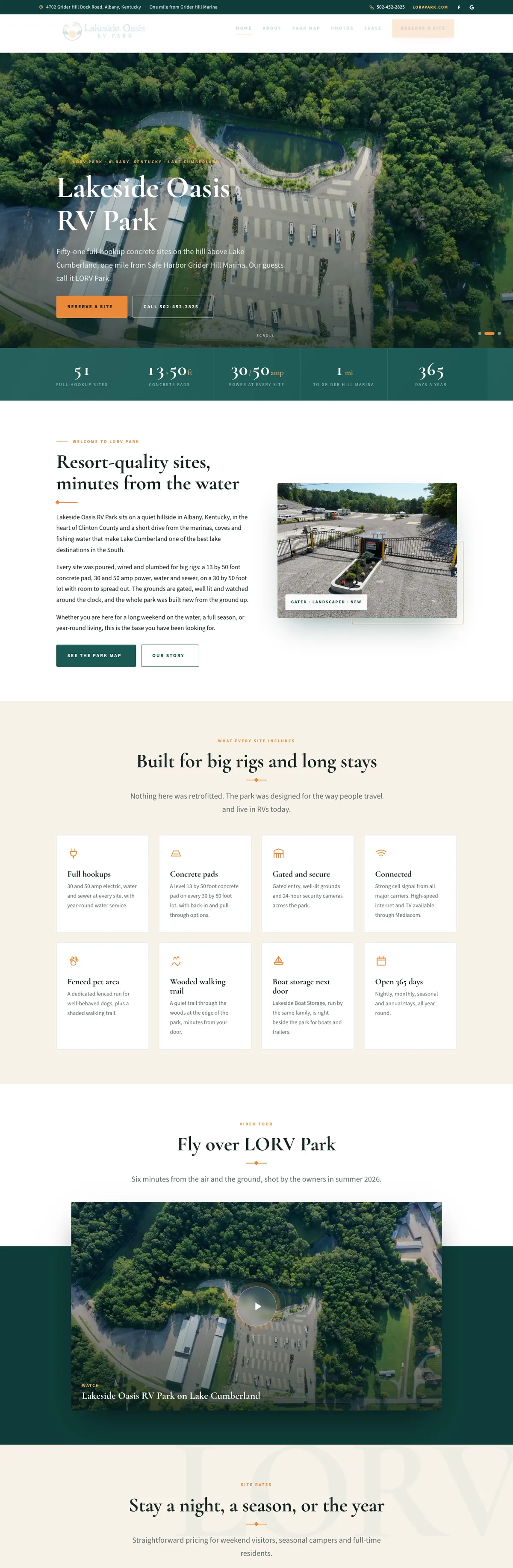

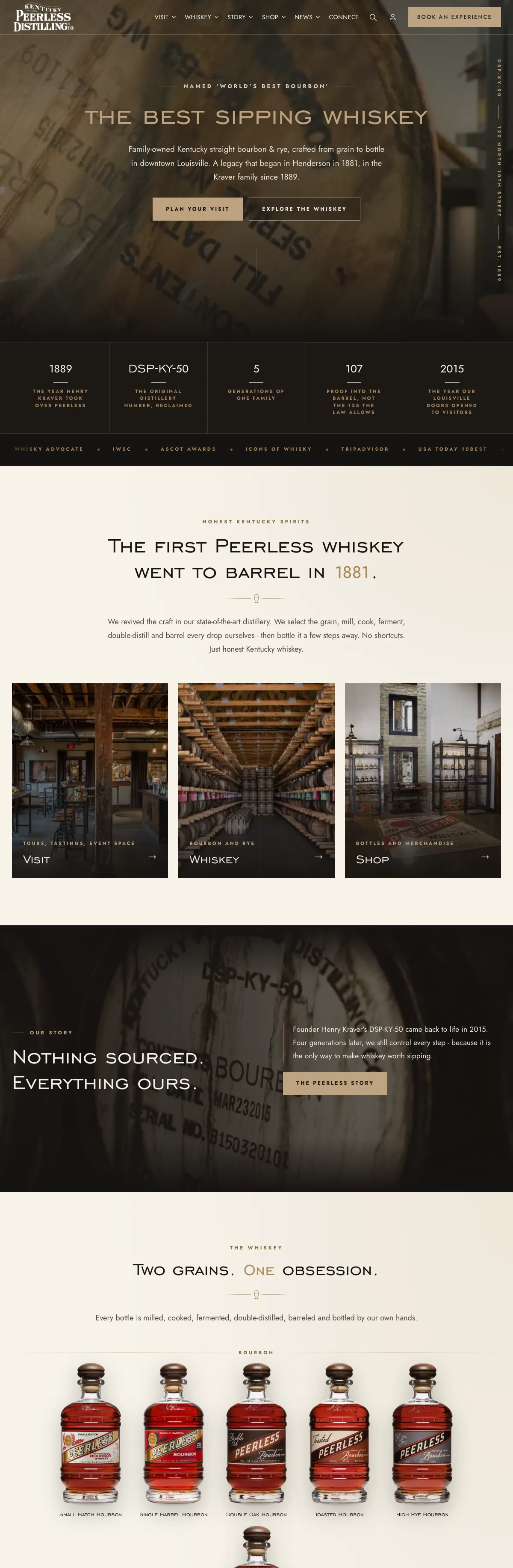

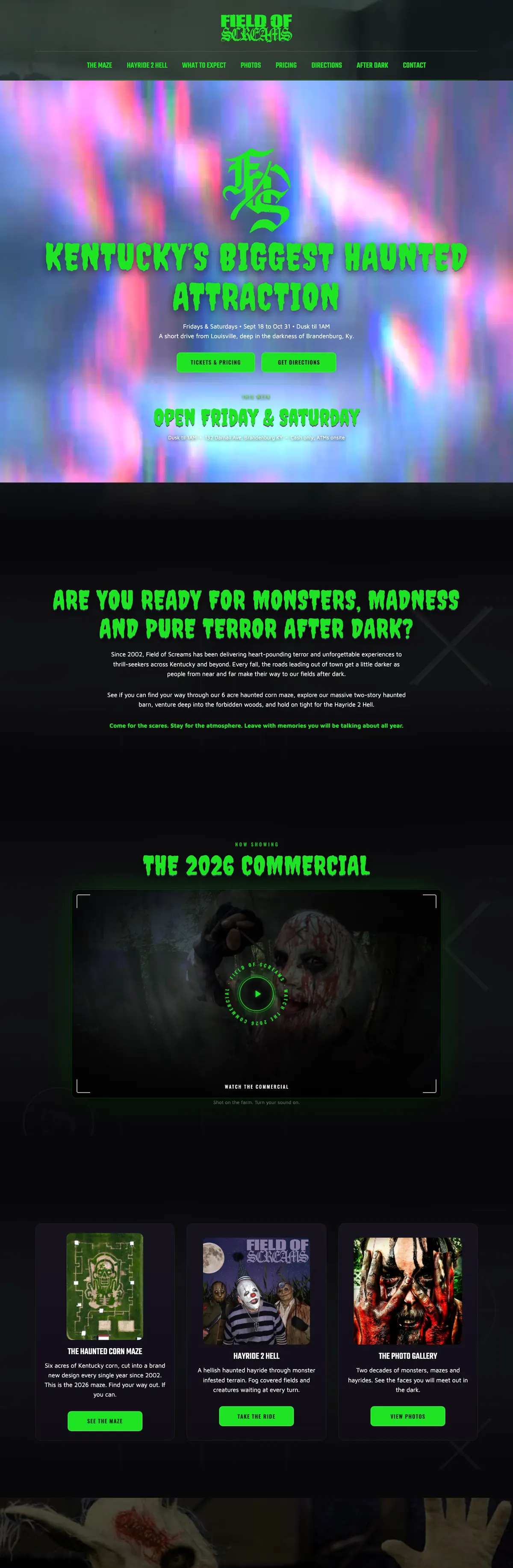
Websites I have built for Kentucky businesses



















The short answer
If you want guests to see live availability, choose a site and pay without calling, you need campground reservation software. It owns the calendar, and no form can fake that.
If most of your stays are monthly, seasonal or yearly, if you fill by phone, or if the office prefers to decide who goes where, a well-built reservation inquiry on your own website is simpler, carries no booking fees, and can still let guests pick a site from a map. A park can also do both: software for overnight stays and an inquiry for long-term ones.
What campground reservation software does
Reservation software is the system of record for your sites. Guests see what is open, pick dates and a site type, and pay. The office sees every stay on one calendar. Packages like these also handle rates and rules, guest records, payments and connections to outside booking sites.
Two examples show how differently they charge, as described on their own pricing pages in October 2026:
- Campspot, per Campspot’s pricing page, bills parks a monthly subscription with no setup fee and no long-term contract. Guests pay a booking fee on online reservations, and the park can add a surcharge to offset it. Parks are included in the Campspot marketplace where it is available. Some features, such as Booking.com, Airbnb and Vrbo connections, text messaging and its booking API, may cost extra.
- Firefly Reservations, per Firefly’s pricing page, has no setup fee and no contract. It charges a service fee per booking, which the park can absorb or pass to the guest, plus a monthly fee for each current long-term reservation. Connecting outside booking sites such as Hipcamp, Vrbo and Airbnb is free on Firefly’s side, though each outside site sets its own pricing.
Neither is better in the abstract. They suit different parks, and the fee model matters as much as the feature list.
What a custom reservation form does
A custom form does not book anything. It asks the right questions, in the right order, so the office can answer in one reply. On the Lakeside Oasis RV Park website, the Reserve a Site form starts with how the park can help, then asks:
- the length of stay and the dates,
- what the guest is bringing and how long it is,
- a preferred site number, if they have one,
- whether a pet is coming.
It is a Gravity Forms build with conditional logic, so the questions follow the guest’s answers. Overnight guests use a small group of sites, and the form says the office may suggest another. When a guest arrives from the park map, the site number is already filled in.
Sending it asks the office to reply. It does not take payment, and it does not promise a site. The park is clear about that on the page, which is what keeps it honest.
The fee question
Software usually charges per booking somewhere: a fee the guest sees at checkout, a service fee the park pays, or a subscription plus add-ons. Card processing comes on top. For a busy overnight park, those fees buy real convenience and bookings that arrive while the office sleeps.
A custom form carries no booking fee at all. You pay to build it and to keep the website maintained, and you take payment the way you do today. For a park that fills mostly with long stays, that can be the better deal, because the fees on a monthly or seasonal guest add up while the work of booking them barely changes.
Run the numbers on your own mix of stays before you decide. A fee that is trivial on a two-night camper can be real money across a year of seasonal guests.
The park map question
Guests want to know where they will be. The Lakeside Oasis map has 51 selectable sites, search by number, zoom and pan, three views (the illustrated map, an aerial photograph and the original drawing), and JPG and PDF downloads for the drive.
What it does not do is show live availability. The office marks reserved sites in one setting and they gray out; that is all. As I wrote in does your campground need an interactive map, live availability requires a booking system that owns the calendar, and that is a different project with different costs.
If you choose reservation software and want a map on your own website that shows real availability, it has to be connected to the software. Ask any vendor whether its booking API allows that, and what it costs, before you plan the map.
Long stays change the math
If your park leans on monthly, seasonal and yearly guests, those stays usually involve a lease, a deposit, utilities billed separately and a conversation before anyone moves in. That is a poor fit for an instant checkout and a good fit for a clear inquiry.
The Lakeside Oasis rates page puts nightly, monthly, seasonal and yearly stays on one page, with what every site includes, what is billed separately, the deposit and both lease PDFs, so a guest can read the terms before they call. Pair that with an inquiry that asks the right questions and the office spends less time repeating itself.
If your park is mostly overnight traffic on weekends, the math flips, and software earns its fees.
Questions to ask a reservation software vendor
Get these answered in writing before you sign:
- Who pays the booking fee, how much is it, and can I change who pays later?
- What is the card processing rate, and do I have to use your processor?
- What is the contract term, and what does it cost to leave?
- Can I export every reservation and guest record whenever I want, in a spreadsheet?
- Which features cost extra: outside booking sites, text messages, the booking API, gate systems?
- Can the booking widget sit on my own website in my colors, or does it send guests to your site?
- How do you handle rig length, pull-through and back-in sites, amp service and pets?
- What does support look like on a Saturday in July?
Choose reservation software if, choose a custom form if
Choose campground reservation software if
- A large share of your stays are short and booked at all hours.
- You want guests to pay and confirm without a phone call.
- You want listings on marketplaces and outside booking sites.
- Your office is stretched answering the same availability question all day.
Choose a custom reservation form if
- Most of your income is monthly, seasonal or yearly stays.
- You fill by phone and prefer to decide who goes where.
- You want no booking fees and no guest-facing surcharge.
- You want guests to see the park, pick a site on a map and ask for it, with the office confirming.
Doing both, one step at a time
This is not a permanent choice. A park can start with a clear inquiry and add software when overnight demand justifies it. And if you want real-time booking with payment on your own WordPress site instead of a vendor’s, that is an online booking system project. A park on software can still use its own website for long-stay inquiries, rates, the lease and a map that helps guests ask for the right spot.
Whichever way you go, the website has the same jobs: show the setting, answer the rig questions, make rates plain and turn browsing into a request. That is how I approach campground and RV park website design, and the full Lakeside Oasis build is in the case study.
Frequently asked questions
What is the best campground reservation software?
The best one is the one whose fee model fits your mix of stays and whose features match how your office works. Compare who pays the booking fee, the processing rate, the contract terms and data export before the feature list.
Can my website take RV park reservations without software?
It can take reservation inquiries, which many parks prefer for long stays. Real-time booking with payment needs a reservation system that owns the calendar.
Who pays campground booking fees?
It depends on the vendor. Campspot charges guests a booking fee on online reservations. Firefly charges a per-booking service fee that the park can absorb or pass to the guest.
Can a park map connect to reservation software?
Only through the software’s booking connection, if it offers one. Some vendors charge extra for that access, so ask before planning a live-availability map.
Does a custom form work for seasonal and monthly sites?
Yes. That is where it fits best, because long stays usually need a conversation, a lease and a deposit before anyone arrives.
An inquiry that already knows which site the guest picked.
Lakeside Oasis has 51 full-hookup concrete sites above Lake Cumberland. Select a site on the park map and the Reserve a Site form opens with that number filled in, along with questions about dates, length of stay, the rig and pets.
The map shows only what the office has marked reserved, and the form says plainly that sending it asks for a reply. No booking fees, and no promises the office has not made.

Not sure which your park needs?
Tell me how guests book today, your mix of overnight and long stays, and what the office spends its day answering. I will tell you honestly whether software, a better inquiry, or both makes sense.