Deposits on your appointment booking website: fewer no-shows, fewer awkward calls.
A deposit turns a maybe into a commitment. Done well, it fills the slot with someone who shows up and leaves honest customers feeling treated fairly. Done badly, it starts arguments and chargebacks. Here are the ways to take one on your appointment booking website, and the policy wording that makes it stick.
Or call or text (502) 387-1142
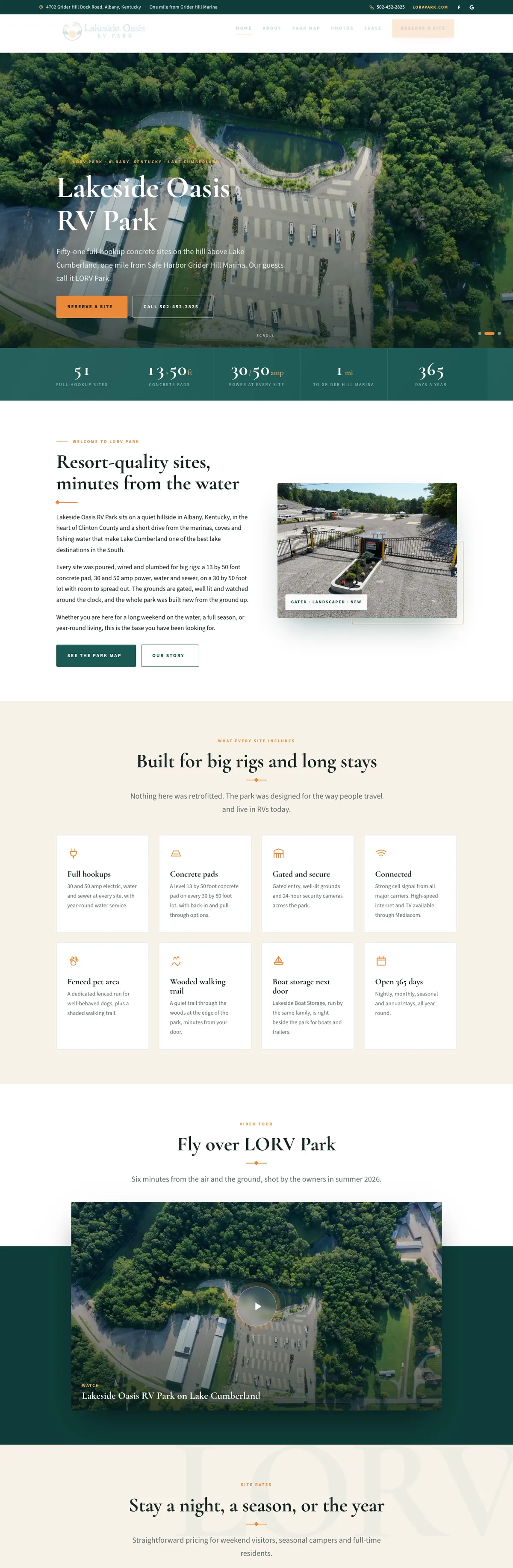

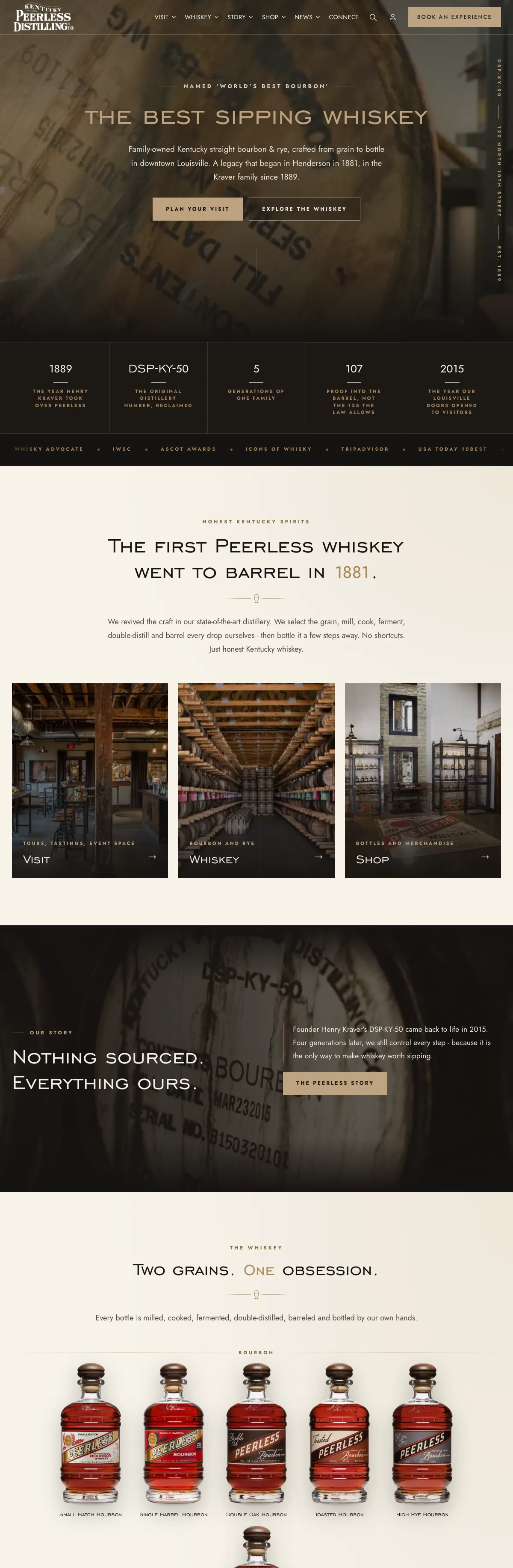


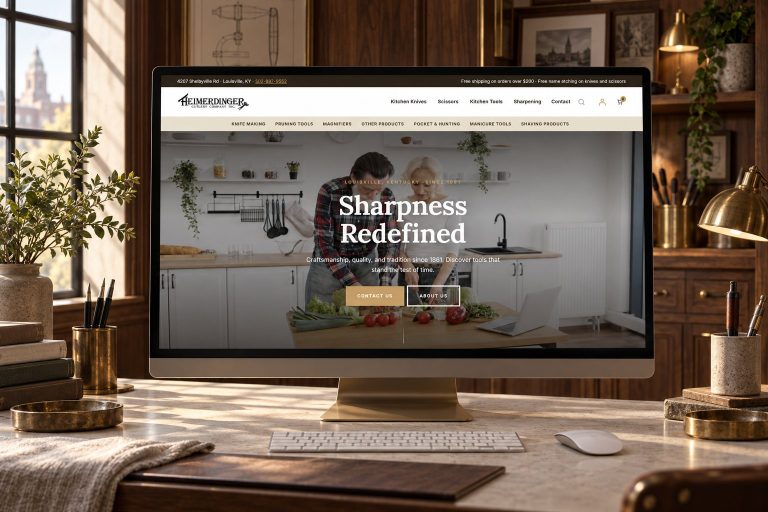
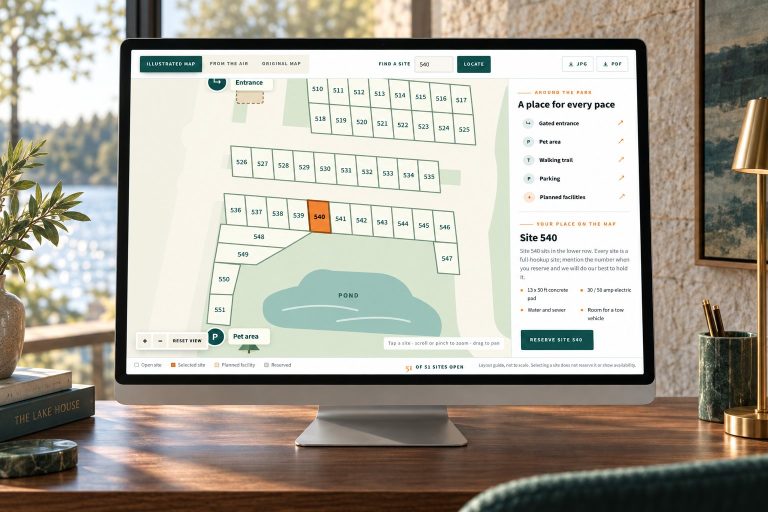
Websites I have built for Kentucky businesses



















The short answer
Take a deposit when a no-show costs you real money: a held seat, a technician’s morning, a prepared table, a custom order. The simplest route is usually the booking tool you already use, since Square Appointments, Acuity Scheduling and WooCommerce Bookings with its Deposits extension can all take part of the price upfront.
Show the full cancellation policy at checkout, make the customer agree to it before paying, repeat it in the confirmation email, and decide in advance when you will refund.
When a deposit is worth it
A deposit makes sense when an empty slot costs you something you cannot get back:
- Limited capacity. A tour with a set number of seats, a class, a table, a chair in a salon.
- Preparation. Materials ordered, food prepped, a technician’s morning blocked out, a drive across the county.
- High-value or long appointments, where one no-show wipes out a day’s margin.
- Events and peak dates that would otherwise fill up with people who never arrive.
It is the wrong tool for a free consultation or a first conversation. My own booking page takes no payment at all, because a call about a website should be easy to book and easy to move. For low-stakes appointments, a reminder the day before with an easy way to reschedule is usually the better first step.
Three ways to protect an appointment slot
Booking tools offer three kinds of protection, and they behave differently when something goes wrong:
- Full prepayment. The customer pays the whole price to book. It is simple to explain and the cleanest choice for tickets and tours. Kentucky Peerless Distilling sells its tours this way.
- A deposit. Part of the price at booking, the rest at the appointment. It asks less of the customer, and you still keep something if they vanish.
- A card on file for a no-show fee. Nothing is charged at booking. The card is charged only if the customer breaks the policy. Square Appointments, for example, lets you charge that fee up to 14 days after the appointment, according to Square’s cancellation policy help.
One trap with the third option: a card authorization, the pending hold that has not been charged yet, does not last. Stripe, for example, says an online card authorization usually lasts seven days, and if the charge is not captured by then the hold is released. For a booking weeks away, the tool needs to save the card with the customer’s consent rather than hold money against it.
Ways to take deposits on an appointment booking website
Booking software with deposits built in
Square Appointments takes deposits on its free plan as well as its paid plans, for every service or only the ones you choose. Once a customer has paid a deposit they cannot cancel the appointment themselves, though they can reschedule before your cut-off time. Acuity Scheduling has a deposit option that takes part of the price upfront with the rest paid in person, and with Stripe or Square connected it saves the card at the same time so a no-show can be charged. Calendly can require payment before a booking is confirmed, with refunds issued in Stripe or PayPal rather than inside Calendly.
The trade-off is the same with all of them: a monthly subscription, their booking page in place of yours, and your customer list living in their system.
WooCommerce Bookings with the Deposits extension
If your website already runs WooCommerce, two official extensions do the job. WooCommerce Bookings sells the time slot and can require you to approve a booking before the customer pays. WooCommerce Deposits adds a deposit as a percentage or a fixed amount, which can be multiplied by the number of people on a booking. Know its limits before you choose it: Deposits does not store cards or collect the balance automatically. The balance becomes a scheduled order the customer pays when it is due, there are no built-in reminders, and refunds are handled by hand. Both extensions are sold on one-year or two-year plans.
Custom booking rules
Off-the-shelf tools cover the common cases. Custom code earns its place when the money rules are unusual: a minimum deposit, a percentage that varies by product, a hold that keeps a slot off the market while payment is in progress, staff who need to enter phone and walk-in bookings themselves, or a balance settled somewhere other than your website. That is what I build when the tools run out, as part of an online booking system on the client’s own site.
How big should the deposit be?
Start from what an empty slot actually costs you:
- Cover the loss. Materials, prep time and the booking you turned away to make room.
- Fixed or percentage. A fixed amount is easier to explain on the phone. A percentage scales across services with very different prices.
- Per person for groups, so a party of eight that disappears costs more than a couple.
- Keep it modest for first-time customers, and consider waiving it for regulars who have always shown up.
Acuity’s own guidance suggests 20 to 50 percent of the appointment price, which is a sensible range to test against your own numbers.
Cancellation policy wording that holds up
A deposit is only as strong as the policy the customer agreed to. If a customer disputes the charge, their card issuer wants proof they saw your terms before paying. Stripe’s dispute prevention guide warns that a checkbox containing only a link may be rejected as evidence: there must be reasonable evidence the customer was shown the full policy before the purchase. So:
- Put the full policy text right beside the pay button, where it can be read without clicking.
- Make the customer tick a box agreeing to it before they can pay.
- Repeat the same wording in the confirmation email and the reminder.
- Use a name customers will recognize on their card statement, such as your business name.
- Keep the record of who booked, when, and what they agreed to.
Plain words beat legal language. Here is a starting point to adapt, written for a made-up business called Example Studio:
Deposit: A deposit of [amount] is due when you book and comes off your final bill.
Changes: Reschedule or cancel at least 48 hours before your appointment and your deposit moves to the new time or is refunded in full.
Late cancellations and no-shows: If you cancel within 48 hours or miss the appointment, the deposit is not refunded.
If Example Studio cancels: Your deposit is refunded in full, whatever the reason.
Decide the edge cases before they happen, such as illness, bad weather and late arrivals, then apply them the same way every time. Your own cancellations count too: if you cancel, refund the deposit promptly or move it to a new time the customer chooses, rather than keeping it as a credit they did not ask for. If the amounts are large, have your attorney read the final version.
Lodging and event tickets have extra price rules
If you sell short-term lodging or live-event tickets, a federal rule applies on top of all this. The FTC’s Rule on Unfair or Deceptive Fees, in effect since May 12, 2025, requires the total price, including mandatory fees, to be shown upfront and more prominently than other pricing. Vague labels such as “service fee” do not count as an explanation, and the FTC’s own examples include a vacation rental’s cleaning fee. A mandatory booking or cleaning fee belongs in the first price the guest sees, and the page should make clear how any deposit relates to that total.
If you run a campground or cabins, check how your rates page reads. My campground website work puts every rate, what is billed separately and the deposit on one page.
Deposits only work if the front desk knows
The deposit is taken online, but the no-show happens at your door. Whoever runs the desk needs to see what was paid, who has arrived and who has not, and needs to record a no-show when the slot passes so the deposit decision rests on facts.
At Kentucky Peerless in Louisville, the front desk runs tour days from a guest check-in system I built on the same bookings the website sells. Each party can be marked arrived, late or no-show, staff enter walk-ins and phone bookings as real bookings, and an attendance report compares booked with attended by experience and date, so no-show patterns are visible at a glance. A record like that is exactly what you want in hand if a forfeited deposit is ever disputed.
Choosing your route
- You book in person and already use Square: turn on Square Appointments deposits and write the policy.
- You want a hosted booking page and do not mind a monthly fee: a scheduling service with deposits built in.
- Your website runs WooCommerce: Bookings plus Deposits, with a plan for collecting balances and sending reminders.
- Your rules fit none of these, or bookings need to feed a check-in desk, a register or a marketplace: a custom system built around how you actually work.
If you are weighing a tour and activity platform against your own site, my comparison of FareHarbor, Peek and a custom booking system goes deeper.
Frequently asked questions
Can I charge a no-show fee without taking a deposit?
Yes, if your booking tool saves the customer’s card and they agree to the policy when they book. Square Appointments, for example, holds a card for that one appointment and lets you charge the fee up to 14 days afterward. A charge that arrives after the fact surprises people more than a deposit paid upfront, so the policy wording matters even more.
Should a deposit be refundable?
Refundable up to a clear deadline is the fairest default: it protects the slot without punishing someone who gives you notice. Non-refundable deposits suit events and custom work where you spend money the moment someone books. Whichever you choose, say it in plain words before they pay.
What do I do if a customer disputes a forfeited deposit?
Respond with evidence: the policy as it appeared at checkout, the agreement checkbox, the confirmation email with the same wording, and your record showing the missed appointment. Card issuers want proof the customer saw the full policy before paying.
Will asking for a deposit put customers off?
Some people will book elsewhere. Keep the amount modest, explain why you ask for it, take it off the final bill, and make rescheduling easy.
Can my website take deposits if I already use Square in the shop?
Yes. Square Appointments has deposits built in. If your website runs WooCommerce and needs to stay in step with Square, that is a separate job, covered on my Square to WooCommerce sync page.
Paid at booking at Peerless. Deposits at HogMatch.
Kentucky Peerless sells distillery tours and tastings through its own website: a live calendar, per-slot seat counts, five ticket types and payment at booking, built as a custom WordPress plugin on WooCommerce Bookings. Refunds run through the same system, and no booking platform takes a cut.
On the HogMatch livestock marketplace, buyers pay a deposit through PayPal at checkout. One function works out the deposit, the platform commission, the amount credited to the breeder and the balance due at pickup, so every page and email agrees, and a reservation hold keeps an animal off the market while a deposit is in progress.

Want deposits that match how you actually book?
Tell me what you sell, how far ahead people book and what an empty slot costs you. I will tell you whether your current tool can handle deposits or whether it needs something built.