Kentucky Peerless guest check-in: A tour booking is only the beginning.
Selling a tour online answers one question: has someone reserved a place? For Kentucky Peerless I built the front-desk workspace for what happens when that party reaches the distillery.
Or call or text (502) 387-1142


Websites I have built for Kentucky businesses



















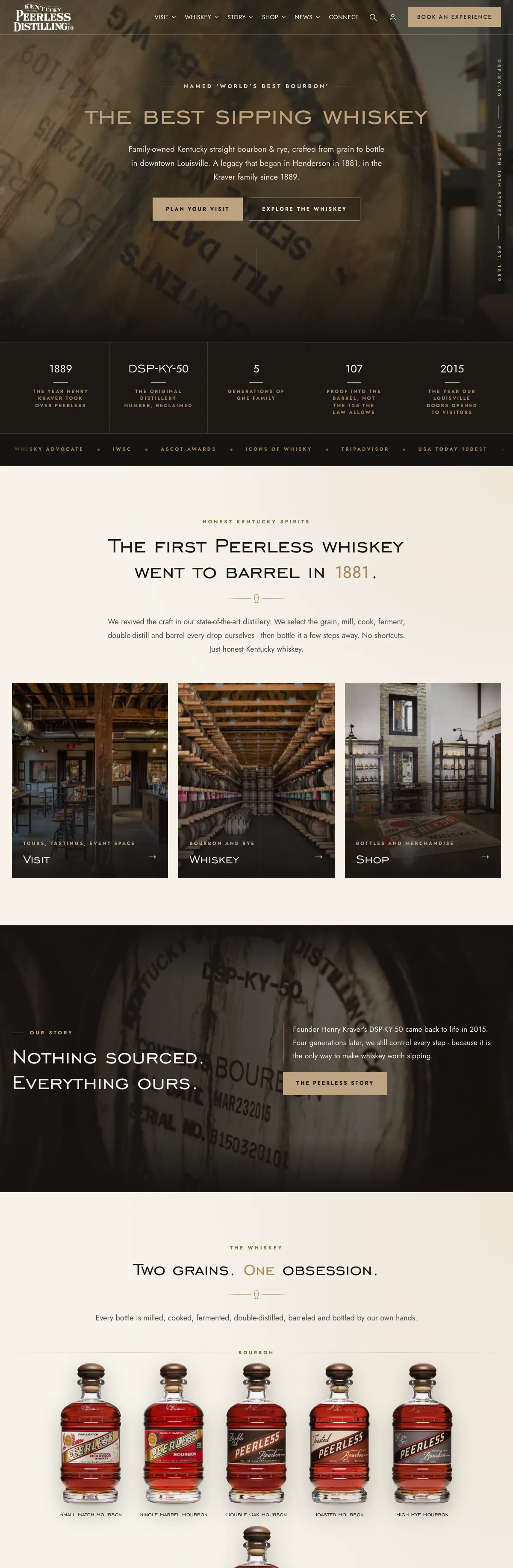
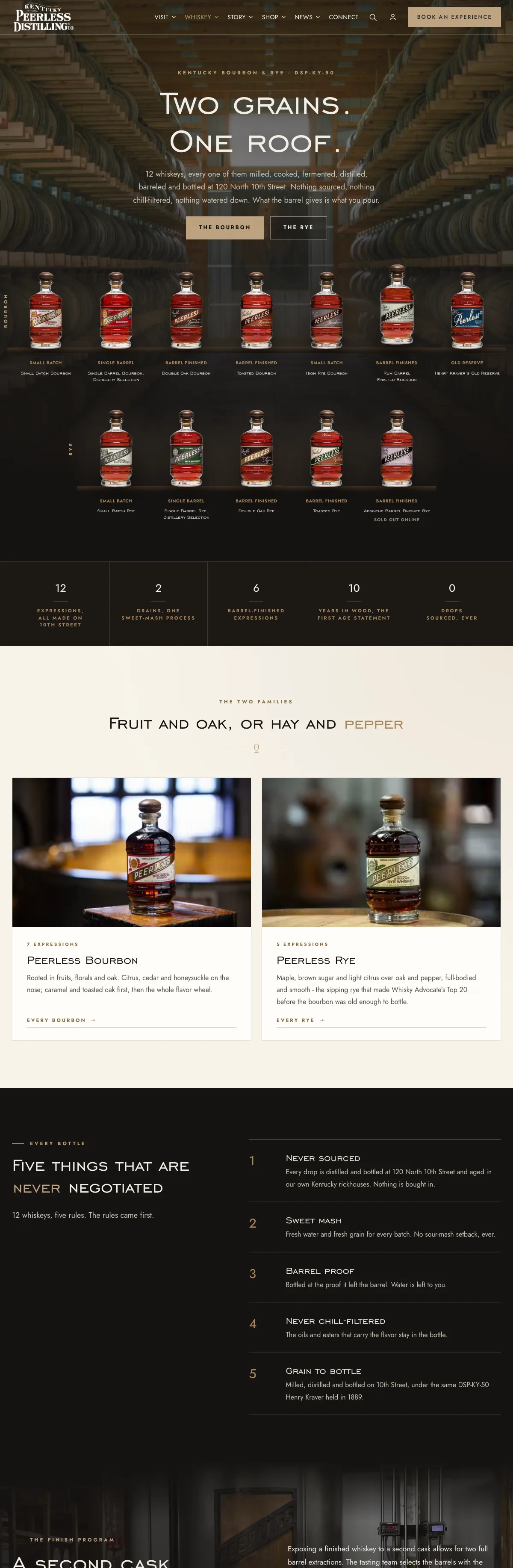
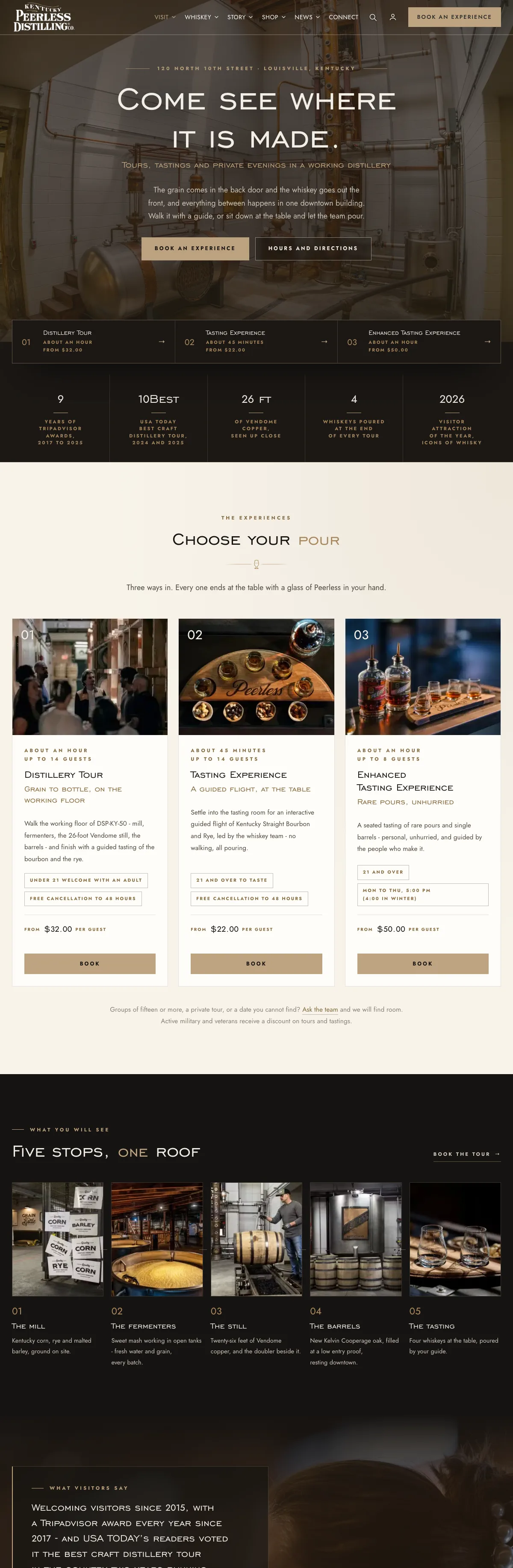
Kentucky Peerless Distilling Co., Louisville, Kentucky
Custom WordPress check-in workspace, staff booking exceptions, attendance reporting
The Kentucky Peerless website rebuild, launched 10-26-2026
Different questions when the party arrives.
When a party reaches the distillery, the staff have a different set of questions from the booking page. Who is arriving? How many guests are in the group? Have they checked in? Is this a reservation or a walk-in?
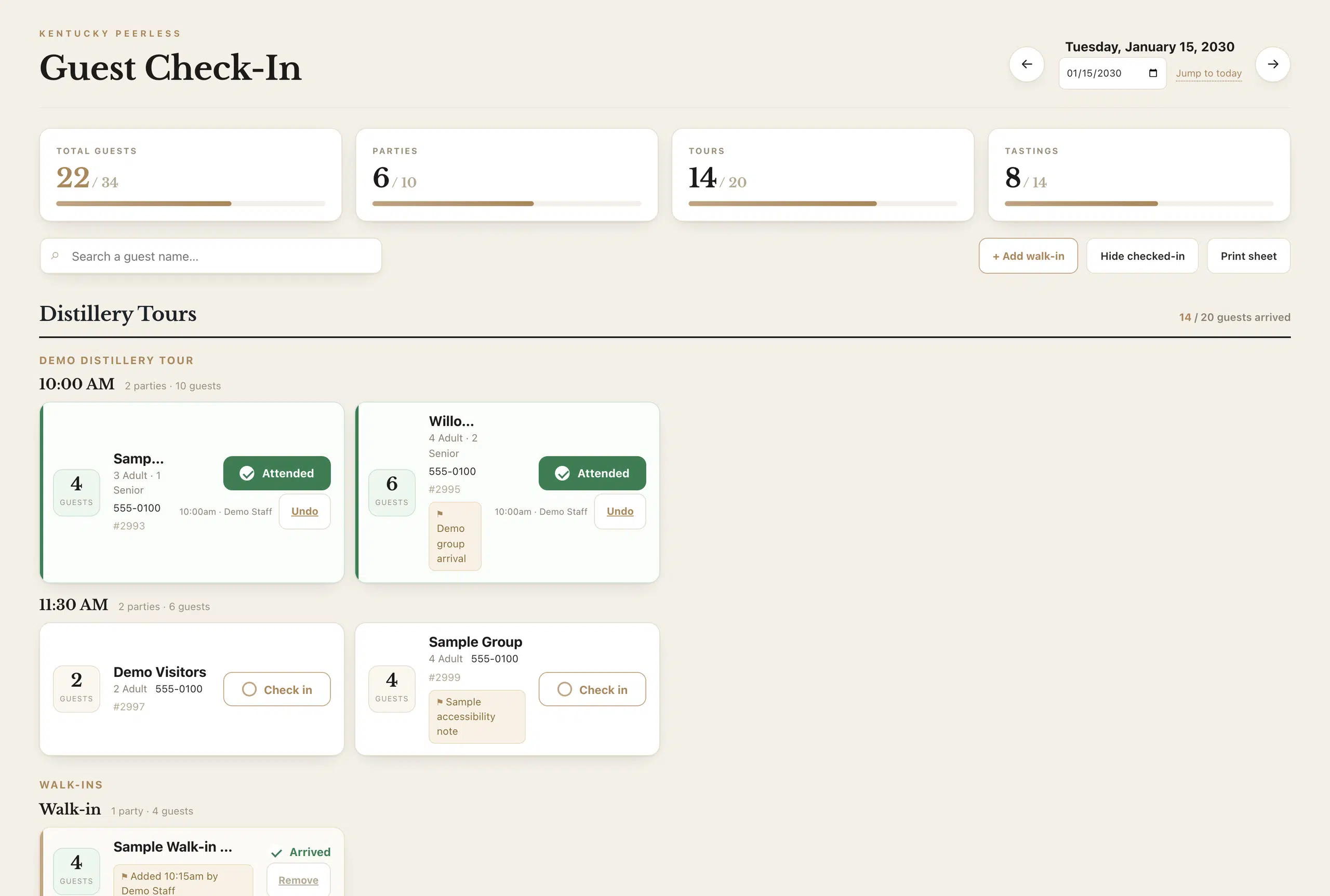
I built a guest check-in workspace around that point in the visit. It brings tour and tasting parties into a daily view with search, arrival controls and walk-in handling, so staff work with the information they need at the desk rather than treating the general booking administration as the finished visitor experience.
The work, piece by piece.
Daily arrivals board
Tour and tasting parties for the day, grouped by time, with party size and one-tap arrival.
Search and filters
Find a party by name and hide checked-in groups when the desk is busy.
Walk-ins
Add a walk-up party to the day without inventing a reservation for it.
Attendance reporting
Reserved guests, arrivals and walk-ins kept as separate figures.
Print-ready fallback
A printable sheet of the day for when a screen is not the right tool.
Staff exceptions
A permission-based booking path for authorized staff, separate from the public rules.
Booked, arrived and walk-in, counted separately.

Attendance and payment keep their own meanings.
A paid booking is not an arrival. A walk-in may be present without the same online reservation. The system separates attendance from payment and keeps each action’s meaning in the record, so reporting describes the day usefully.
The screens on this page are development captures filled with fictional demonstration data. Their figures are sample values, not business results.

Exceptions belong to authorized staff.
Public booking rules keep ordinary reservations within the intended window and group limits. An authorized staff member may need to arrange an exception, so I built a separate permission-based booking path for that work, with controlled access and a record of the exception.
This avoids making an internal exception the new public setting. It also keeps the boundary visible: being able to help a guest at the desk does not require unrestricted control over the website.
One visit, several screens.
The booking page, confirmation, account area and check-in board are parts of one visit. Their information should agree even though each screen serves a different person and moment.
That is a useful starting point for any business selling timed experiences: map what happens after payment, identify the staff member responsible for the next step, then give that person a working view with the right information and permissions. For the wider decision, see FareHarbor vs Peek vs custom booking.
Where this fits.
Guest check-in systems
A front-desk view of the day’s visitors, built around your bookings.
Online booking development
Branded booking flows that continue after payment.
Distillery website design
The complete distillery website this tool belongs to.
The complete Kentucky Peerless rebuild.
The guest operations work is one part of the complete Kentucky Peerless website project: whiskey and heritage pages, guided commerce, tours and tastings, inventory tools and trade resources.
Tell me what you are building.
One conversation, one builder, a clear next step. The person you brief is the person who does the work.