
Check-in software built around your front desk.
A custom guest check-in system for tours, tastings, classes, and events. Designed in Louisville and used every day at Kentucky Peerless Distilling Co.
Or call or text (502) 387-1142
Dashboard
Pages
Media
Guest Check-In
Bookings
WooCommerce
Settings


10:52First party checked in
11:20Walk-in added and paid
12:41One tap undone, history kept
13:15Tour moved to the patio, 14 guests
15:30Large group split across two guides
17:05Last party checked in
17:30Report emailed to the manager
The whole day on one board
Every party, grouped by time
Tours and tastings split into their own sections, each time slot showing its parties, guest counts, and ticket breakdown.
One-tap check-in
Staff tap a party as it arrives. Counts update on every device at the desk, with undo for misfires.
Walk-ins in seconds
A name, a guest count, tour or tasting, done. Walk-ins count toward the day’s totals like any booking.
Notes where they matter
Special requests and order notes appear right on the party card, so the desk knows before the guest says a word.
Audit-stamped arrivals
Every check-in records who tapped it and when, so attendance holds up when questions come later.
Reports owners read
Booked versus attended by product and day, with attendance rates over any date range you choose.

Tour days at Kentucky Peerless run on this board.
Kentucky Peerless sells out distillery tours in downtown Louisville, and the front desk works from this exact software: every tour and tasting for the day, grouped by time slot, with party size, ticket breakdown, phone number, and notes on each card. Staff tap guests in as they arrive and add walk-ins on the spot. It is not a demo. It is the screen their team opens every morning.
The board is one of the custom WordPress plugins written here, and it reads the same bookings the booking system sells.
Kentucky Peerless · rebuilt 10-26-2026
A front desk view of the day’s visitors
The custom Peerless check-in workspace brings tour and tasting parties, arrival controls, search, walk-ins, reporting and a print-ready fallback into a focused staff view. Attendance retains its own meaning alongside the booking and payment record.
See the Peerless check-in system →The complete Peerless project →

Board for the whole tour day
Tap to check a party in, with undo
Per-guest fees, ever
Any
Tablet, laptop or desktop with a browser
BUILT FOR REAL SHIFTS
Designed for a busy Saturday, not a sales deck
The board was shaped at the front desk with the people who use it: big tap targets, clear counts, a print fallback, and a search box for the guest who booked under a different name. The data on these screens is fictional; the software is not.


What off-the-shelf check-in apps get wrong
It matches how you work
No forcing your tours into somebody else’s template. The board mirrors your products, your ticket types, your day.
No per-guest fees
Check-in services bill monthly and per head, forever. A system you own costs what it costs once. The same math applies to booking: how a custom system compares with FareHarbor and Peek.
It lives in your website
The board reads the same bookings your website sells. No sync between vendors, no second login, no export shuffle.
How it gets built here.
Watch the desk work
I start where your staff stands, mapping the real morning rush before anything is designed.
Quote it straight
A clear number before work starts. No hourly meter running while you wonder.
Build on staging
Developed and tested against real scenarios before it ever touches your live site.
Ship and support
Deployed carefully, refined with your staff, and supported by the person who wrote it.
What owners want to know first.
Does it need special hardware?
No. Any tablet, laptop, or desktop with a browser works. Most desks run it on an iPad.
Does it work with my booking system?
At Peerless it reads WooCommerce Bookings directly. If you book through something else, I build the connection or replace the booking flow entirely.
Can staff undo a mistake?
Yes. Every check-in has an undo, and every change is stamped with who made it and when.
What does it cost?
Scoped and quoted flat once I have seen your workflow. You will have the number before any work begins.

Systems that already work together.
Online booking systems
Live calendars, ticket types, capacity, and payment on your own website.
POS integration
Register and website inventory kept in step, so nothing oversells.
Digital guest books
A branded kiosk that saves every signup to a ledger you own.
RECENT WEB PROJECTS
Systems with users, not demos.
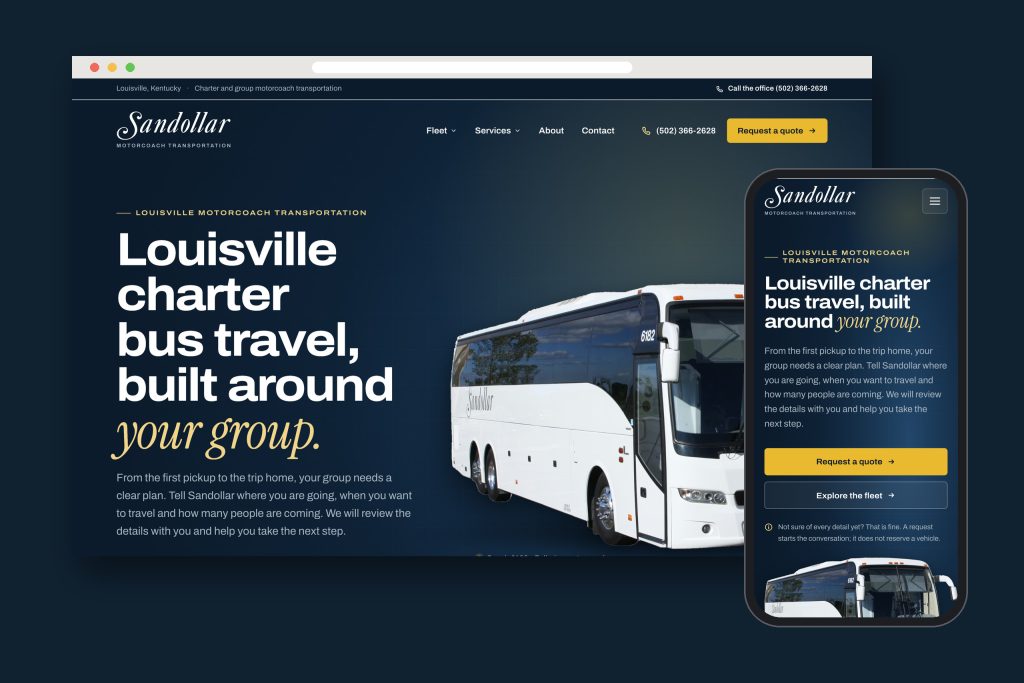
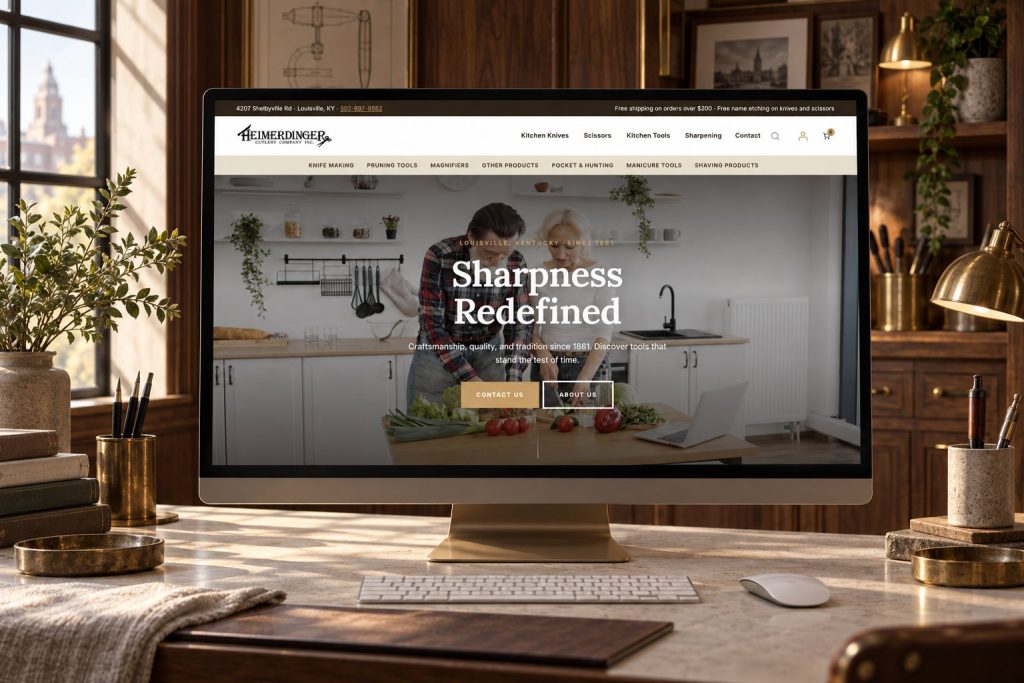
Sandollar: A Motorcoach Website Built Around the Whole Trip
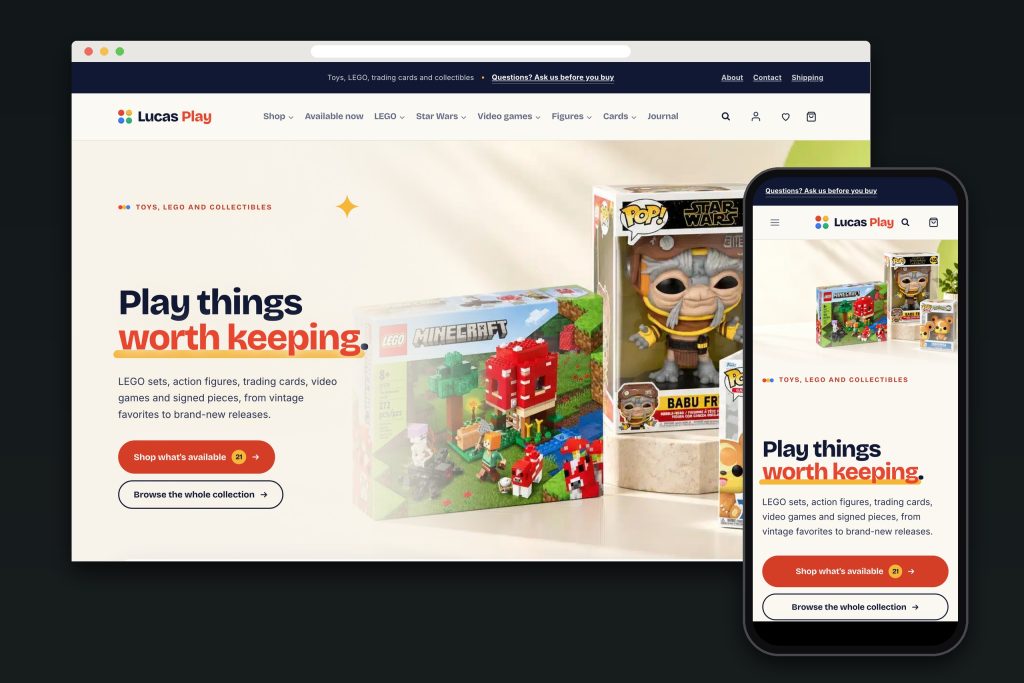
A complete motorcoach website for Sandollar in Louisville, connecting fleet exploration with group planning, quote requests,…A.I.N. Claims: A Website for an Experienced Kentucky Insurance Adjuster
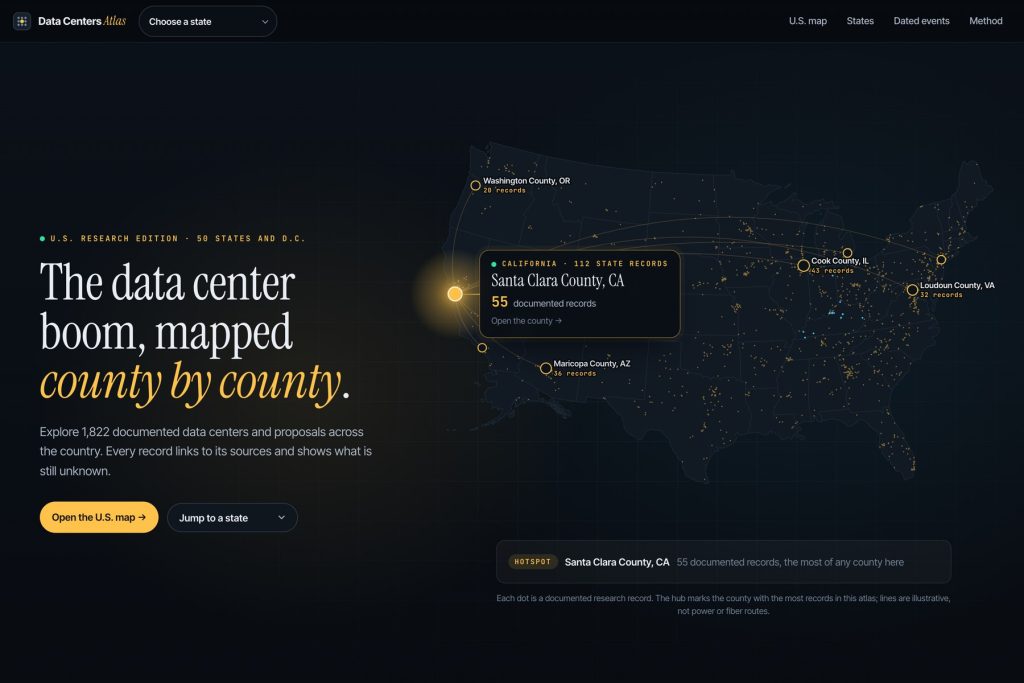
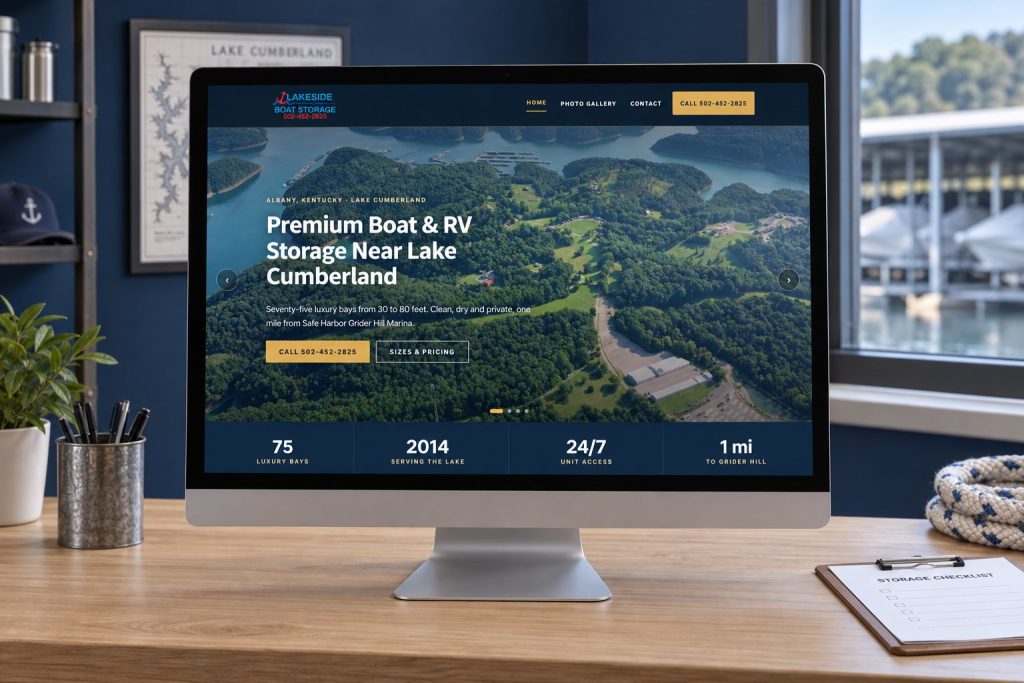
I rebuilt A.I.N. Claims with organized service information, Denis Clement’s professional history and a clear initial…Data Centers Atlas: an interactive research website built to show the record and the evidence
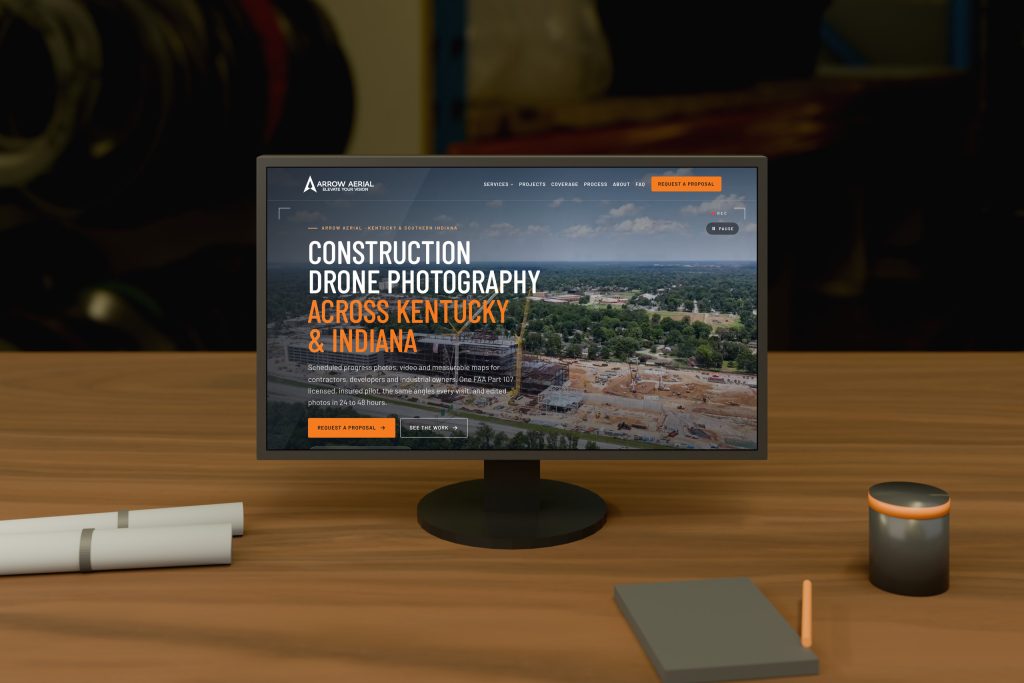
I built Data Centers Atlas around the journey from a national overview to a source-linked record,…



Your front desk deserves better than a clipboard.
Tell me how guests arrive today and I will show you the board your staff could be working from.
Connect with me
Tell me about the project.
What happens next
- 01I reply, usually the same day. Every message comes straight to me, not a ticket queue.
- 02A short call. What the site needs to do, who it is for, and what has not worked before.
- 03A written scope and flat quote. Before any work starts, with hosting and ongoing care listed separately.
5.0 on Google · 29 reviews · I usually reply the same day