
Web design glossary: website terms in plain English
Domain, DNS, hosting, cache, DMARC: the words your web person uses, each explained in a sentence or two. Keep it handy for the next time an email from a developer reads like a foreign language.
Or call or text (502) 387-1142
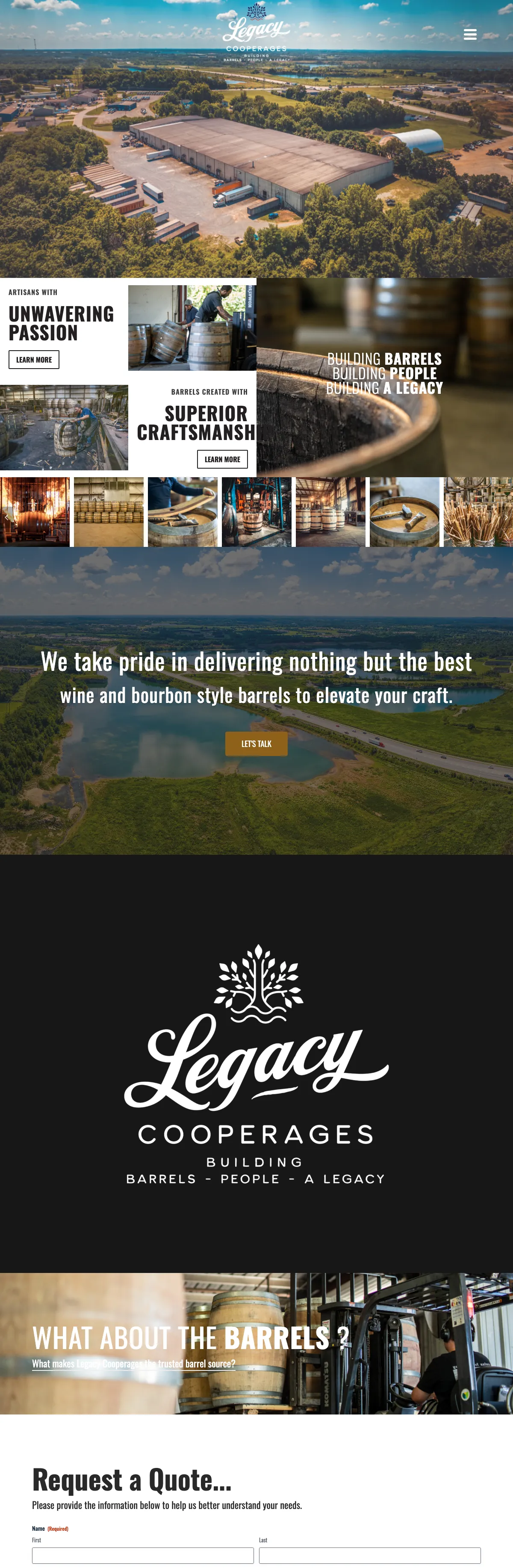



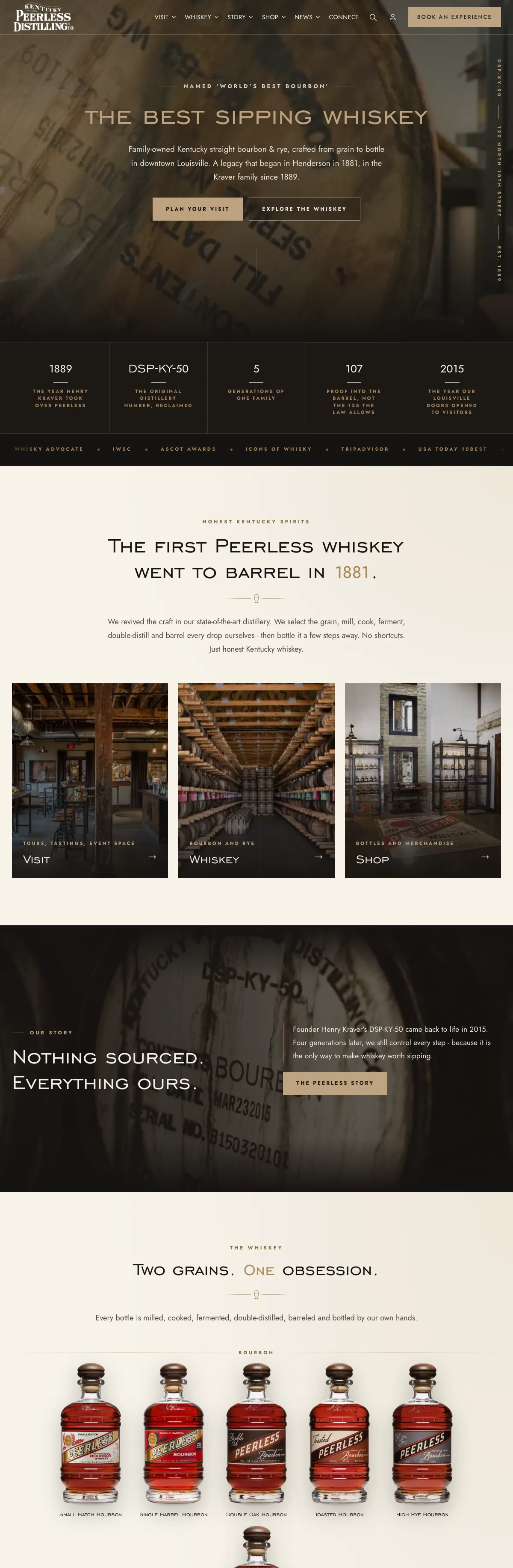
Websites I have built for Kentucky businesses



















How to use this web design glossary
The terms are grouped by topic, starting with the domain name and ending with the reports that tell you whether a site is working. Each one gets a short, plain definition, and some link to a page that goes deeper.
If you only remember four: a domain is your address, hosting is where the site lives, DNS connects the two, and WordPress is the software that runs most of the sites I build.
Domains and DNS
- Domain name. The address people type to reach you, such as yourbusiness.com. You rent it by the year, and it should be registered to your business in an account you control. You can see who holds yours with the domain ownership lookup.
- Registrar. The company you rent the domain from. The registrar account is the master key to your website and email, so it belongs in your name, with auto-renew on and a current card.
- WHOIS and RDAP. The public lookups that show a domain’s registrar, expiry date and nameservers. RDAP is the newer one. Owner details are usually hidden by privacy services.
- DNS. The Domain Name System, the internet’s address book. It turns your domain into the numeric address of a server, and tells the world where to deliver your email.
- Nameservers. The servers that hold a domain’s DNS records. Whoever runs your nameservers decides where your website and email point.
- A record. A DNS record that points a name at a server’s numeric IP address.
- CNAME record. A DNS record that points one name at another name, such as www at your main domain.
- MX record. The DNS record that says which mail servers receive email for your domain. Change it carelessly and your email stops.
- TTL. Time to live: how long other computers may remember a DNS answer before asking again. It is lowered before a move so the change spreads quickly.
Hosting and servers
- Web hosting. The rented computer, called a server, where your site’s files and database live and answer visitors.
- Shared hosting. Many websites on one server, sharing its power. Inexpensive, but a busy or broken neighbor can slow everyone down.
- Dedicated server. A whole physical server for one customer. The client sites I host share my own dedicated server, behind Cloudflare.
- Managed WordPress hosting. Hosting where someone also looks after the WordPress site itself: updates, backups, security and fixing what breaks. That is how I run managed WordPress hosting.
- Staging site. A private copy of a website for building or testing changes before they go live.
- Backup. A copy of the site’s files and database that can be put back if something goes wrong. Good backups are stored away from the server, and one has been restored to prove it works.
- Uptime monitoring. An outside service that checks a site every few minutes or less and alerts someone when it stops answering.
- Migration. Moving a website from one host or platform to another, ideally with every file and database row counted on both sides.
Security
- SSL or TLS certificate. The file that lets a site use an encrypted connection. TLS is the technology in use today; SSL is the older name people still say.
- HTTPS. The secure version of a web address. Browsers show a warning on pages that are not secure.
- Firewall. A filter in front of the site that blocks common attacks, password guessing and bad bots before they reach WordPress. Website firewalls are often called a WAF.
- Malware. Malicious code slipped into a site, usually to redirect visitors, send spam or steal data.
- Two-factor authentication. A second check at login, such as a code from an app, so a stolen password alone is not enough to get in.
- CAPTCHA and Turnstile. Checks that tell people from bots on forms. Cloudflare Turnstile usually does it without making visitors solve a puzzle.
Speed and caching
- CDN. A content delivery network: servers in many places that keep copies of a site’s files close to visitors, so pages arrive faster.
- Cloudflare. A company whose network sits in front of websites to provide DNS, a CDN, HTTPS and firewall protection.
- Cache. A saved copy, so something does not have to be rebuilt every time. A page cache stores finished pages on the server; a browser cache keeps files on the visitor’s device.
- Clearing the cache. Throwing away saved copies so visitors see your latest change. Often the answer when you changed something and cannot see it. Also called purging.
- Core Web Vitals. Google’s three measurements of how a page feels to real visitors: loading, responsiveness and visual stability. More on improving them in website speed optimization.
- LCP. Largest Contentful Paint: how long the main content takes to appear. Good is 2.5 seconds or less, per Google’s Core Web Vitals guidance.
- INP. Interaction to Next Paint: how quickly a page responds to a tap or click. Good is 200 milliseconds or less. It replaced First Input Delay as a Core Web Vital in 2024.
- CLS. Cumulative Layout Shift: how much the page jumps around while it loads. Good is 0.1 or less.
WordPress and the parts of a site
- CMS. A content management system: software that lets you edit a website without writing code.
- WordPress. The open-source CMS that most of the sites I build run on. It is released under the GPL, so no company can lock your copy of it away. See custom WordPress website design.
- Theme. The part of a WordPress site that controls how it looks: layouts, fonts, colors, header and footer.
- Plugin. An add-on that gives WordPress a new feature, such as forms, a store or backups. Every plugin is code that needs updating, so fewer and better is the rule.
- Block editor. WordPress’s built-in editor, where each paragraph, image and section is a block you can add, move and edit.
- Page builder. A plugin that replaces the built-in editor with its own drag-and-drop system. Convenient, but your content can end up locked inside it.
- Kadence. A WordPress theme and set of blocks that many of the sites I build use. It works with the built-in block editor instead of replacing it.
- WooCommerce. The plugin that turns WordPress into an online store, with products, cart, checkout and orders. More on my WooCommerce developer page.
- Gravity Forms. A premium forms plugin for WordPress, from simple contact forms to multi-step forms whose questions change with earlier answers, known as conditional logic.
- PHP. The programming language WordPress is written in. Hosts run specific PHP versions, and old versions stop receiving security fixes.
- Database. Where WordPress keeps your pages, posts, products, orders and settings.
- Admin or dashboard. The private back end of a WordPress site, where you log in to make changes.
Design and accessibility
- Responsive design. A layout that adapts to any screen, from a small phone to a wide monitor.
- Accessibility. Making a site usable by people with disabilities, including people who use screen readers or a keyboard alone. WCAG is the standard most accessibility checks measure against, and a website accessibility audit tests a site against it.
- Alt text. A short written description of an image, read aloud by screen readers and used by search engines.
Search, local and AI
- SEO. Search engine optimization: making a site easy for search engines to find, understand and trust, and worth clicking when they show it.
- Local SEO. SEO for searches tied to a place, such as plumber near me, driven largely by your Google Business Profile, reviews and local pages.
- Google Business Profile. Your free listing on Google Search and Maps, with hours, phone, photos and reviews.
- XML sitemap. A file listing the pages you want search engines to find.
- robots.txt. A file that tells search engine crawlers which parts of a site not to crawl.
- Noindex. A tag that asks search engines to leave a page out of their results. Right for a test site, harmful if it goes live by accident.
- Canonical tag. A tag that says which address is the main version of a page when several addresses show the same content.
- 301 redirect. A permanent forward from an old address to a new one, telling browsers and search engines the page has moved for good. The backbone of website redesign SEO.
- 404 error. The page not found response. A few are normal; a wave of them after a redesign means redirects are missing.
- Title tag. The page title shown in the browser tab, and usually as the clickable headline in search results.
- Meta description. The short summary that often appears under the headline in search results. It can decide whether someone clicks.
- Structured data. Code that labels facts on a page, such as your business name, address and hours, so machines read them correctly. Also called schema. The local business schema generator writes it for you.
- JSON-LD. The structured data format Google recommends: a block of code in the page that visitors never see.
- IndexNow. A way for a site to tell Bing and other participating search engines that a page has changed. Google is not among them.
- AI Overviews and AI Mode. Google’s AI-written answers in search results. Getting named in them, and in ChatGPT, is covered in how to show up in ChatGPT and Google AI answers.
- llms.txt. A proposed text file that gives AI tools a short guide to a site’s most important pages. Easy to add, though not every AI tool reads it yet.
Email delivery
- SMTP relay. A sending service that delivers a website’s email with proper authentication, so form notifications reach the inbox instead of spam.
- SPF. A TXT record in your DNS listing the servers allowed to send email for your domain. A domain should have only one SPF record, which includes every service that sends for it.
- DKIM. A digital signature on outgoing mail, checked against a key published in your DNS, showing the message really came from your domain and was not altered.
- DMARC. A DNS record that tells receiving mail servers what to do with mail that fails those checks (let it through, send it to spam, or reject it) and where to send reports. Check all three with the SPF, DKIM and DMARC checker.
Measuring results
- Google Analytics. Google’s free tool, now in its fourth version (GA4), that shows how many people visit, where they come from and what they do.
- Key event. An action you count as a success in Google Analytics, such as a form sent, a phone tap or a purchase. Google used to call these conversions.
- Google Search Console. Google’s free tool showing which searches bring people to your site, which pages are indexed and what problems Google found.
- Bing Webmaster Tools. Microsoft’s version of Search Console for Bing, which also has an AI Performance report showing when your pages are cited in Copilot answers.
Frequently asked questions
What is the difference between a domain and hosting?
The domain is your address, rented from a registrar. Hosting is the server where the site lives, rented from a host. DNS connects the two, and they can be with different companies.
What is the difference between WordPress.org and WordPress.com?
WordPress.org is the free software you install on hosting you choose, with full control. WordPress.com is a hosted service built on that software, with its own plans and limits.
Do I need Cloudflare?
No website strictly needs it, but it adds speed, HTTPS and a firewall in front of the site at little or no cost. Every site I host runs behind it.
Is SSL the same as HTTPS?
Close. The certificate, still often called SSL though the technology is now TLS, is what makes an HTTPS connection possible. If the certificate expires, browsers warn visitors away.
Still not sure what something means?
Send me the email or the invoice line that is confusing you. I will explain it in plain English, whether or not I am the one doing the work.