
Local business schema generator, free and ready to paste.
Fill in your business details and copy clean LocalBusiness JSON-LD for your website. It runs in your browser, and when you copy the code I keep the business name, website and result so I can follow up.
Or call or text (502) 387-1142
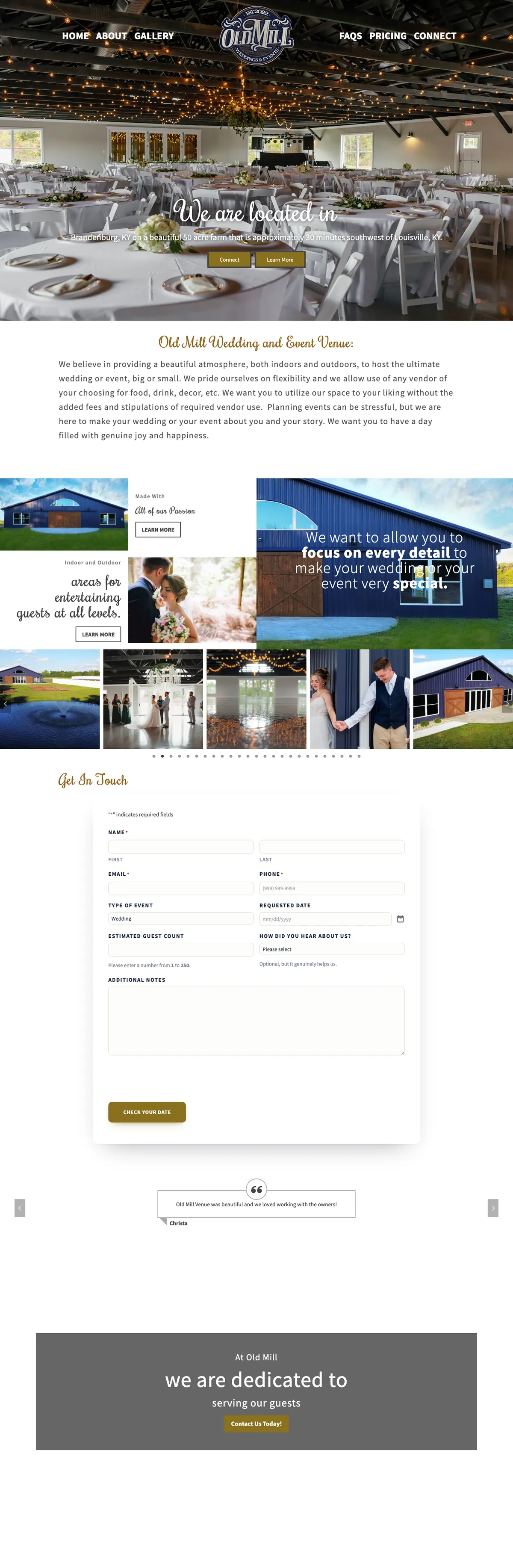



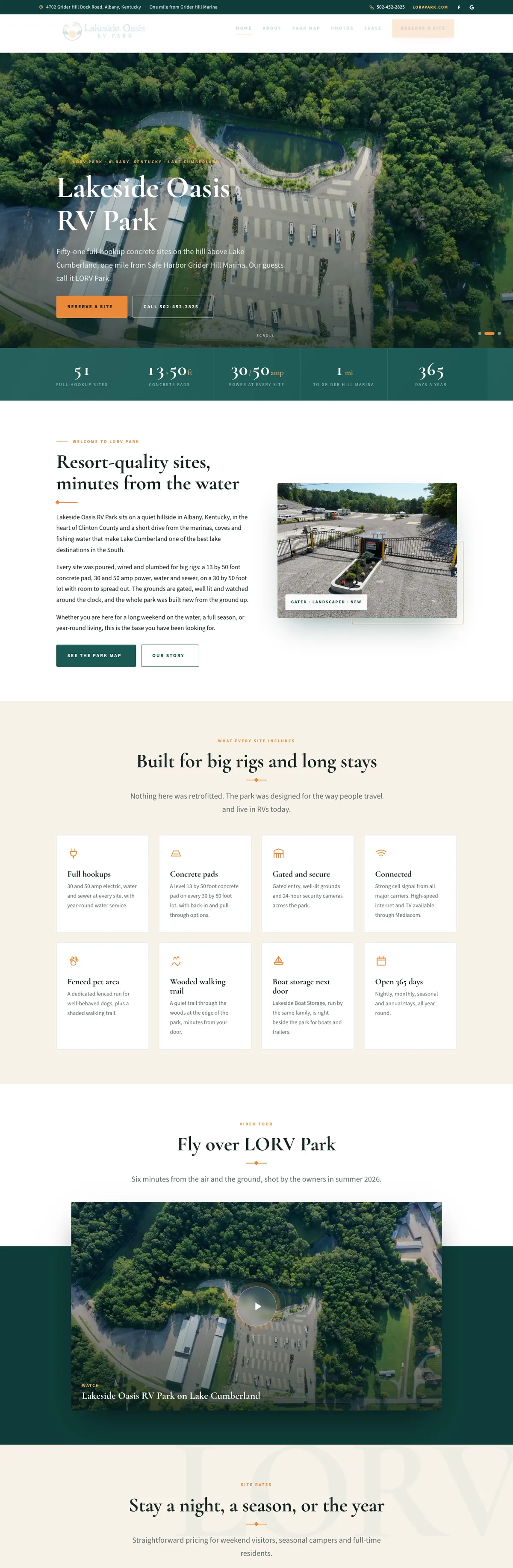
Websites I have built for Kentucky businesses



















Build your LocalBusiness JSON-LD.
Fill in what is true and visible on your website, leave the rest blank, and copy the result. Before you paste it, check the values: latitude between -90 and 90, longitude between -180 and 180, hours written as 24-hour times such as 09:00, and a website address that starts with https://. Nothing you type is sent anywhere.
Tell search engines exactly who you are, in their language.
People read your website. Search engines and AI tools read it too, and they guess. Schema is a small block of code, invisible to visitors, that states the facts outright: this is a plumber, this is the address, these are the hours, this is the phone number. It removes the guessing.
Google’s own documentation recommends JSON-LD, the format this local business schema generator produces, wherever a site’s setup allows it. It is plain structured text that sits apart from your design, so adding it changes nothing visitors see.
From form to live markup in four steps.
Pick the right type
Choose the most specific business type that fits, such as Plumber, Dentist or Restaurant, instead of the generic LocalBusiness. Google asks for the most specific subtype.
Fill in the facts
Name, street address, phone, website address, hours and map coordinates. Use exactly the same name, address and phone as your Google Business Profile.
Copy the JSON-LD
Copy the JSON-LD the generator gives you. It goes in the page inside a script tag of type application/ld+json.
Add it and test it
Put it on your home page or contact page, then run the page through Google’s Rich Results Test and the Schema Markup Validator.
What each field in the local business schema means.
Google’s LocalBusiness documentation requires two properties and recommends several more. Fill in what applies.
Name
Your business name exactly as customers see it on your sign and your Google profile, without keywords stuffed in.
Address
Street, city, state, ZIP and country as a postal address. This is the physical location of the business.
Business type
The schema.org type, such as Plumber, Attorney or Winery. If more than one fits, Google says to list them together as an array.
Telephone
The main number customers call, with the country and area code. One number, the same one on your site and profile.
URL
The address of the website page for this location. For a single-location business, that is usually the home page.
Geo coordinates
Latitude and longitude of the front door. Google asks for at least five decimal places of precision.
Opening hours
The days and times you are open, including any split hours. Keep them in step with your Google profile, especially on holidays.
Profiles and price range
Links to your official social profiles (sameAs) and a relative price range. Fill them in if they are accurate, skip them if not.
Where to put the JSON-LD on your website
Google reads JSON-LD wherever it sits in the page, so there is no single correct spot. What matters is that it appears once, on the page it describes.
- WordPress: many SEO plugins already output Organization or LocalBusiness schema. Check first. If yours does, fill in its settings or merge these details into the business it already describes, instead of adding a second, conflicting block. If it does not, a code snippet in the site’s header or a block on the home page works.
- Website builders: most have a place for custom code in the page header or in site settings. Paste it there for the home page or contact page.
- More than one location: give each location its own page and its own block, with that location’s address, phone and hours.
After it is live, run the page through Google’s Rich Results Test and the Schema Markup Validator, and keep an eye on the reports in Search Console. Schema is one part of local search. The rest is in my local SEO checklist.
What schema will not do, and what gets you in trouble.
It does not guarantee anything
Google says plainly that it does not guarantee structured data will show up in search results, even when it passes the test. Schema makes you eligible and clearer, not ranked.
Mark up only what visitors can see
Google’s guidelines say not to mark up content that is not visible on the page. If the hours are in the schema, they belong on the page too.
No stars for your own reviews
Pages using LocalBusiness or Organization markup are not eligible for star ratings from reviews the business controls about itself. Adding a rating to your own schema will not put stars next to your listing.
Spammy markup costs you
Misleading structured data can bring a manual action from Google, which removes the page’s eligibility for rich results. Fake addresses and invented ratings are the usual causes.
Match your Google profile
Schema that disagrees with your Business Profile, an old phone number or a former address, adds confusion instead of removing it. Update both together.
One business, one block
A theme, a plugin and a pasted snippet can each add their own. Three versions of the same business with different details is worse than one.
Old Mill Venue: rewritten for Louisville, with venue schema.
When Old Mill Venue came to me, couples in Louisville could not find it. The first pass retitled and re-described the homepage for the Louisville market, rewrote the key pages around Louisville, and added LocalBusiness and EventVenue schema so search engines read the venue for what it is.
Every page I build gets structured data that matches what it says. This page carries markup for the tool and for its questions.

Local business schema, answered.
What is local business schema?
Structured data, written in the schema.org vocabulary, that describes a business in a format machines read directly: its type, name, address, phone, hours and location. It sits in the page’s code and visitors never see it.
Do I need schema if I have a Google Business Profile?
They do different jobs. Your profile is Google’s own listing. Schema lives on your website and is read by every search engine and AI tool that visits it. Keep the details identical in both.
Does schema help me show up in ChatGPT or Google’s AI answers?
It helps them describe you correctly, because the facts are stated instead of guessed. It does not guarantee a mention. Reviews, clear service pages and mentions on other sites matter too.
Which business type should I choose?
The most specific one that is true. A Louisville HVAC company is better described as HVACBusiness than LocalBusiness. If you are two things, such as a winery with a restaurant, list both.
Is anything I enter stored?
No. The generator runs in your browser and builds the code on your screen. Nothing is sent to me or saved.
Can you add schema to my website for me?
Yes. I add and test structured data as part of the SEO work I do for Louisville and Kentucky businesses, checked against your Google profile so the two agree.
Not sure your site is speaking Google’s language?
Send me your website. I will check what structured data it has now, whether it matches your Google profile, and what is missing.
Connect with me
Tell me about your website.
What happens next
- 01I reply, usually the same day. Every message comes straight to me, not a ticket queue.
- 02A short call. What the site needs to do, who it is for, and what has not worked before.
- 03A written scope and flat quote. Before any work starts, with hosting and ongoing care listed separately.
5.0 on Google · 29 reviews · I usually reply the same day