
ADA website compliance, fixed in the code where it counts.
I test your website against WCAG 2.2 Level AA with automated tools and by hand, then fix what I find in the theme, the content and the forms. You get a plain-English record of what was wrong, what changed and what still needs a decision. This is practical web work, and it is not legal advice.
Or call or text (502) 387-1142
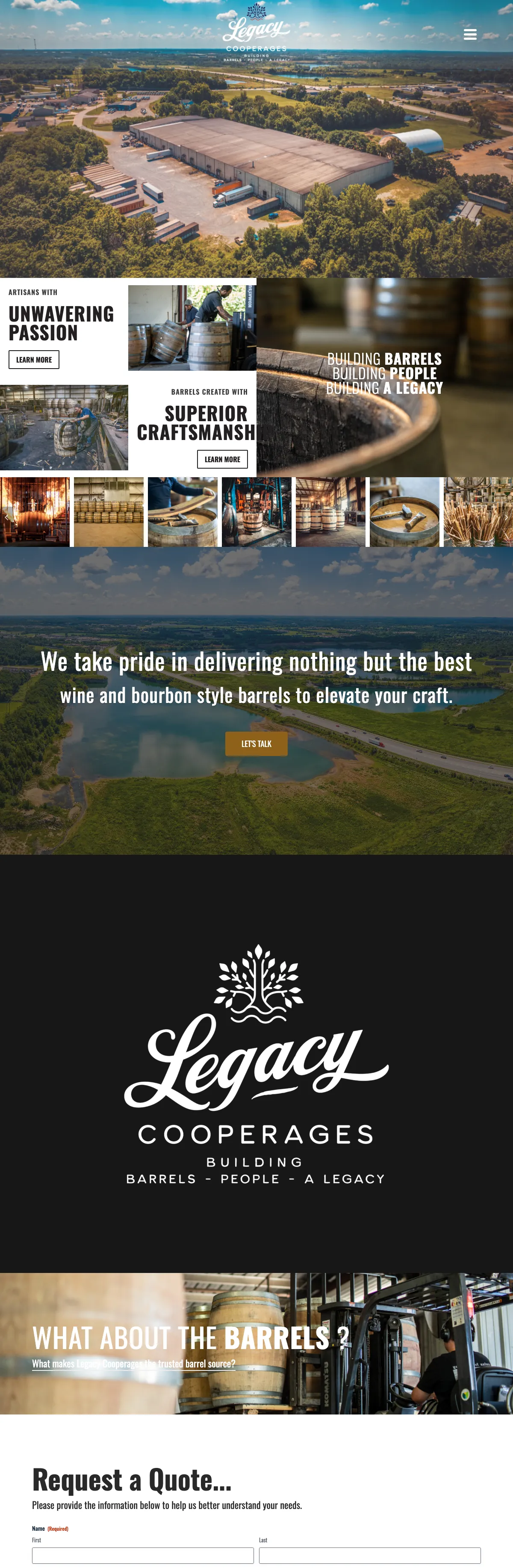


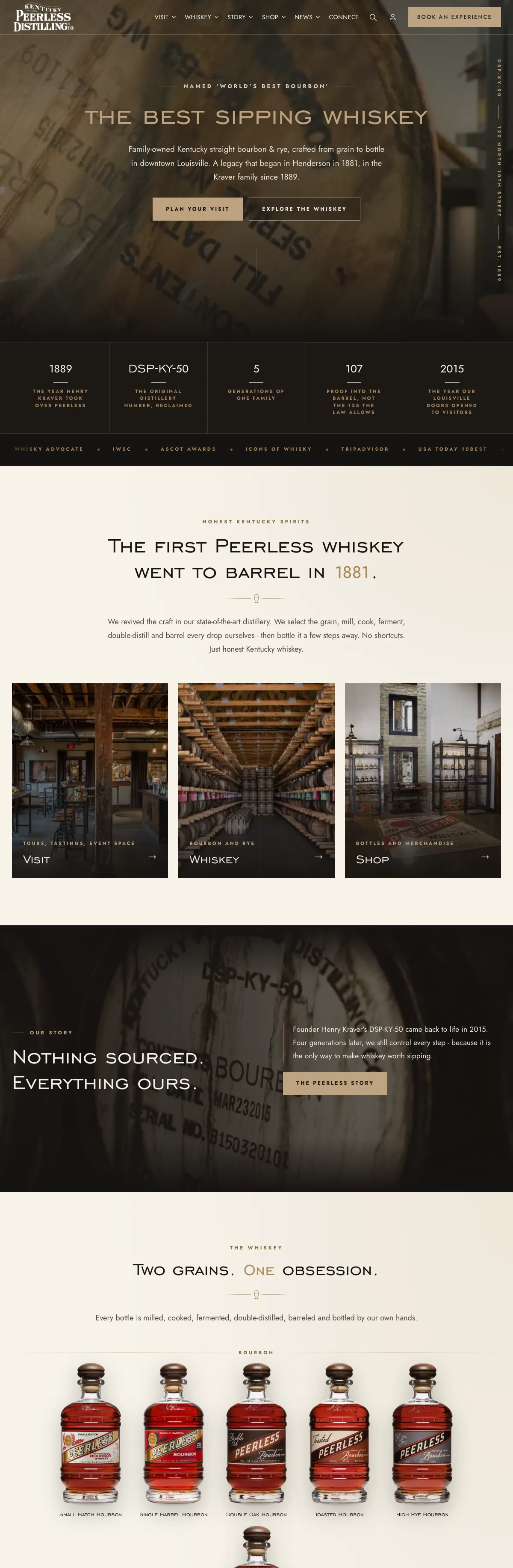
Websites I have built for Kentucky businesses



















Accessibility lawsuits keep coming, and most sites fail a basic check.
Plaintiffs filed 3,117 website accessibility lawsuits in federal court in 2025, up from 2,452 the year before, according to the law firm Seyfarth Shaw’s count. WebAIM’s 2026 scan of the top million home pages found detectable WCAG failures on 95.9 percent of them, an average of 56.1 errors per page.
Those numbers get attention. The better reason to fix a site is simpler: a customer who uses a screen reader, a keyboard or a zoomed-in screen should be able to call you, book with you and pay you. When they cannot, you lose the job long before anyone sends a letter.
What the law says, in plain terms
The Americans with Disabilities Act covers businesses open to the public. The Justice Department’s 2022 web guidance says those requirements reach the goods and services a business offers online, gives businesses flexibility in how they make their sites accessible, and points to the Web Content Accessibility Guidelines (WCAG) as helpful guidance.
There is no federal regulation that sets a technical standard for private business websites. State and local governments do have one: a 2024 Justice Department rule names WCAG 2.1 Level AA, with compliance dates since extended to 2027 and 2028. Organizations that receive financial assistance from the Department of Health and Human Services, such as many hospitals and health centers, have a similar Section 504 rule built on WCAG 2.1, also with deadlines now in 2027 and 2028. That is why WCAG 2.1 or 2.2 at Level AA is the practical target. WCAG 2.2 became a W3C Recommendation in October 2023 and added nine success criteria to 2.1, so it is the version I test against.
This page is not legal advice. I build and fix websites. An audit tests how accessible your site is in practice against WCAG; it cannot guarantee a legal outcome. If you have received a demand letter or been sued, talk to an attorney first, then bring me in for the technical work. If you would rather start smaller, a free website review includes a first look at accessibility.
Six places real websites fail.
WebAIM’s 2026 study found the same handful of problems on most home pages. They are also the ones that stop customers.
Text people can read
Low contrast text was the most common failure WebAIM found, on 83.9 percent of home pages. I check every text, button and link color pair against the WCAG ratios and adjust the palette where it falls short.
Descriptions that mean something
Missing alt text turned up on 53.1 percent of home pages. Images that carry meaning get a real description; decorative images and background video are hidden from screen readers.
Forms anyone can fill in
Missing form labels showed up on 51 percent of home pages. Every field gets a visible label, required fields are marked in words, and errors are explained in text, not by color alone.
Controls with a name
Empty links and empty buttons, usually icons with no text, leave a screen reader saying nothing useful. Each one gets an accessible name that says what it does.
Everything reachable without a mouse
Menus, buttons, pop-ups and forms checked with a keyboard alone, with a visible focus outline and no spot where the keyboard gets stuck.
Headings, zoom and motion
Real headings and landmarks, a skip link, the page language set, layouts that reflow at phone width and at 200 percent zoom, and animation that stops when a device asks for reduced motion.
Why an overlay widget will not make a site compliant on its own.
The FTC has already acted
In April 2025 the Federal Trade Commission approved a final order requiring accessiBe to pay one million dollars. The FTC alleged that the company’s claims that its accessWidget plug-in could make any website WCAG compliant were false, misleading or unsubstantiated.
A clean scan is a starting point
The Justice Department’s own guidance says automated checkers and overlays can be helpful tools, that a clean report does not necessarily mean everything is accessible, and that a manual review should go with them.
The fix lives in the site
A missing label, a keyboard trap or a color that fails contrast is a problem in the theme or the content. Fixing it there helps every visitor and does not depend on a script loading first.
From the first scan to fixed pages.
Scan the key pages
Home page, main service or product pages, the contact form, cart and checkout, run through axe-core against WCAG 2.0, 2.1 and 2.2 Level A and AA rules at desktop, tablet and phone sizes.
Check by hand
Keyboard only, at 200 percent zoom and with reduced motion turned on, through the paths that matter: finding you, contacting you and buying from you.
Fix at the source
Colors, templates, form settings, headings and alt text fixed where they live, on a copy of the site first when a change is large.
Write it down
A plain list of what was found, what was fixed and what needs your decision, plus an accessibility statement for your site if you want one.
I hold my own site and client launches to it.
My own pages score 100 in Lighthouse’s accessibility audit, and my accessibility statement still calls the site partially conformant, because automated scores only see part of the picture and some pieces, like embedded maps and videos, belong to other services. That is the kind of honest record you get from an audit.
Client launches get the same checks. Before Lucas Play went live in October 2026, the store showed no accessibility violations on 16 key pages and no sideways scrolling on 23 page types at three widths. Accessibility work also fits naturally into WordPress maintenance, so new pages stay at the standard the old ones reached.

ADA website compliance, answered.
Does the ADA apply to my business website?
If your business is open to the public, the Justice Department’s position is that the ADA applies to what you offer online too. Whether and how it applies to your specific site is a legal question for an attorney. What I can tell you is how your site performs against WCAG and what it takes to fix.
Which standard should my website meet?
WCAG 2.1 or 2.2 at Level AA is the practical target. The Justice Department points to WCAG as helpful guidance, and its 2024 rule for government websites names WCAG 2.1 Level AA. I test against 2.2, which builds on 2.1.
Will an accessibility widget protect me?
I cannot promise that anything will, and a widget cannot either. The FTC’s 2025 order against accessiBe came after the agency alleged its plug-in did not make websites compliant as claimed. Fixing problems in the site itself is what changes the experience for a visitor.
Can you guarantee my site is compliant after the fixes?
No, and be wary of anyone who does. I can show you what was tested, what was fixed and what passed, and keep new content to the same standard. That written record is useful whatever happens next.
Do you audit websites you did not build?
Yes. I audit WordPress, WooCommerce and sites on other platforms. Fixes are most complete on WordPress, where I can work in the theme directly; on hosted builders some fixes depend on what the platform allows, and I will tell you which.
How much does an accessibility audit cost?
It depends on how many page types, forms and checkout steps the site has and how much needs fixing. I quote it from a written scope after one conversation, and a first look at your home page is free.
Send me your address. I will tell you where it stands.
I will run your home page and contact form through the same checks I use on my own site, from Louisville, and tell you in plain English what a customer using a keyboard or a screen reader would run into.
Connect with me
Tell me about your website.
What happens next
- 01I reply, usually the same day. Every message comes straight to me, not a ticket queue.
- 02A short call. What the site needs to do, who it is for, and what has not worked before.
- 03A written scope and flat quote. Before any work starts, with hosting and ongoing care listed separately.
5.0 on Google · 29 reviews · I usually reply the same day