Who Owns Your WordPress Website?
You paid for the website, so you probably assume you own it. Often you own some of it. Here is every piece of a WordPress site, who usually holds it, and what to ask for so you are never locked out.
Or call or text (502) 387-1142
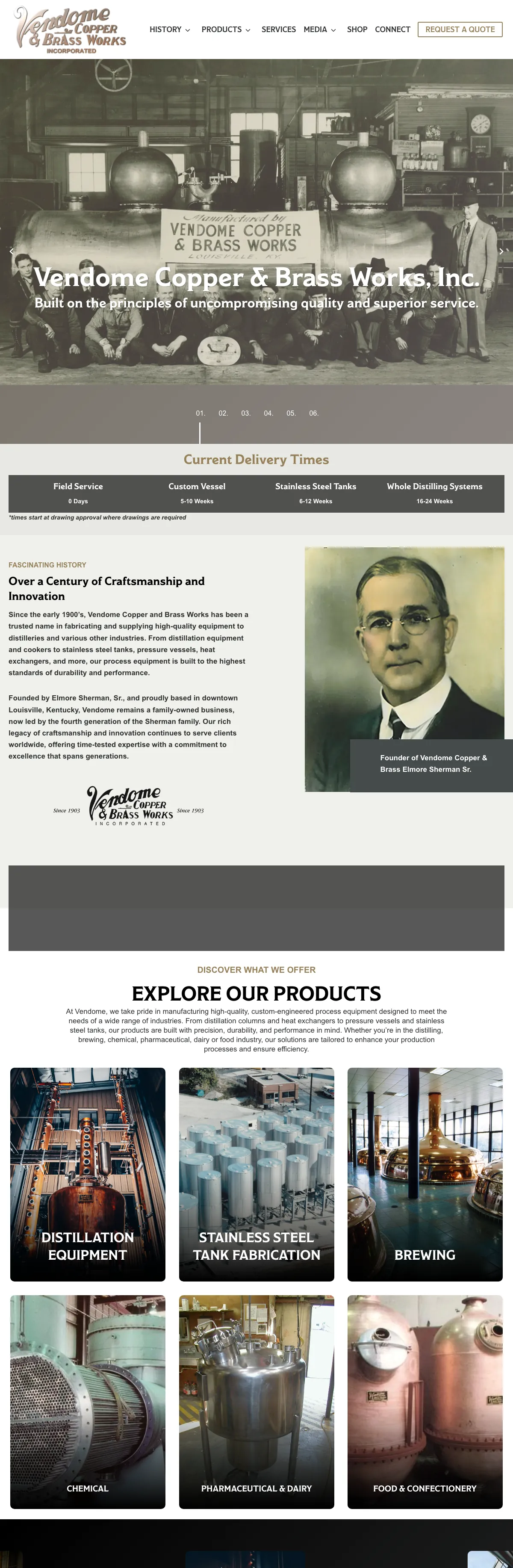
Websites I have built for Kentucky businesses



















The short answer
You should own your website, but “the website” is really a dozen things in different accounts: the domain, the hosting, the WordPress files and database, the theme and plugin licenses, the design and custom code, the words and photos, the email, and the Google accounts around it. Owning it means each of those is in your name, or you have a written answer about who holds it and how you get it back.
The calls I get from owners locked out of their own site rarely start with a dispute. They start with a designer who registered the domain for convenience, then moved on.
The domain
The domain is the most important piece, because everything else can be rebuilt. Check that:
- It is registered to your business, in a registrar account you can log in to.
- The contact email on it is one you read, not a former employee’s or the designer’s.
- Auto-renew is on, and the card on file is current.
Privacy services hide most owner details in public lookups now, so the real test is whether you can log in to the registrar and see the domain there. A free website ownership lookup at least shows which registrar and host to ask. When I build a site, the domain stays in the client’s registrar account and points where they tell it. I never take ownership of a domain.
The hosting account
Hosting is where the site’s files and database live. Sometimes you have your own hosting account; sometimes the site lives on the designer’s server as part of a plan. Both are fine. What matters is that:
- You know who the host is and who pays for it.
- Backups are stored off the server, and someone has restored one.
- If you part ways, you can get a complete copy of the files and the database.
I host many client sites on my own dedicated server behind Cloudflare, and I say plainly what that covers: hosting and the stated backups. Updates and other ongoing care are scoped separately, so nobody assumes one includes the other.
The WordPress files, the database and your content
WordPress itself is open-source software released under the GPL, so nobody can own your copy of it in a way that locks you out. Your pages, posts, products, customers and orders live in the database. Your photos and documents live in the uploads folder. Together they are the site. Ask for:
- An administrator account in your own name, with your own email, not a shared login.
- A full backup on request: files and database, in a form any WordPress host can restore.
The theme and plugins: whose license?
Premium themes and plugins, such as form plugins, store extensions and page builders, usually come with a license key that pays for updates and support. Many designers install them on their own licenses. That is common and not wrong, but you should know which ones, because if the relationship ends, the updates stop unless you buy your own.
- Ask for a list of every premium theme and plugin, whose license it runs on, and when it renews.
- If a page builder is involved, ask what happens to your pages if it is ever switched off.
I build in the WordPress editor with native blocks, not a page builder that locks you in, so the content stays readable whatever happens to a plugin.
The design and the custom code
Who owns the design and any custom code is a web design contract question. In the US, the person who creates a work generally owns the copyright unless a written agreement transfers it, so the agreement should say plainly what you get: ownership, or a license to use and change it. Custom plugins written for your site matter most, because the site may depend on them to work. I am not a lawyer, and for anything binding you should ask one.
If you are planning a new site, ask these questions before you sign, whoever builds it. My custom WordPress website design page shows how I run a build.
Words, photos and video
Text you wrote is yours. Text written for you should be yours once it is paid for, and the contract should say so. Photos are trickier:
- Stock photos are licensed, not owned, and the license may belong to whoever bought it.
- A photographer usually keeps the copyright and gives you a license. Make sure it covers the website, ads and social media.
- A photo found through a search engine is not free to use, whoever put it on your site.
Email, Google and the other accounts
These are not the website, but losing them hurts just as much:
- Business email: who is the administrator of the Google Workspace or Microsoft 365 account?
- Google: you should be an owner of Analytics, Search Console and your Business Profile, not just a user someone added.
- DNS and CDN: whose Cloudflare or DNS account holds the domain’s records?
- Payments: PayPal, Stripe and similar accounts belong in your business name, never the developer’s.
- Forms: where do the entries go, and who can read them?
What to ask for, in one list
Ask for a one-page record of the site that covers:
- Domain: registrar, account owner and renewal date.
- Hosting: provider, account owner and how backups work.
- WordPress: your own administrator login.
- Licenses: each premium theme and plugin, whose license and when it renews.
- Google: owner access to Analytics, Search Console and your Business Profile.
- Email and DNS: who the administrator is.
- Contract: what you own of the design, the code and the content.
Keep that record somewhere other than the website. Keep the passwords themselves in a password manager, not in the document.
If you are locked out today
Start with the domain. If it is registered to your business, the registrar has a process to verify you and restore access. Then the hosting company, which can usually restore access for the account holder. With those two, a developer can get you back into WordPress, which is the job I do in a website rescue. If the site is also broken or hacked, start with WordPress repair. If it just needs someone keeping an eye on it, that is what my WordPress maintenance and care plans are for.
Frequently asked questions
Do I own my website if I paid for it?
Not automatically. You own what the contract and the accounts say you own. Check that the domain, hosting and admin login are in your name, and that the contract covers the design, code and content.
Can my web designer keep my domain?
They should not. The domain should be registered to your business in an account you control. If it is in theirs, ask for a transfer now, while the relationship is good.
What happens to premium plugins if I change developers?
They keep working, but updates and support stop if the license belonged to the old developer. Buy your own licenses for anything the site depends on.
Do I own a website built on Wix or Squarespace?
You own your content and your domain, but the site itself runs on their platform and cannot be moved as it is. Leaving means rebuilding it somewhere else. Here is how WordPress and Wix compare.
Should my developer have an admin account?
Yes, while they work on the site. But it should be their own account, separate from yours, so it can be removed if you part ways.
Find out before you need it.
If you do not know who has your domain, hosting or admin login, call me at (502) 387-1142. I can help you work out what you hold and what is missing.