Zapier vs Make vs n8n: choosing an automation platform.
Zapier, Make and n8n all connect the apps you already use so work moves without retyping. They bill in different ways, break in different ways and suit different owners. Here is how to choose between them, and how to tell when a small piece of code you own would beat all three.
Or call or text (502) 387-1142
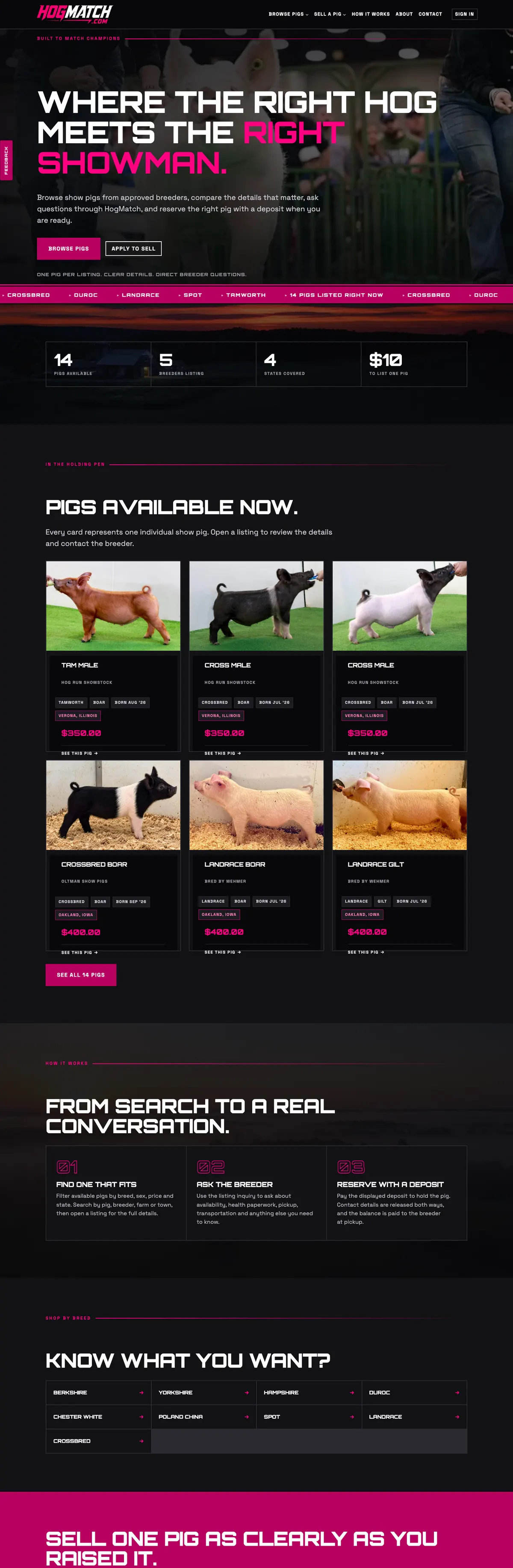



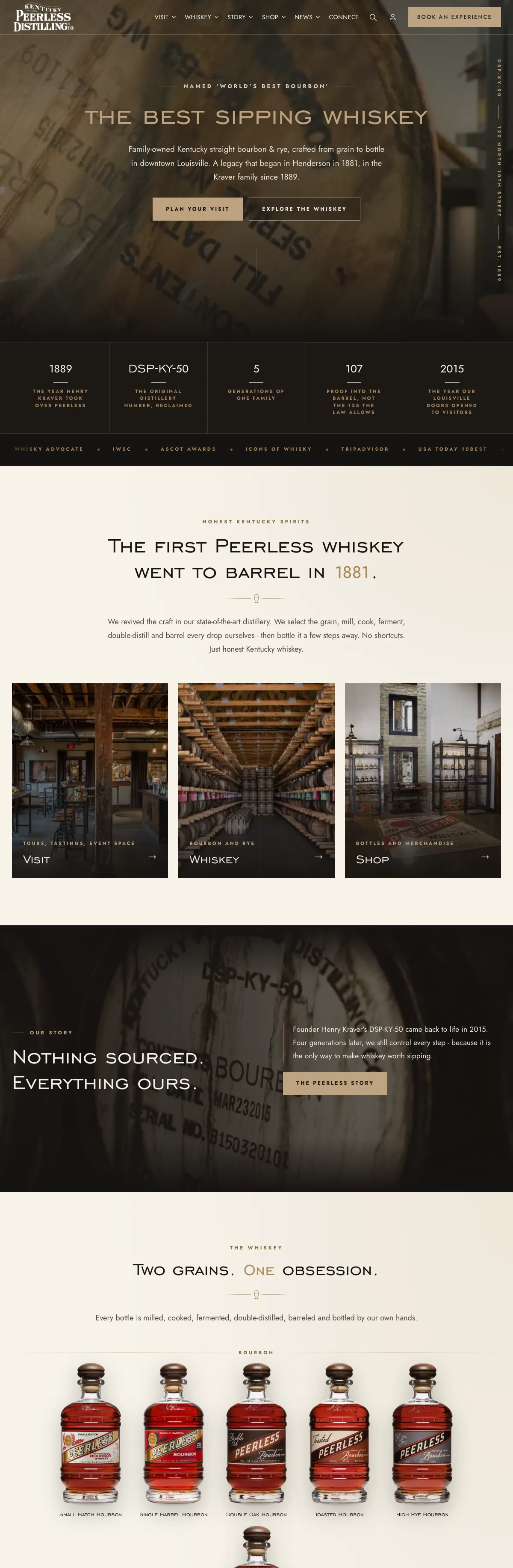
Websites I have built for Kentucky businesses



















The short answer
Zapier is the easiest to start and bills by the task, so cost climbs with every action step that runs. Make is more visual and flexible, bills in credits for each action, and counts credits for every check a scheduled trigger makes. n8n bills its cloud plans per complete workflow run however many steps it has, and its Community edition can be self-hosted with no license fee for your own internal use, which means you own the server and the upkeep.
When a workflow carries money, stock counts or customer records every day, a small custom integration you own often beats all three.
What these tools do
Zapier, Make and n8n all do the same basic job. Something happens in one app (the trigger) and the tool does something in another (the action). A form is submitted, so a contact is added to your CRM and a message lands in the staff group chat. An invoice is paid, so a row is added to a spreadsheet and a receipt goes out.
If you type the same information into two places every week, one of these tools can probably do it for you, and that is the starting point of most AI automation as well. The real differences are how each one charges, how much it can do, who looks after it, and what happens when it breaks.
Zapier: the easiest start, priced by the task
Zapier is built for people who are not developers. You pick a trigger and an action from menus, and a simple workflow (Zapier calls them Zaps) can be running in an afternoon.
How it bills:
- usage is counted in tasks, and each successful action step uses one
- triggers, filter steps and path steps do not count, and failed actions are not charged, according to Zapier’s task rules
- the free plan includes 100 tasks a month and two-step Zaps only: one trigger, one action
- multi-step Zaps, premium apps and webhooks need a paid plan
The thing to watch is multiplication. A Zap with five action steps that runs 300 times a month uses 1,500 tasks. Cost climbs with every step you add and every extra run, which is how a cheap start becomes a large monthly line.
Zapier runs only in its own cloud. It describes itself as fully managed, so there is no server for you to run, and also no way to keep the work on your own machine.
Make: more control, priced in credits
Make lays a workflow out as a visual map, with branches, loops and data reshaping that would take several Zaps to copy. It takes longer to learn, and it rewards the person who learns it.
How it bills:
- Make bills in credits, which replaced its older unit, operations
- most actions use one credit, and some AI features use more
- the free plan includes 1,000 credits a month
- a scheduled trigger spends credits every time it runs on its schedule. Make’s scheduling help page puts an hourly check at 24 credits a day, or 720 a month, for the trigger alone
That last point catches people out. Where an app offers an instant trigger (a webhook), use it, and schedule the rest only for the hours when data actually arrives.
Make is cloud only too. Enterprise customers can install an on-premise agent so their cloud scenarios can reach systems inside their own network, but Make itself still runs in Make’s cloud.
n8n automation: free to run, not free to own
n8n is the most technical of the three. It looks a lot like Make, lets you add your own JavaScript or Python as a step in a workflow, and can run on your own server.
How it bills:
- n8n’s cloud plans charge per execution, one complete run of a workflow, however many steps it has
- the self-hosted Community edition has no license fee under n8n’s Sustainable Use License, as long as the workflows are built and changed by people in your own organization
- n8n’s license FAQ says it does not let you host n8n as a service for your clients to build their own workflows, and some features need a paid license key
- n8n’s Business plan is currently sold for self-hosting only
Per-run pricing is good news for long workflows: a twelve-step run counts the same as a two-step one. Self-hosting removes the subscription and adds a job, and n8n’s own hosting docs leave monitoring, updating and securing the instance to you. Someone has to run the server, apply updates, back it up, secure it, watch it, and keep the logins to every connected app safe on it. If that person is you, count your hours. If it is nobody, do not self-host.
Zapier vs Make vs n8n, side by side
- Easiest to start: Zapier, then Make, then n8n.
- How cost grows: Zapier by action steps that run, Make by credits used including scheduled checks, n8n cloud by complete workflow runs, and self-hosted n8n by the cost of a server and somebody’s time.
- Self-hosting: n8n only. Zapier and Make run in their own clouds.
- Complex logic and reshaping data: Make and n8n go further than Zapier.
- Who it suits: Zapier, an owner who wants it working today. Make, an owner or office manager who enjoys tinkering. n8n, a business with a developer or a technical partner on hand.
Where all three break
The tool is rarely what fails. The setup is:
- Silent failures. A login expires, an app renames a field, a run errors at 2 a.m., and nobody notices for weeks. Every workflow needs an error alert that reaches a person.
- Nobody knows what runs. Automations built over years by different people, in someone’s personal account, with no notes. When that person leaves, the knowledge leaves too.
- Access everywhere. Each connection holds a key to one of your systems. Keep the account in the business’s name and review the connections regularly.
- Money and stock in a chain of steps. When a workflow moves orders, payments or inventory, a half-finished run can leave two systems disagreeing.
- Fees that grow quietly. Usage-based billing rises as you get busier. Look at the bill every quarter.
When custom code wins
A small piece of custom code that you own is usually the better choice when:
- the workflow runs many times a day, every day, and per-step or per-run fees keep rising
- it handles money, stock counts or customer records, where a half-done run causes real damage
- it needs rules no ready-made connector offers
- it belongs inside your website, where your staff already work, as a custom WordPress plugin
- the monthly fees across several tools have passed what it costs to build and look after one dependable piece
The Kentucky Peerless register sync below is the clearest example I run: a job a general connector could half-do, done properly by code written for it.
Custom is the wrong call when the process still changes every month, when volume is low, or when the vendor already offers a solid connection. The Island Earth, the store I built and run, uses a standard vendor integration for its orders, nothing exotic. I would not rebuild that.
How to choose in ten minutes
- Write the workflow in one sentence: when this happens, do that.
- Count the steps and how many times a month it runs, then multiply. That number decides more than any feature list.
- Ask what breaks if it fails silently for a week. If the answer is money, stock or a customer, plan error alerts from day one, or plan custom code.
- Decide who looks after it. No technical person on hand: Zapier or Make. A developer you trust: n8n or custom.
- Put the account in the business’s name, and write down what each workflow does and why.
If you are paying for a pile of automations nobody fully understands any more, that is a good moment to bring in someone who builds integrations for a living. I work from Louisville with businesses across Kentucky and further afield, and most of this work happens over a screen share.
Frequently asked questions
Is n8n really free?
The self-hosted Community edition has no license fee when people in your own organization build and run the workflows, under n8n’s Sustainable Use License. You still pay for the server, and someone has to update, back up and secure it. n8n’s cloud plans are paid and billed per workflow run.
Can Zapier or Make be self-hosted?
No. Both run in their own clouds. Make’s Enterprise plan offers an on-premise agent that lets its cloud reach systems inside your network, but the platform itself is not installed on your server.
Which is cheapest for a small business?
It depends on how many steps your workflows have and how often they run. Zapier counts each action step, Make counts credits including scheduled checks, and n8n cloud counts complete runs. Work out your monthly volume, then compare each vendor’s current pricing page.
What happens to my automations if the person who built them leaves?
If they were built in that person’s own account, you may lose them. Keep every automation account in the business’s name, with a written note of what each workflow does, which apps it touches and who to call when it fails.
Can you move my existing Zaps to n8n or custom code?
Yes. I start by listing what runs today, what it costs and what breaks, then move the workflows that justify it and leave the simple ones where they are.
“The register says 12. The website says 30.”
Kentucky Peerless sells the same merchandise in the distillery gift shop and online. A custom plugin I wrote talks to the Clover register’s own platform and compares the register with the website’s inventory, with product matching and clear rules for which system owns each count.
Products are matched by SKU and product code, every change can be previewed before it runs, and there is a clear rule about which side owns the count. There are no per-task fees, and it is written down so another developer could pick it up.

Paying too much for automations, or not trusting them?
Send me a list of what runs today and what it costs each month. I will tell you which to keep, which to merge, and which would be cheaper and sturdier as a small piece of code you own.