WordPress vs Wix: which one fits your small business?
Wix gets a simple site online fast and looks after the technical side for you. WordPress gives you a site you own outright and can grow in any direction. Here is how to tell which one your business needs, including when Wix is the honest answer.
Or call or text (502) 387-1142



Websites I have built for Kentucky businesses



















WordPress vs Wix: the short answer
Choose Wix if you need a simple site soon, you will run it yourself, and you are comfortable renting it from Wix for as long as it exists. Choose WordPress if the website has to grow with the business: features nobody sells as an app, a serious store or booking system, content that earns search traffic, or the freedom to change developers without starting over.
The deciding difference in WordPress vs Wix is ownership. Wix says its sites must be hosted and run on Wix’s own servers. WordPress is open-source software you can move to any host, hand to any developer and copy in full whenever you like.
What you are really choosing between
Wix is a hosted website builder. One subscription covers the editor, the templates, the hosting, the security certificate and the software updates. You design by dragging blocks around a page, add features from Wix’s app market, and Wix keeps the machinery running.
WordPress is software. The free version from WordPress.org runs on hosting you choose, with a theme for the design and plugins for features. It powers about four in ten websites on the internet, according to W3Techs’ October 2026 survey, so there is a large market of hosts, plugins and developers around it. The trade is that somebody has to look after it: updates, backups and security are yours to handle or to hand to someone.
One naming trap: WordPress.com is a hosted service run by a company, closer to Wix in how it works. When people compare WordPress with Wix they usually mean the self-hosted software, and that is what this guide means too.
Ownership, and what happens if you leave
This is the part most people only learn when they try to leave.
- A Wix site cannot move. Wix’s own help center says a Wix site needs to be hosted and operated on Wix’s servers and that its architecture does not support external hosting. There is no export of the pages or the design.
- Blog posts stay too. Wix’s blog export page also says that it is currently not possible to export blog posts to other platforms.
- Your domain is portable. A domain bought anywhere can point at a Wix site on a paid plan, and a domain bought from Wix can point at a site hosted somewhere else, per Wix’s domain pointing guide.
- WordPress moves whole. Files, database, design, posts, products and settings can be copied to another host or handed to another developer. The software’s GPL license gives you the freedom to run it for any purpose, study it, change it and share it.
- Add-ons have their own terms. Premium themes and plugins are sold by other companies under their own licenses, often with a yearly renewal for updates and support, and someone still has to look after the site. Owning WordPress does not make those costs disappear.
So leaving Wix means rebuilding the site somewhere else, and leaving one WordPress host means copying the site to another. If you suspect you will outgrow your first website, that difference matters more than any feature list. I wrote more about it in who owns your WordPress website.
What each one costs over time
I will not quote either platform’s prices here, because they change and they vary by location. The shape of the cost is what matters.
Wix sells tiered plans: Light, Core, Business and Business Elite, as listed on its plans page in October 2026. Taking payments starts at the Core plan. The free plan puts the site on a wixsite.com address with Wix branding. Whatever plan you pick, the fee keeps coming for as long as the site exists, and you pay it for a site you can never take with you.
WordPress software is free. You pay for hosting, the domain, a premium theme or plugins where they earn their place, and somebody’s time to build and look after it. The first year usually costs more than a builder. After that the ongoing cost is hosting and care, and the money goes into a site you keep.
The honest comparison is three years out, not month one. If the builder plan, the apps you add and your own evenings add up to more than an owned site, the builder was never the cheap option.
Design, features and the wall you might hit
Wix’s editor is genuinely easy and its templates look good. For a brochure site with a contact form, a gallery and a few pages, it does the job. The limits show up when the business needs something specific: a quote form whose questions change with the job, booking with real capacity rules, a store with unusual shipping or age checks, a register that has to agree with the website. On Wix you can do what the editor and the app market allow. If the app does not exist, you wait or you work around it.
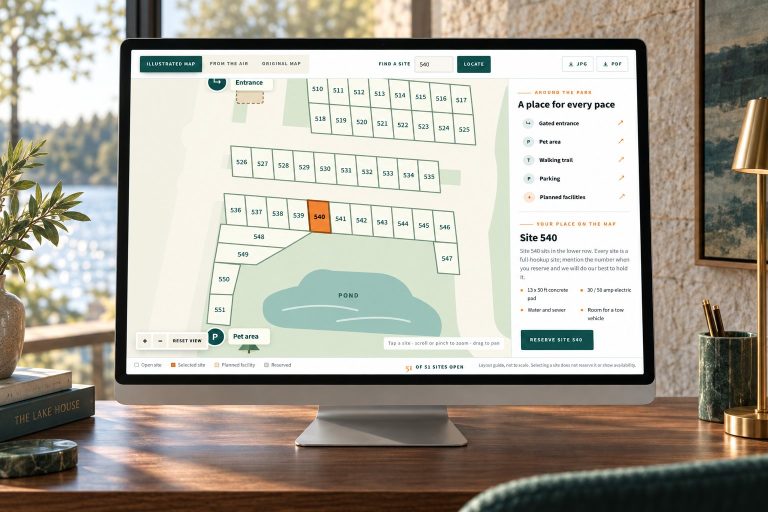
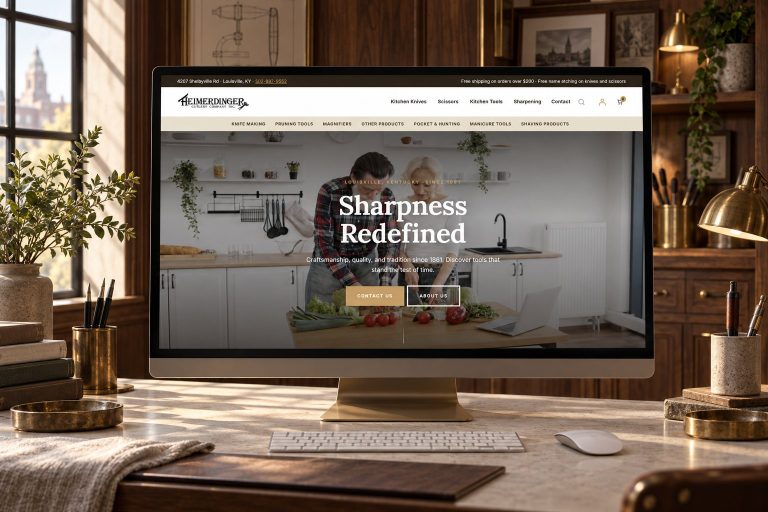
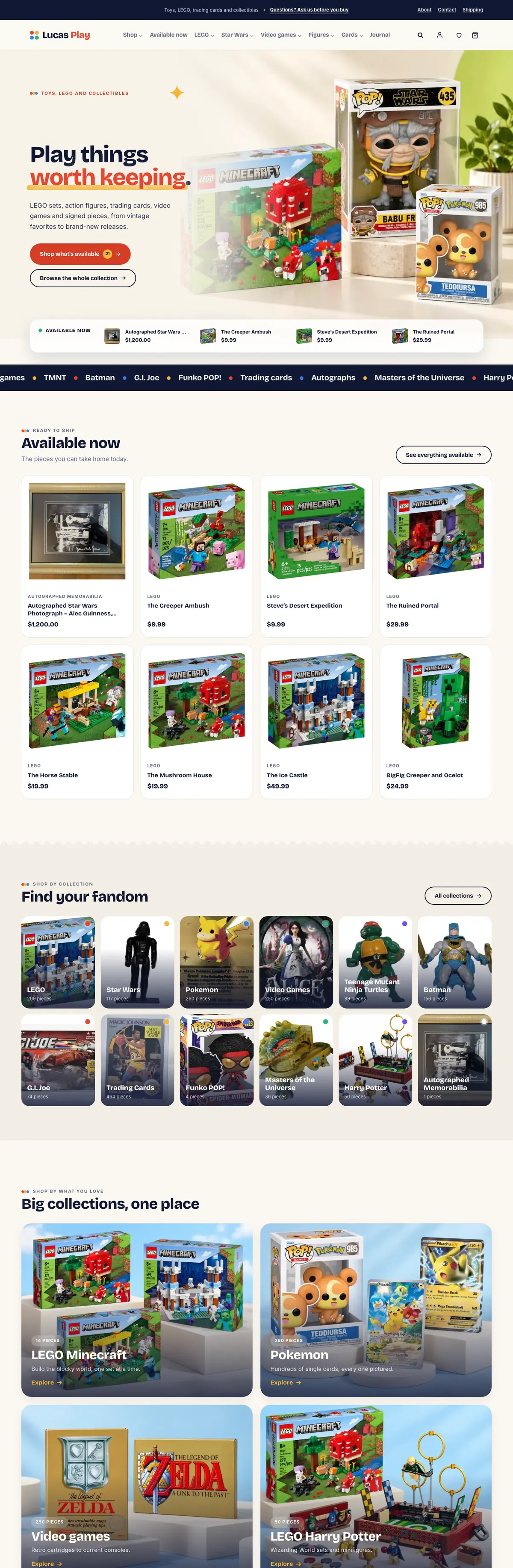
WordPress has no such wall. If a plugin does not do it, a developer can write one. I build things like the online booking system Kentucky Peerless sells its tours through, a custom marketplace for show pigs, and register-to-website POS integration. None of those exist as a builder app.
The catch is quality. A cheap WordPress theme stuffed with plugins can look worse and run slower than a good Wix template. WordPress gives you the room to do it right; it does not do it right for you.
Search and speed
Neither platform ranks a site by itself. Google ranks useful pages that load quickly, answer the question and belong to a business people talk about. Both Wix and WordPress let you set titles, descriptions and clean addresses.
The difference is how far you can go. On WordPress you control the URL structure, the redirects when you rename a page, the structured data, the image handling and the server caching. On Wix you get the settings Wix exposes. For a small local site that may be plenty. For a business that competes on content, products or many service pages, control turns into an advantage over time. If search is the reason you are reconsidering, read how a website redesign keeps its rankings before you move anything.
Who looks after it
This is where Wix earns its fee. Hosting, security patches and software updates are Wix’s problem, and you only manage your content.
A WordPress site needs care: updates for WordPress, the theme and the plugins, offsite backups that are actually tested, and someone watching for problems. An unmaintained WordPress site is a real risk. Either do the care yourself on a schedule or pay someone who does it properly. On the sites I host, updates run with a snapshot first and checks afterwards, every site is checked from outside every 60 seconds, and databases are backed up offsite every day. That is what WordPress maintenance should mean.
Choose Wix if, choose WordPress if
Choose Wix if
- You need a simple site soon and will update it yourself.
- The site is a brochure: who you are, what you do, how to reach you.
- Nothing you need is missing from Wix’s editor and apps.
- You want zero technical upkeep and accept that the site lives on Wix for good.
Choose WordPress if
- The site has to do something specific for the business: bookings, a real store, quotes, integrations.
- Search traffic matters and you want control of every page, address and redirect.
- You want to own the site and be free to change hosts or developers.
- You have, or will pay for, someone to keep it updated and backed up.
If you are on Wix and it genuinely fits, stay. A move has to be worth it.
If you are on Wix now and thinking of moving
Because Wix exports nothing usable, a move to WordPress is a careful rebuild:
- Map the old site. Every page, post, image, form and address, plus what currently ranks.
- Build the new site privately with your content and images carried over, while the Wix site keeps running.
- Redirect every old address to its new home so links and rankings carry over.
- Point the domain at the new site and check that email still flows, since mail runs on separate records.
- Verify and watch Search Console for the following weeks.
That is the process on my move to WordPress page. Weighing Squarespace instead? I compare WordPress and Squarespace the same way.
Frequently asked questions
Is WordPress or Wix better for SEO?
Neither ranks a site on its own. Both handle the basics such as titles, descriptions and clean addresses. WordPress gives you more control over URLs, redirects, structured data and speed, which matters more as the site grows.
Can I move my Wix site to WordPress?
Yes, but it is a rebuild. Wix has no export for pages or blog posts, so the content and images are carried over by hand, every old address is redirected, and the domain is pointed at the new site.
Is WordPress really free?
The software is free and open source. You still pay for hosting, the domain, any premium themes or plugins, and the time to build and maintain the site.
Is Wix easier to use than WordPress?
For building a simple site yourself, usually yes. Day-to-day editing on a well-built WordPress site is easy too; the difference is that WordPress needs someone to handle updates and backups.
Do I lose my domain if I leave Wix?
No. A domain is separate from the website. You can keep it where it is registered and point it at the new site, or transfer it to the registrar you prefer.
Can I sell online with Wix?
Yes, on the plans that accept payments, which start at Wix’s Core plan. For stores with unusual rules, large catalogs or a register that must stay in sync, WooCommerce on WordPress gives you more room.
A marketplace no builder app could have been.
HogMatch is a show-pig marketplace built in WordPress: one canonical listing per animal, search and filters by breed, sex, price and state, approval-first tools for breeders, and deposits taken through PayPal at checkout.
It started as a prototype carrying 45 active plugins. The rebuild simplified the data model first, then the interface. That is the kind of job WordPress allows and a hosted builder does not.

Not sure Wix is still working for you?
Send me your site address and the thing it will not do. I will tell you straight whether to stay on Wix or move, and what a move would involve.