Google Business Profile suspended or verification pending: next steps.
Your listing has disappeared from Maps, or Google keeps asking you to verify and nothing happens. Both can be fixed, and both are easy to make worse by editing in a panic or starting a second profile. Here is what each problem means and the order to work in.
Or call or text (502) 387-1142
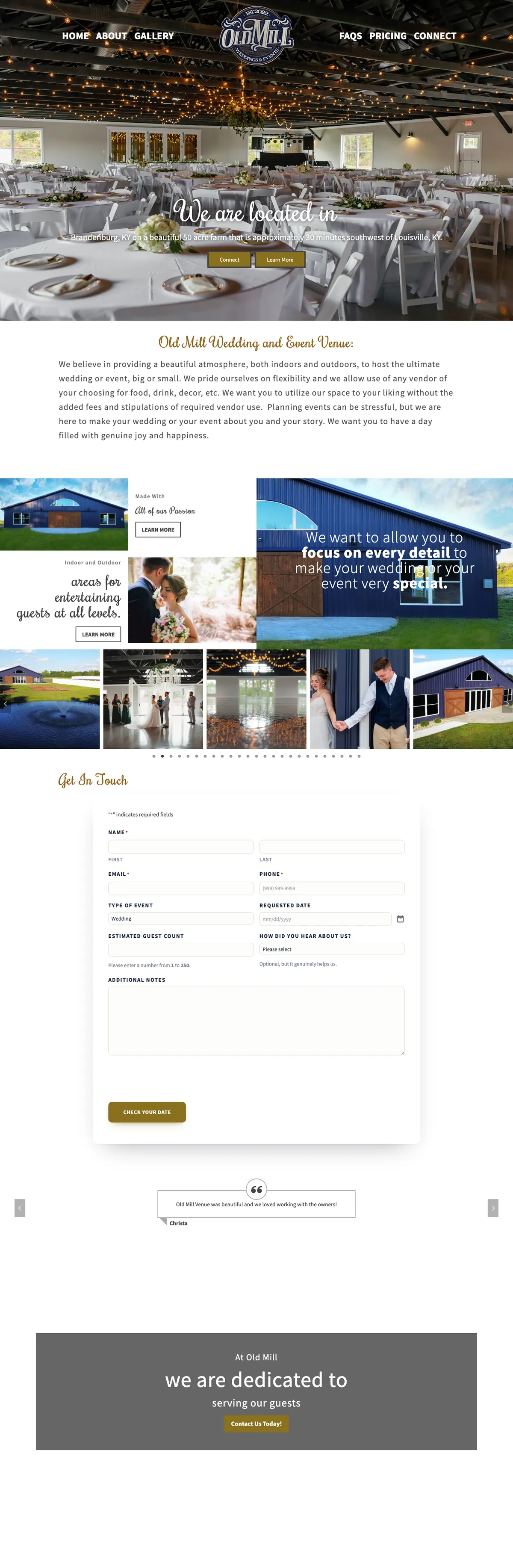



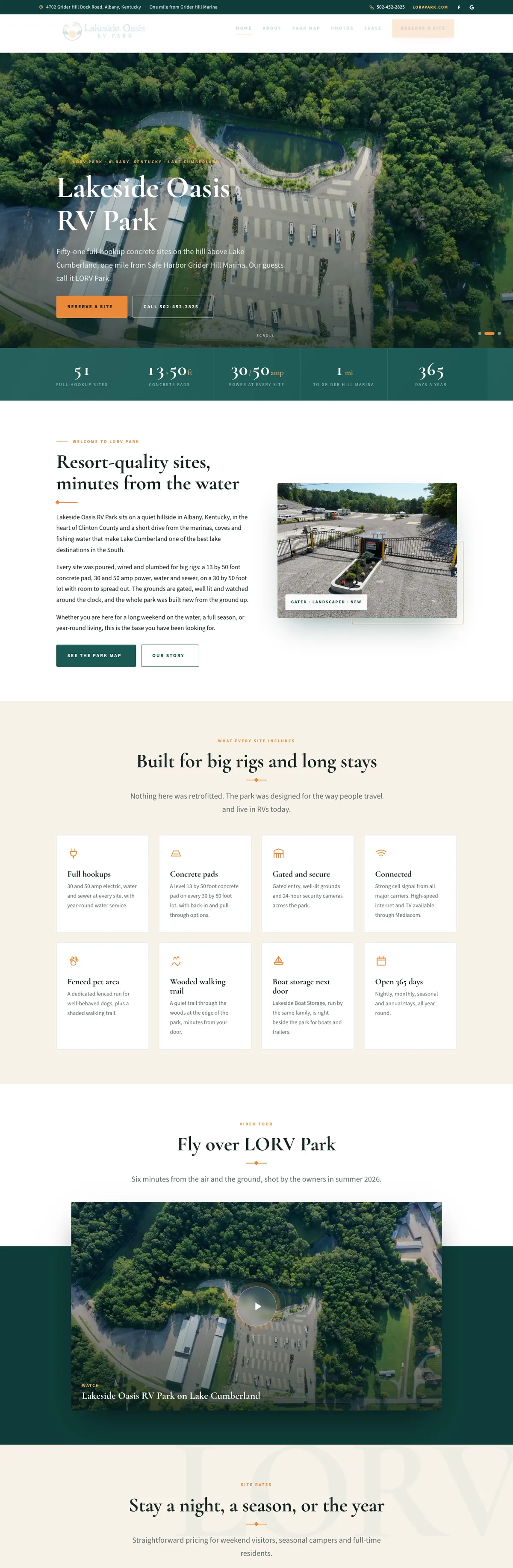
Websites I have built for Kentucky businesses



















The short answer
If Google is asking for Google Business Profile verification, it wants proof that you run a real business at the address or in the area you listed. Google chooses the methods it offers you, such as a video recording, a phone call or text, an email, a live video call or a postcard, and it says reviews take up to five business days.
If your profile was suspended, Google believes something on it breaks its guidelines. Do three things: stop editing, check the profile against the guidelines below, and file one appeal with documents whose name and address match the profile exactly. Do not create a new profile. Google says not to, and an appeal can only be submitted once.
Which problem do you have?
- Verification pending. You finished a verification step and are waiting. Google’s verification help says reviews take up to five business days, and on rare occasions longer. Leave the name, address and category alone while you wait.
- A “Get verified” button, or a verification you never finished. Google has not confirmed the business yet, so the profile is not fully live.
- A video verification that came back with “Review issues”. Google did not accept the video. Select Review issues and follow the steps on screen.
- A suspended or disabled profile. Google’s help on fixing suspended or disabled profiles uses both words without defining a difference, and the route is the same: fix the guideline problem, then appeal the profile.
- A restricted account. If the Google account itself is restricted, every profile it manages is suspended and you cannot create or claim others. Appeal the account restriction from your My accounts page first, then the profile.
- No notice, but your changes are not showing. Google reviews edits before they go live, and some edits send a verified profile back through verification.
The first three things to do
- Stop editing. Every change goes to review, and Google’s editing help says changing the name after verification may mean verifying again, while moving the address means you must. Fix what is wrong once, deliberately.
- Check the profile against Google’s guidelines, summarized below. Start with the business name, the address and whether a second profile exists for the same place.
- Gather proof. Business registration, a business license, a tax certificate or a utility bill, each showing the same business name and address as the profile.
Google Business Profile verification, step by step
Google decides which verification methods you see, and you cannot change them. Depending on the business, they include:
- Video recording, if the business is eligible.
- Phone or text.
- Email.
- Live video call.
- Postcard by mail.
Reviews take up to five business days, and on rare occasions longer. For anything on video, plan it before you start. Google’s guidance for a live video call asks you to show your current location, your business or its equipment, and proof that you manage it. In practice that means starting outside with the street, the building or your signed vehicle in view, then showing the premises or tools, then something only the owner could do, such as opening up the premises or the work van with your own keys.
If the Get verified button comes back afterwards, Google could not verify you. Try again, or use another method it offers.
Why Business Profiles get suspended
Google’s guidelines for representing your business are strict. These are the rules most worth checking:
- The name is your real-world name, and nothing more. No service keywords, towns or taglines added. “Smith Plumbing” is a name; “Smith Plumbing Louisville Water Heater Repair” is not.
- Service-area businesses hide the address. If you travel to customers and do not receive them at your premises, Google says to hide the address.
- No PO boxes, remote mailboxes or virtual offices. A rented mailing address where you do not actually work is not eligible.
- Co-working spaces only with conditions. Clear signage, customers received during business hours, and your own staff there.
- One profile per business, per location. Google says there should only be one, so a duplicate breaks the rules.
- Categories describe what the business is, using the fewest that cover it, not every service you sell.
- You can be reached at the location during the hours you list, if customers come to you there.
Google Business Profile suspended? How to appeal
- Fix the guideline problem first, so the profile you ask Google to restore is one it can approve.
- Open Google’s Business Profile appeals tool, choose the profile and start the appeal.
- Add evidence. Google suggests official business registration, a business license, tax certificates or utility bills, and asks that the name and address on each match the profile.
- Submit, then wait for the decision by email. Google does not publish a timeline.
Two warnings from Google’s own help page. Appeals can only be submitted once, so do not rush a weak one; if it is denied, Google says it may allow an additional review where you can add evidence you left out. And do not create a new Business Profile for the same business while you wait; if your account is restricted, you cannot create or claim other profiles until the restriction is lifted anyway.
While you wait
A suspended profile costs calls, but customers can still find you other ways:
- Make sure your website shows your name, address or service area, phone number and hours exactly as they should appear on the profile.
- Check your Bing Places and Apple Business Connect listings, and keep them identical.
The same consistency is what AI assistants look for, as covered in how to show up in ChatGPT and Google AI answers. If the website itself is not appearing either, why your website is not on Google is a separate checklist.
Keep it from happening again
- Own the profile from an account in your business’s name, and add a second manager you trust, so it never depends on one login.
- Do not let an agency create the profile inside its own account.
- Keep a record of the name, address, categories and hours exactly as approved.
- Make changes one at a time, and only when something has really changed.
When I build a website for a local business, I connect the website to the Business Profile, get the categories and service list in order and set up the review link, and the profile itself stays in the owner’s account. Ongoing care of the profile, for businesses in Louisville and across Kentucky, is Google Business Profile management. If reviews are the worry rather than the listing, read how to remove a Google review.
Frequently asked questions
How long does Google Business Profile verification take?
Google says verification reviews take up to five business days, and on rare occasions longer. If the Get verified button comes back, the attempt failed, and you can try again or use another method Google offers.
Can I choose how to verify my business?
No. Google determines the methods available for each business, and they cannot be changed. Use whichever it offers, and prepare for it so the first attempt counts.
How long does a suspension appeal take?
Google does not publish a timeline; it emails the decision. An appeal can only be submitted once, and an additional review after a denial is not guaranteed, so fix the problem and gather matching documents before you submit.
Should I just make a new profile?
No. Google’s help says not to create a new Business Profile for the same business, and its guidelines allow only one profile per business and location.
I work from home. Do I have to show my address?
No. If you serve customers at their locations and do not receive them at home, Google says to hide the address and list your service area instead.
Stuck? Send me what Google is showing you.
A screenshot of the notice and the link to your profile is enough. I will tell you what needs fixing before you use your one appeal.