
WordPress help for the small jobs that will not wait.
A menu of the WordPress fixes I do most, from a locked-out admin to a contact form that stopped sending. Tell me what is wrong, I quote it before any work starts, and the person who answers is the person who fixes it.
Or call or text (502) 387-1142
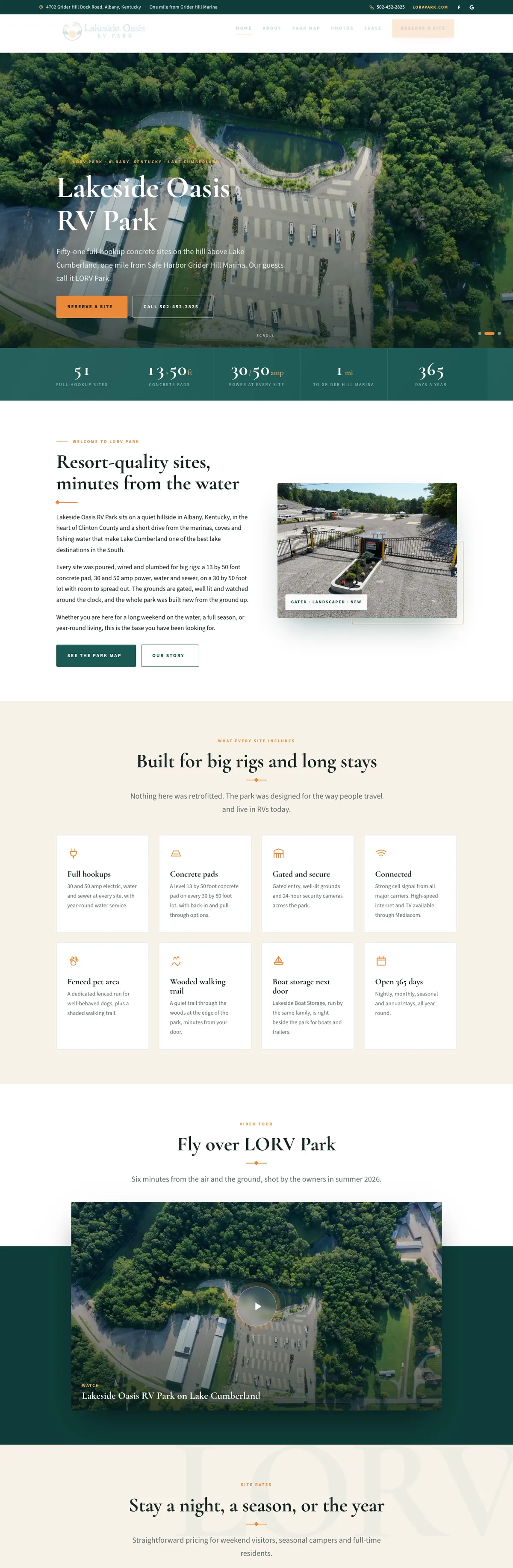

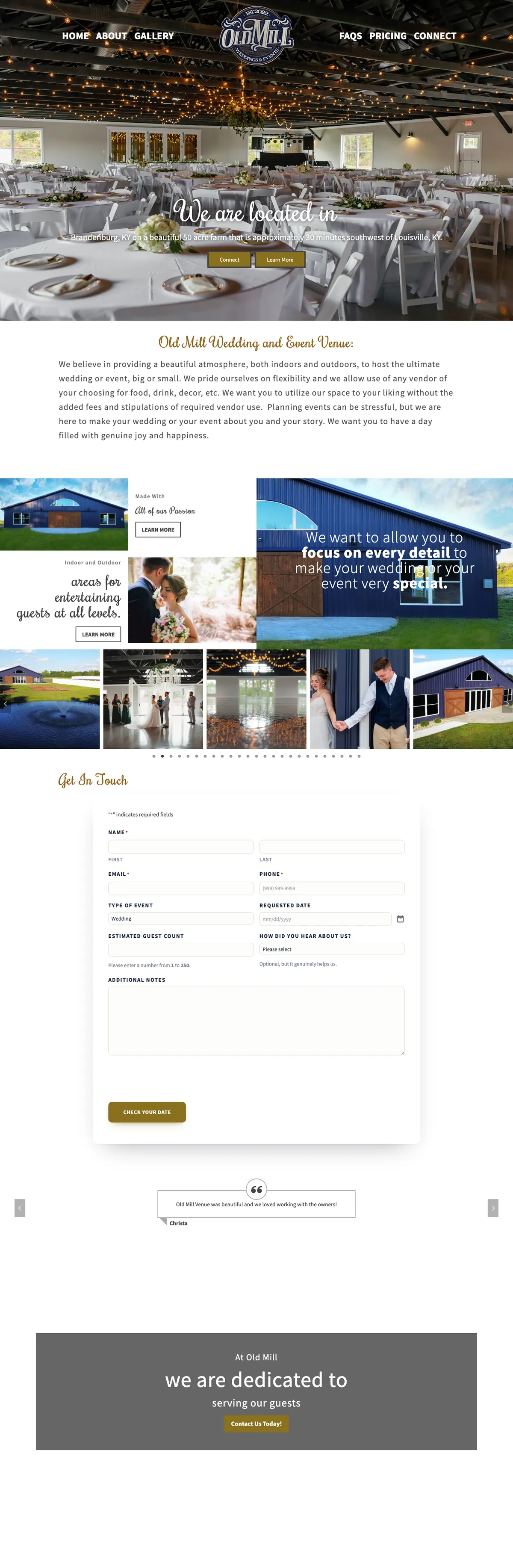


Websites I have built for Kentucky businesses



















Some WordPress problems need one fix, not a contract.
Sometimes you need one thing sorted: a page that broke after an update, a form that stopped sending, a plugin nobody remembers installing. You do not want a monthly plan or a ticket number. You want WordPress support from someone who will look, tell you what it takes and do it.
That is what this page is for. Pick the closest match below, tell me what you are seeing, and I will quote the job in writing before I touch anything. If it turns out to be bigger, like a hacked site or one that will not load at all, I will say so and point you to the right fix.
The WordPress fixes I do most.
Every job below is quoted before work starts. If yours is not on the list, ask anyway.
Locked out of wp-admin
Lost passwords, a missing admin account, a login page that loops, or a security plugin that locked the owner out. Access restored and the cause found.
Critical error or white screen
When a plugin or theme crashes the site, WordPress emails a recovery mode link to the admin address. I trace the crash, fix or replace the culprit and bring the site back.
An update broke something
A layout, a menu or a checkout that changed after an update. Rolled back or repaired, and the conflict explained in plain words.
Form emails not arriving
Notifications going to spam or nowhere at all. I send a test, follow the email and fix the setup behind it, from SPF and DKIM records to an authenticated mail relay.
Form spam
Junk submissions filling the inbox. Swapped for Cloudflare Turnstile, which checks for bots without asking your customers to solve puzzles.
A slow page or a slow site
Oversized images, a heavy plugin, caching switched off or misconfigured. Found, measured and fixed, with before and after numbers.
Edits you keep putting off
New pages, menu changes, updated hours, a photo gallery, a new team member. The small edits that wait because the page builder is confusing.
Not secure warnings and redirects
Certificate warnings, mixed content, redirect loops and old addresses that should forward to the new ones.
Plugin clean-up
Duplicate, abandoned or unused plugins removed safely, with a backup first, so updates stop feeling like a gamble.
Five things to check before you call anyone
Some WordPress problems are quick to narrow down yourself, and knowing the answers makes any fix faster, whoever does it.
- Is it the site or your connection? Load the site on a phone using mobile data. If it works there, the problem may be your network or browser cache.
- Check the admin inbox. If the site shows a critical error, WordPress may already have emailed the admin address a recovery mode link that lets you log in and see which plugin or theme crashed.
- Write down what changed last. An update, a new plugin, a hosting renewal or a new staff member with an admin login. It is the first question I will ask.
- Do not delete or reinstall anything yet. Removing plugins in a panic can wipe settings, and on a hacked site it destroys the evidence of how it happened.
- Check the bills. An expired domain or a hosting account suspended for an unpaid renewal looks exactly like a broken website.
If none of that explains it, send me what you found. It saves time on both ends.
Quoted first, fixed carefully, explained after.
Describe it
Tell me what you see, when it started and what changed just before, send a screenshot if you have one, and say where the site is hosted. No technical words needed.
Get a quote
I look, find the cause and send a written quote before any work starts. No hourly meter running in the background.
Backup, then fix
A backup comes first. Bigger changes are made on a copy and tested before they touch the live site.
Hear what happened
A short note on what was wrong, what changed and whether anything else needs attention soon.
The same hands look after sites for years.
I have built and fixed WordPress sites in Louisville since 2005, and websites since 2000. Some sites I look after I built. Some arrived with one broken thing and stayed.
Vendome Copper & Brass Works, Louisville’s still maker since 1903, has had me looking after its web presence for more than ten years, through two websites. Its Google review puts it simply: I handle the hosting, the online store and everything in between.

When a one-off fix is the wrong answer.
If it was hacked
Cleaning malware properly means finding how it got in and closing that door, which is a bigger job than a quick fix. That is WordPress malware removal.
If it keeps breaking
If the same kind of problem keeps coming back, the site needs ongoing care. WordPress maintenance puts updates, backups and checks on a schedule.
If it is past saving
Sometimes the theme is abandoned and every fix fights the last one. I will tell you when a website redesign is the better spend.
Before you send the job.
Do you give WordPress support for sites you did not build?
Yes. Many of the sites I fix are ones I have never seen before, on all sorts of themes and hosts. I look first and tell you what I find before quoting.
Do I need a monthly plan to get help?
No. One-off jobs are quoted on their own. If you later want ongoing care, that is a separate written plan, and nothing changes unless you ask for it.
How quickly can you look at my site?
I read every message myself and usually reply the same day on weekdays; messages at night or over a weekend get an answer the next business day. That is how I work, not a guaranteed response time. If the site is down right now, call or text (502) 387-1142 so the message does not sit in an inbox.
Will I need to give you my password?
Usually I need a separate administrator account of my own, which you can remove when the job is done. Some fixes also need hosting access. Please do not email passwords; I will suggest a safer way to share access.
What if the fix turns out bigger than the quote?
Then I stop and tell you before doing anything more. The quote covers the job described, and anything beyond it gets its own quote and your OK first.
How much does WordPress help cost?
Each job is quoted in writing before work starts, based on what it actually takes, so you know the number before anything changes on your site.
Tell me what broke.
A sentence and your website address is plenty. I will look and tell you what it takes before any work starts.
Connect with me
Tell me what needs fixing.
What happens next
- 01I reply, usually the same day. Every message comes straight to me, not a ticket queue.
- 02A short call. What the site needs to do, who it is for, and what has not worked before.
- 03A written scope and flat quote. Before any work starts, with hosting and ongoing care listed separately.
5.0 on Google · 29 reviews · I usually reply the same day