
Fix WordPress contact form emails that never reach your inbox.
Most missing form emails are not lost. They are junked or rejected because your website sends mail your domain never authorized. I set up an authenticated mail relay with SPF, DKIM and DMARC, then test until the notifications land in the inbox.
Or call or text (502) 387-1142
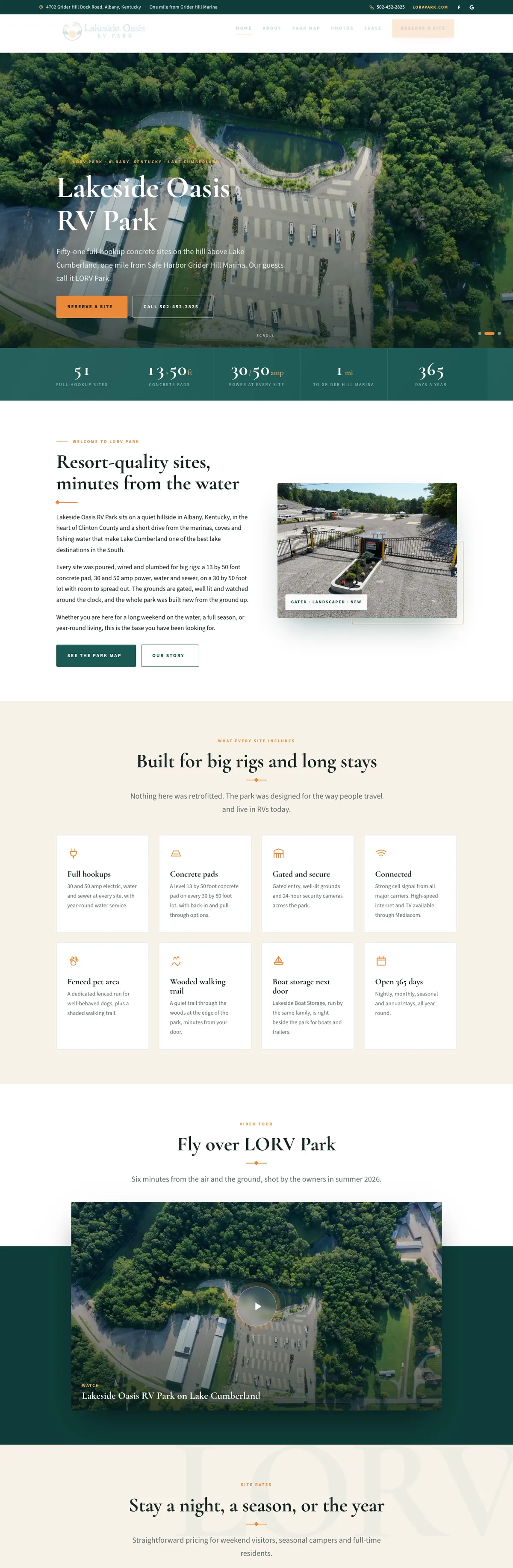

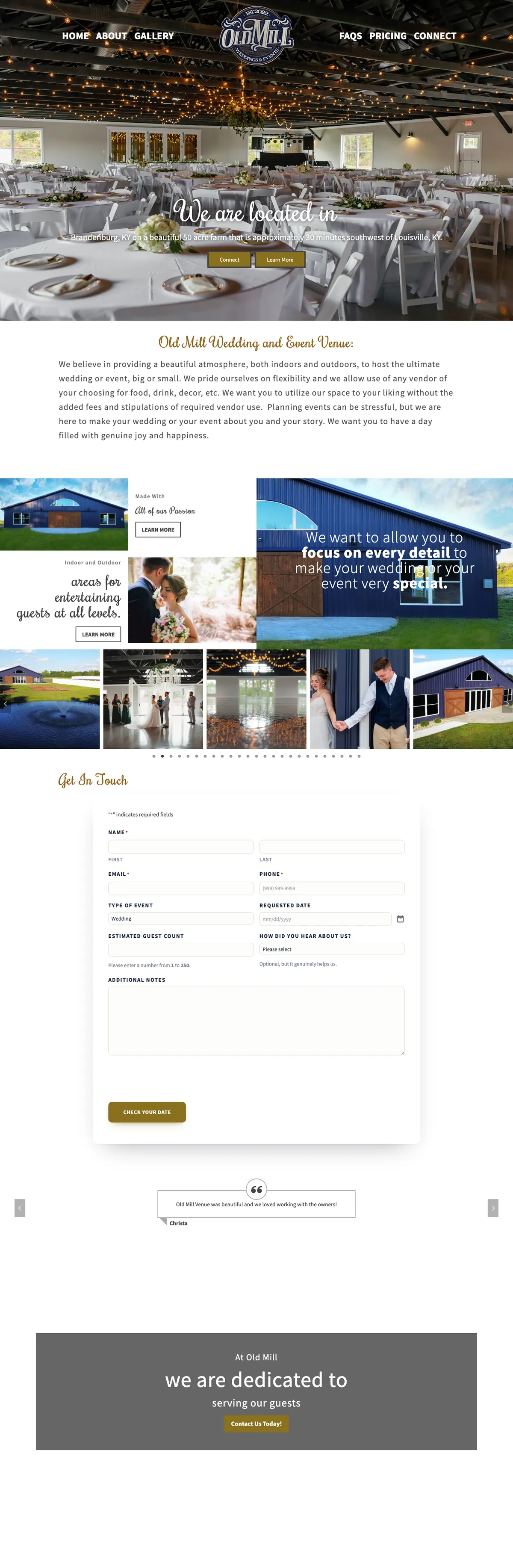


Websites I have built for Kentucky businesses



















The form worked. The email was never trusted.
When a WordPress contact form is not sending email, the form is rarely the problem. Out of the box, WordPress hands its mail to the web server’s own mail function and stamps it with an address on your domain. To Gmail or Outlook, that message claims to come from your business but arrives from a server your domain never vouched for. Some get through. Many land in spam. Some are rejected without a trace, while the form still tells your visitor it was sent. WordPress’s own mail documentation notes that a successful send does not mean the email was received.
The fix is email authentication: proving to the receiving mail service that your website is allowed to send for your domain. It takes a proper sending service and three DNS records, set up in the right order and tested.
Check your domain’s email records now.
Enter your domain. The checker looks up your MX, SPF, DKIM and DMARC records through public DNS and explains each result in plain English. It runs in your browser, and I keep the domain and the result so I can follow up.
What fixes a WordPress contact form not sending email.
Each one closes a gap that sends mail to spam. Together they are the same setup that runs on my own sites and the sites I host.
An authenticated mail relay
Site mail goes through a proper sending service with its own reputation instead of the web server. The sites I host send through Brevo this way.
One SPF record naming every sender
Your SPF record lists every service allowed to send as your domain: mailbox provider, website relay, newsletter tool. Under the SPF standard, a domain may have only one, and it must stay within ten DNS lookups.
DKIM signatures on your domain
Each message is signed with a key published in your DNS, so the receiver can confirm it really came from you and was not changed on the way.
A DMARC policy with reports
DMARC tells receivers what to do when a message fails and sends you reports of who is mailing as your domain. It starts at monitoring and tightens once everything passes.
A From address that lines up
The form sends from an address on your own domain that matches the authentication, with the visitor’s email set as the reply-to, so you can answer with one click. For example, the From line shows a forms address on your own domain, and Reply-To holds the address the visitor typed.
Tested to the inbox
Test submissions go to Gmail and Outlook addresses, and the headers are read to confirm SPF, DKIM and DMARC all pass. Checked, not assumed.
Inquiries were landing in spam. Now they are not.
Old Mill Venue came to me with a working site and a real problem: wedding inquiry notifications were landing in spam. I moved its DNS to Cloudflare, published SPF, DKIM and DMARC so the venue’s email authenticates, verified each record byte for byte, and closed the notifications-to-spam problem.
On another site I moved in September 2026, Google was silently discarding the contact form notifications because the SPF record did not include the mail relay. Nothing bounced and no error appeared anywhere. Adding the relay to the SPF record fixed it. That is the kind of fault this work finds: invisible until someone looks at the records.

From missing emails to a passing test.
Trace it
I send a test through your form and follow it: which server sent it, what the receiver made of it, and where it ended up.
Read your DNS
Every existing mail record is noted first, including what your mailbox provider and newsletter tool need, so nothing that works today breaks.
Set up the relay
The website is connected to an authenticated sending service, and SPF, DKIM and DMARC are published to match it.
Test and watch
Test messages to Gmail and Outlook must pass all three checks. DMARC reports then show anything else sending as your domain.
What Gmail, Yahoo and Outlook now require from senders
Since February 2024, Gmail and Yahoo have required every sender to authenticate mail with SPF or DKIM at a minimum, and to keep spam complaint rates below 0.3 percent. Gmail also asks all senders for valid reverse DNS and a TLS connection.
Senders of more than 5,000 messages a day to Gmail must go further: SPF and DKIM, a published DMARC record, a From address aligned with one of them, and one-click unsubscribe on marketing mail. Yahoo set the same rules for its bulk senders. From May 2025, Microsoft applied similar requirements to domains sending more than 5,000 messages a day to Outlook.com, Hotmail and Live addresses, and says mail that fails them is rejected.
A contact form sends nowhere near 5,000 messages a day, so the bulk rules may not apply to you directly. The direction is clear, though: mail that cannot prove where it came from is treated with suspicion. A small business with SPF, DKIM and DMARC set up properly meets the bulk standard with room to spare, and its form notifications stop depending on luck.
If your domain already has a strict DMARC policy, the stakes are higher. A policy of quarantine or reject tells receivers to junk or refuse unauthenticated mail claiming to be you, and that includes your own website’s notifications if they are still sent the old way. Run the checker above, or the full SPF, DKIM and DMARC checker, to see where your domain stands.
What this fixes, and what it does not.
No inbox guarantees
Authentication proves who sent a message. It cannot force anything into an inbox. Content, links and reputation still count, and nobody can honestly promise every message lands.
Your mailboxes stay put
Google Workspace or Microsoft 365 mailboxes keep working as before. The new records add your website as a sender; they do not move your email.
Newsletters are their own job
Bulk mail to customers has its own rules, including one-click unsubscribe. I set up the records it needs, but campaigns belong in a newsletter tool.
Too many emails instead?
If the problem is spam coming in through the form, the fix is better protection. I use Cloudflare Turnstile instead of puzzles. Stop contact form spam.
Logo broken in the email?
If the message arrives but its logo does not, a firewall rule may be blocking the email service’s image fetcher. That fix is here.
Someone else built the site?
That is fine. The fix lives in your DNS and in how the site sends mail, not in the design. I need access to the site and to wherever your DNS is managed.
WordPress form emails, answered.
Why are my WordPress contact form emails not arriving?
Usually they are being sent, but the receiver does not trust them. WordPress sends through the web server by default, from an address on your domain that the domain never authorized, so Gmail and Outlook junk or reject it. The form still shows a success message, because WordPress only knows the message left, not that it arrived.
What are SPF, DKIM and DMARC?
SPF is a DNS record listing the servers allowed to send mail for your domain. DKIM adds a signature to each message, checked against a key in your DNS. DMARC tells receivers what to do when a message fails those checks, and sends you reports about it.
Do I just need an SMTP plugin?
You need the website to send through an authenticated service, and on WordPress that usually means a plugin or a small piece of code connecting it to that service. The plugin alone is not the fix. The DNS records that match it are what make receivers trust the mail.
Will this change affect my Gmail or Outlook mailbox?
No. Your mailboxes stay where they are. The changes add your website’s sending service to your domain’s records and keep every sender you already use.
Do you only fix this for Louisville businesses?
I am in Louisville, Kentucky, but this work happens entirely online, so I fix form emails for businesses anywhere in the United States. You deal directly with the person doing the work.
How much does it cost to fix form emails?
It depends on how many sites and senders are involved and where your DNS is managed. I look at your records first and quote from a short written scope, so the number matches the work.
Send me your domain. I will trace the missing email.
Tell me which form is failing and where its notifications should go. I will check your records and tell you what is wrong, whether or not you hire me.
Connect with me
Tell me which form is failing.
What happens next
- 01I reply, usually the same day. Every message comes straight to me, not a ticket queue.
- 02A short call. What the site needs to do, who it is for, and what has not worked before.
- 03A written scope and flat quote. Before any work starts, with hosting and ongoing care listed separately.
5.0 on Google · 29 reviews · I usually reply the same day