AI website builders vs a custom website: what you actually get.
An AI website builder can draft a whole site from a few answers about your business. That is real, and for some businesses it is enough. The questions that decide it come after the draft: who owns it, what it can do, and what happens when you outgrow it.
Or call or text (502) 387-1142
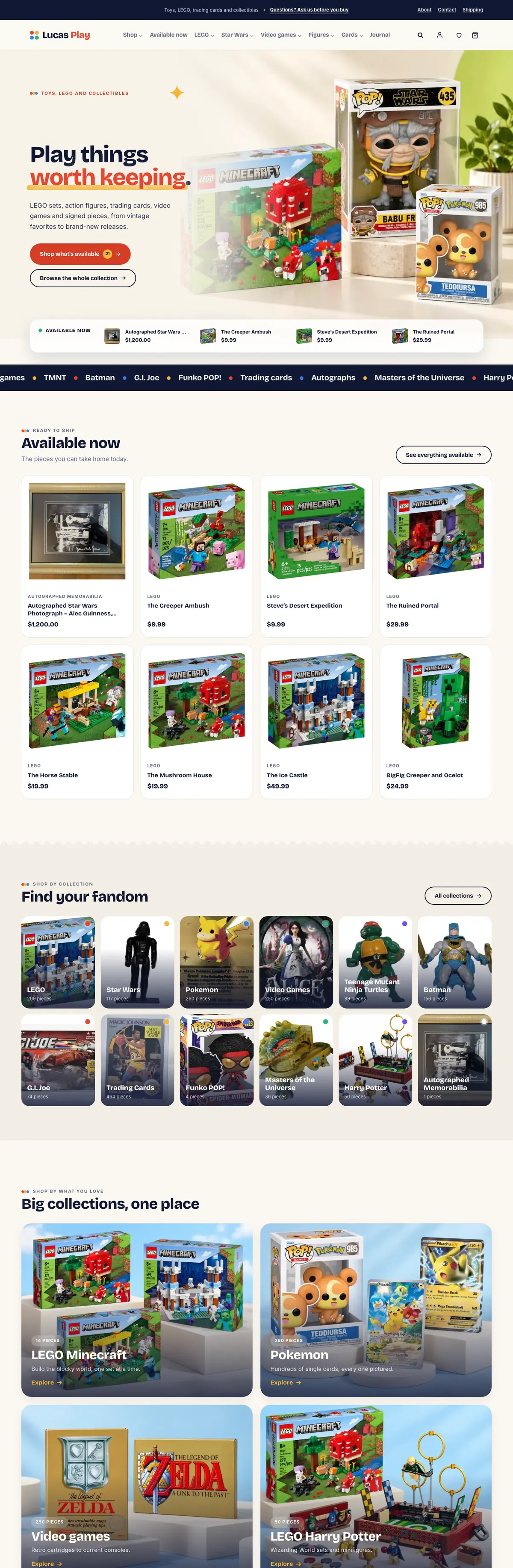

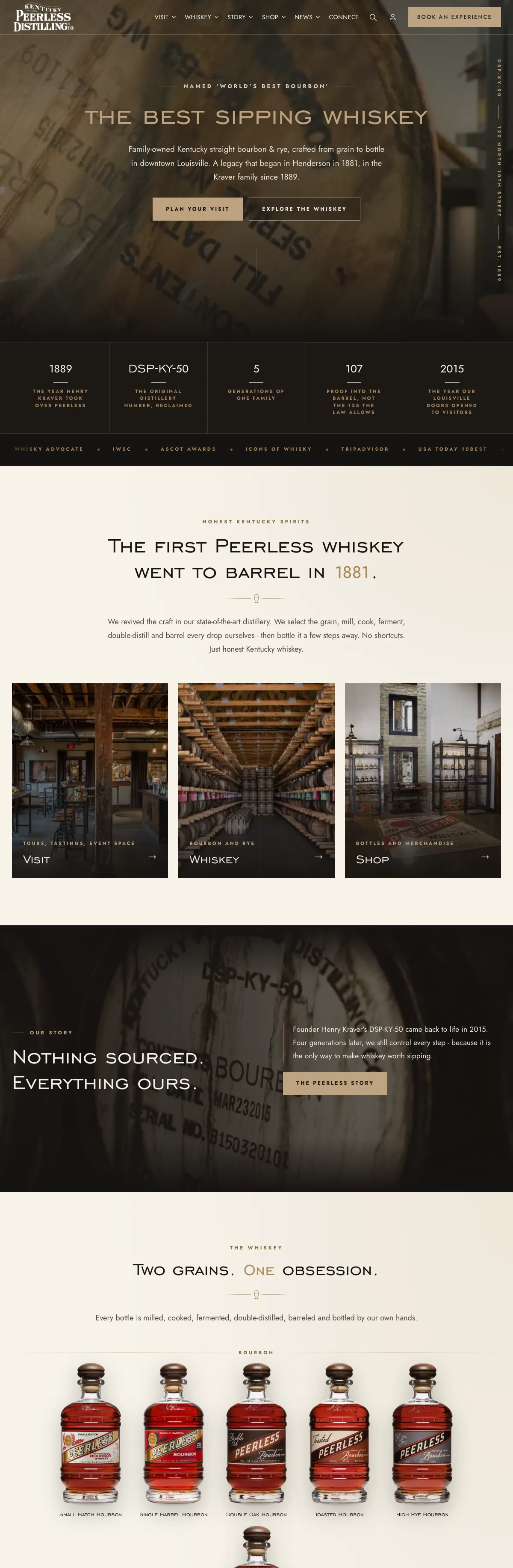

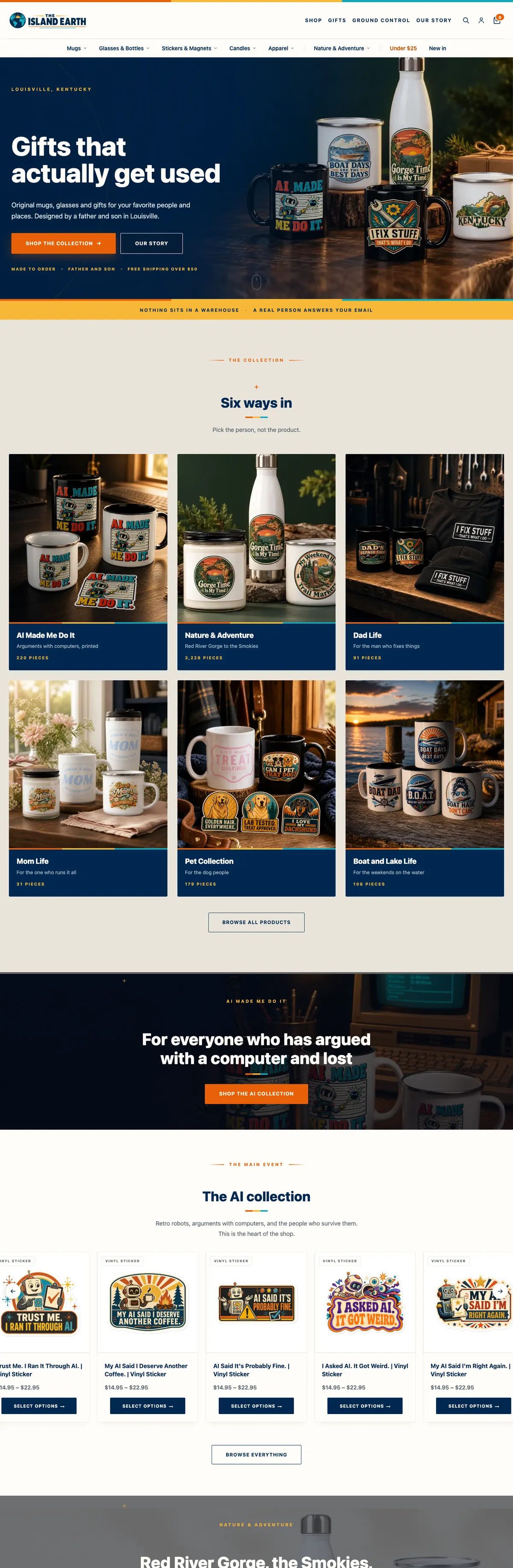
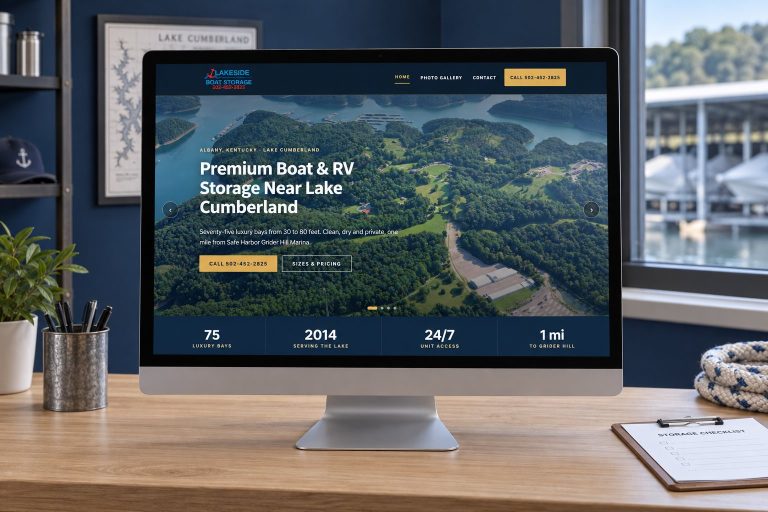
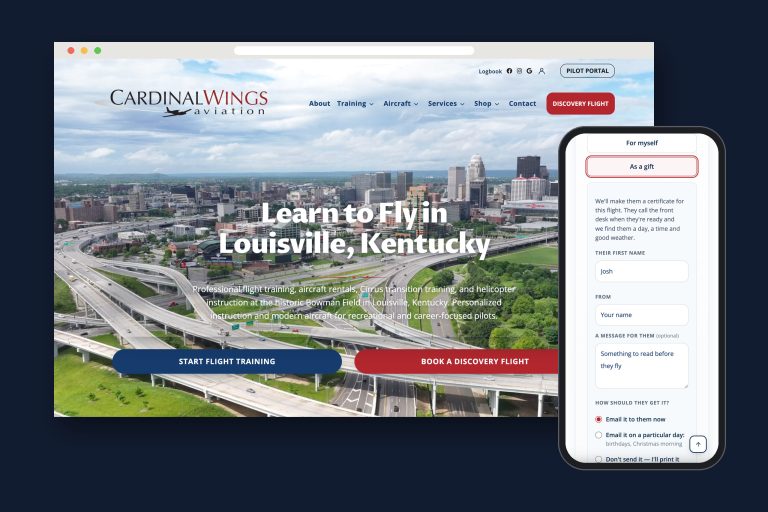
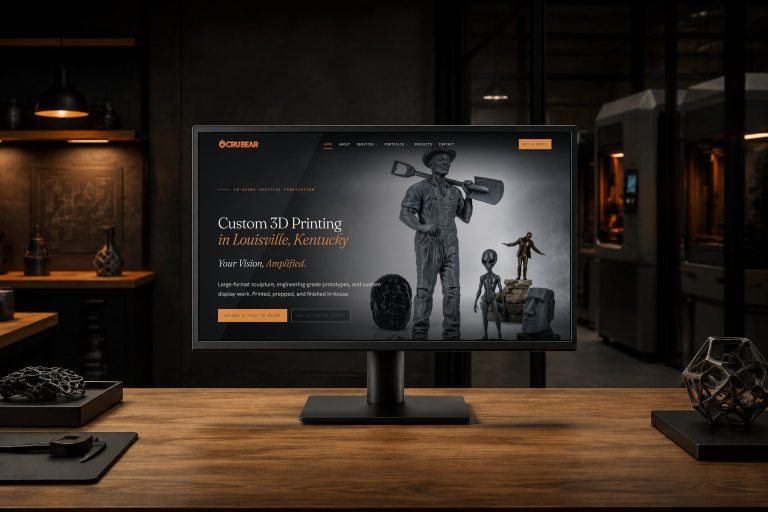
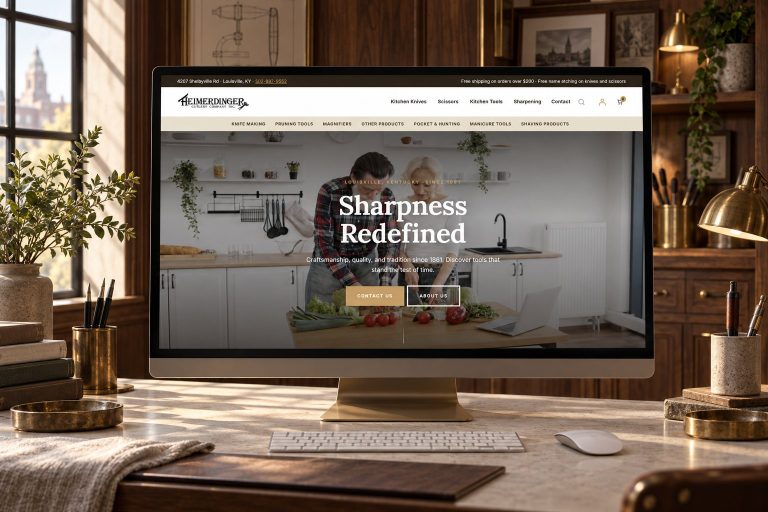
Websites I have built for Kentucky businesses



















The short answer
An AI website builder is a fast way to a first draft. Many are familiar hosted builders with an AI step at the start, such as Squarespace’s Blueprint AI and Hostinger’s AI Builder, so the finished site lives on their platform with their limits on exporting, design and features. Use one if you need a simple presence quickly and will write the real content yourself.
Choose a custom website when the site has to do something specific for your business, when search is how customers find you, or when you need to own what you pay for and be free to move it.
What an AI website builder actually does
The pattern is much the same from one builder to the next. You answer a few questions: what the business does, what visitors should do, the feel you want. The builder generates a multi-page site with starter copy, images and a color and font scheme, and drops you into its normal editor to change whatever you like.
Squarespace’s Blueprint AI is a good example: a few questions about your business, then a multi-page site with starter copy, imagery and a visual direction that you edit in Squarespace’s drag-and-drop editor.
The important point is that the AI is the front door. Behind it is the same hosted builder, with the same plans, the same editor and the same rules about what you can take with you.
Where an AI builder genuinely helps
I would rather be fair about this, because the tools are useful.
- Speed to a draft. A page structure, a color scheme and placeholder copy in minutes beats a blank screen.
- A test for a new idea. If you are not sure the business will exist next year, a cheap rented site is a sensible bet.
- A one-person service with simple needs. Who you are, what you do, where you work and how to reach you. That is a small site, and a builder can hold it.
- Low upkeep. The platform patches and hosts it. You only edit your content.
If that describes you, an AI website builder may be all you need for now. Put your effort into the words and the photos, which the AI cannot supply.
Limit one: ownership and leaving later
This is the limit that costs the most, and it is documented by the platforms themselves:
- Wix says in its help center that its sites need to be hosted and operated on Wix’s servers and that its architecture does not support external hosting.
- Squarespace exports some content to a WordPress-format file, but store pages, product blocks, style settings and custom CSS do not export.
- Hostinger’s AI Builder, in its manual mode, can export regular pages, text, images and files to a WordPress site, but not the styles and layout, the online store, integrations, forms, collected submissions or SEO settings, per Hostinger’s export guide.
- Framer’s help center says it does not offer HTML export for self-hosting.
There is an exception worth knowing. Some AI tools generate a WordPress site; 10Web, for example, lists a WordPress backend for the sites its AI builder makes. A WordPress result is the easiest kind to move, though you should confirm the tool’s own export terms, and you inherit whatever theme and plugins the tool chose.
One qualifier applies to every WordPress site, custom builds included. The core software is yours to move under its open-source license, but premium themes and plugins come under their sellers’ own licenses, often with yearly renewals, and the site still needs care. Ask for a list of those before you count the site as fully yours.
Whatever you use, keep your domain registered in your own name with your own login. The domain ownership lookup shows who controls yours today.
Limit two: words that sound like everyone else
Google does not ban AI-written content. Its guidance says AI can be useful for research and for adding structure to original content. It also says three things every business owner should hear:
- Fact-check and review everything AI generates before publishing, because language models predict likely words rather than look up facts.
- Using automation to churn out many pages without adding value for people may violate Google’s spam policy on scaled content abuse.
- The bar is the same as for any content: helpful, reliable and made for people.
An AI builder does not know your service area, your prices, your crew, your reviews, the job you did last week or the question every customer asks on the phone. That knowledge is what makes a page convincing, and it has to come from you. If you do want AI working inside the business, answering, sorting and following up, that is a different job: AI automation.
Limit three: control over search
Builders give you the search settings they choose to expose: titles, descriptions, a sitemap, usually editable page addresses. For a small site that is enough.
The gaps show up as the site grows. Redirects when you rename a page, structured data for your services or products, image handling, server speed and caching are either limited or out of your hands on a hosted builder. And as Hostinger’s own documentation shows, SEO settings are among the things that may not come with you if you leave. On a site you own, every one of those levers is yours. If showing up in AI answers is the goal, I wrote about getting found in ChatGPT and Google’s AI separately.
Limit four: the feature you will need next
Most businesses eventually need the website to do one specific thing. A quote form whose questions change with the job. Bookings with real capacity limits and ticket types. A store that checks ages, limits quantities or shares stock with the register. A marketplace with approved sellers.
On a builder, you can do what the editor and the app store allow. When the app does not exist, you wait or you work around it. On a custom WordPress build, a developer writes it. Things I have built that no AI builder offers as a button:
- A tour online booking system with a check-in board for the distillery front desk at Kentucky Peerless.
- A plumbing request form for Allied Plumbing where the follow-up questions change with the service picked.
- An interactive park map for Lakeside Oasis RV Park where choosing a site carries its number into the reservation inquiry.
- A register-to-website POS integration so in-store sales and online stock agree.
Choose an AI builder if, choose a custom website if
Choose an AI website builder if
- You need a simple site soon and will write and update it yourself.
- The site only has to explain who you are and how to reach you.
- You are testing an idea and do not want to invest in a build yet.
- You accept the platform’s limits and the cost of leaving later.
Choose a custom website if
- The site has to do something specific: quotes, bookings, a real store, an integration.
- Customers find you through search and the content has to be yours and excellent.
- You want to own the site, keep every setting, and choose your host and developer.
- The website is part of how the business runs, not only how it looks.
A sensible path if you start with AI
Starting cheap is fine. Starting in a way that traps you is not. If you use an AI website builder:
- Register the domain yourself at a registrar you control, and point it at the builder.
- Rewrite every word the AI drafted, and replace stock or generated images with real photos of your work.
- Keep your own copy of your text and images somewhere outside the builder.
- Write down what the site must do next year. When the builder cannot do it, plan the move then, with every old address redirected.
When that day comes, moving to WordPress is a rebuild with redirects, and it goes faster when you kept your content. If you are weighing the cost of a build against a subscription, what a small business website costs in Louisville lays out what drives the number.
Frequently asked questions
Can AI build a website for me?
It can build a first draft: pages, starter copy, images and a style. You still need to supply accurate content, check every claim, and decide whether the platform behind the AI can do what your business needs.
Are AI-generated websites bad for SEO?
Not automatically. Google judges whether content is helpful and reliable, however it was made. Unedited, generic AI copy and pages produced in bulk without adding value are the risk, and Google’s spam policies address mass-produced pages directly.
Can I move an AI-built website to WordPress later?
It depends on the platform. A Wix site cannot be hosted elsewhere, Squarespace and Hostinger export only part of the content, and tools that generate WordPress sites can be moved whole. Plan on a rebuild with redirects in most cases.
Is an AI website builder cheaper than a custom website?
To start, yes. Over several years the subscription, any paid add-ons, your own time and an eventual rebuild can add up, so compare the total over three years rather than the first month.
Should I use AI to write my website content?
Use it for structure and first drafts if it helps, then rewrite with what only you know: your services, your area, your proof, your prices and how you work. Google asks site owners to fact-check AI content before publishing it.
Real photographs and a site built around one job.
Legacy Cooperages builds bourbon barrels in Kentucky. A distillery choosing a cooperage is choosing the wood its whiskey will live in for years, so stock images and generic copy would have undercut the whole site.
I built the brand and the WordPress site around a single job, the barrel quote, and shot nearly every photograph on it, on the cooperage floor and from the air. That is the part no generator can supply.

Built a site with AI and not sure it is enough?
Send me the address and tell me what the business needs the site to do. I will tell you honestly whether the AI version can get there, and what a custom site would add.