
Website rescue for when your web developer disappears.
No replies, no logins, and a site that needs something done. I help owners get back the domain, the hosting and the WordPress login, then take the site over properly: backed up, updated and recorded in your name.
Or call or text (502) 387-1142




Websites I have built for Kentucky businesses



















Most lockouts start with convenience, not a dispute.
A designer registered the domain in their own account to save you a step. The hosting sits on their plan. The only admin login uses their email address. Years later they retire, change careers or stop answering, and the site keeps working until the day something needs changing, renewing or fixing.
Website rescue is the job of getting each of those pieces back into your name, in the right order, without breaking the site or your email along the way. There is usually a route back, and it starts with the domain. The free domain ownership lookup shows where each piece sits today; a rescue is the hands-on work of getting them back.
Every piece of the site, back in your name.
Taken in this order, because each one opens the next.
The domain
Found with a public lookup, then recovered through the registrar’s own process for the business that owns it. Once the domain is in your account, everything else can be rebuilt if it has to be.
DNS and email records
Where your DNS is managed decides where the website and email point. Every record is copied before anything changes, so mail keeps flowing through the rescue.
The hosting account
If the hosting is in your name, the host can restore your access. If it sits on the developer’s plan, the site is copied out to hosting you control.
The WordPress admin
With hosting or database access, an administrator account in your name can be created even when nobody knows the old password. WordPress documents several ways to regain access safely.
Themes, plugins and licenses
Premium plugins on the old developer’s license keep working but stop getting updates. I list them and move the ones the site depends on to licenses you own.
Google accounts
Owner access to your Business Profile, Search Console and Analytics, so the reviews and history stay with the business, not the person who set them up.
Taken over, put right, and still running.
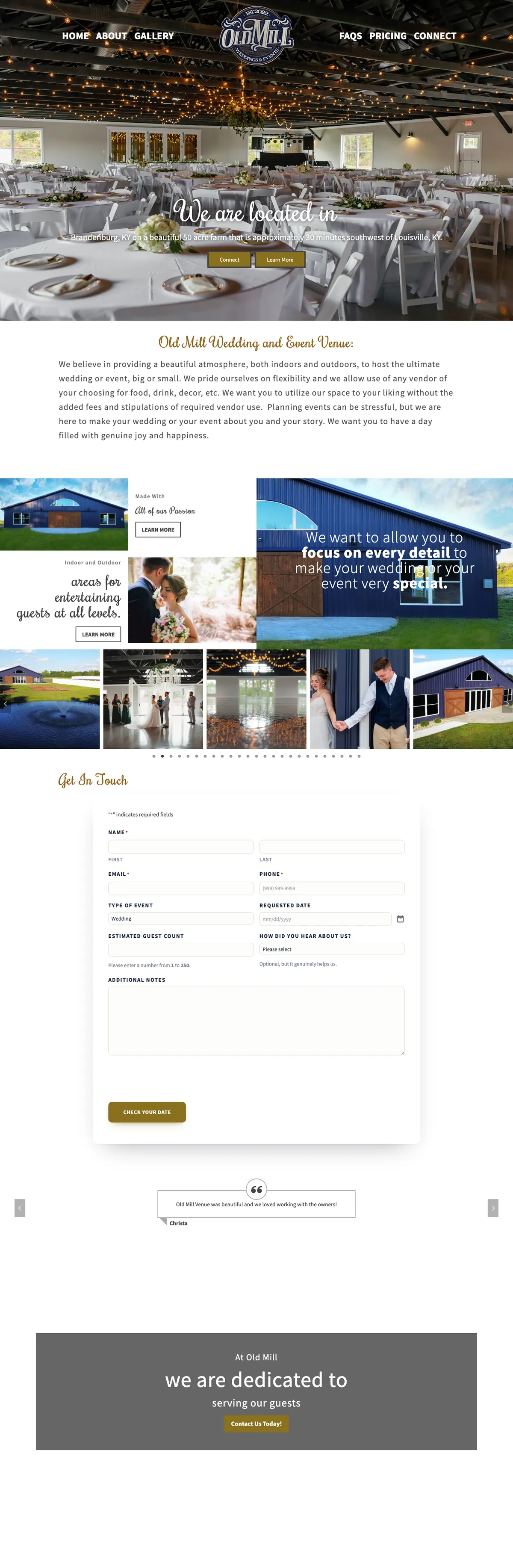
Most of the WordPress sites I look after today were built by someone else. Old Mill Venue arrived with a working site and inquiry emails landing in spam. I took it over, moved its DNS to Cloudflare, fixed the email authentication, slimmed the photo library and pointed the site at the Louisville couples who make up most of its bookings. It now runs under my WordPress maintenance.
Dr. Stephanie Moore‘s previous website had been compromised. I rebuilt it from the identity up, redirected the old addresses, answered known spam addresses with a proper 410 Gone and locked the login behind the edge network before it launched on September 17, 2026.

Calm, in order, and written down.
Find out what you hold
A public lookup and a short call show where the domain, DNS, hosting and email sit, and whose name is on each one.
Secure the domain
The domain comes back into an account in your business name before anything else is touched.
Copy the site out
A full backup of files and database is taken first. Then the site moves to hosting you control, or is repaired where it is.
Hand you the keys
Your own admin login and a one-page record of every account, owner and renewal date. Passwords go in your password manager, not the document.
Developer gone quiet? Do these five things today.
You can do most of this yourself before you call anyone, and it will make any rescue faster.
- Look up the domain. A public lookup shows the registrar, the expiry date and where the domain points. If it expires soon, that date is your deadline. Run the domain ownership lookup.
- Search your email for the registrar. Renewal notices and receipts show who has been paying, and often which account the domain sits in.
- Find out who hosts the site. The same lookup shows where the website points. Hosting companies can restore access for the account holder, so find out whether that is you.
- Ask once, in writing. A short, polite email asking for the domain to be moved to your own account, or for its transfer code, is the quickest route while the developer is still reachable. Some registrars, GoDaddy among them, can move a domain between two customer accounts without a full transfer.
- Do not touch the DNS yet. Changing nameservers or records without a copy of what is there can take your email down along with the website.
Domain lookups increasingly run on RDAP, the protocol created to replace the old WHOIS system, and privacy services often hide the owner’s name. The real test of ownership is whether you can log in to the registrar and see the domain in your own account. For the full list of what you should hold, read who owns your WordPress website. If the site is also broken or hacked, start with WordPress repair.
What a rescue can and cannot do.
Front doors only
Every account comes back through its owner’s front door: the registrar, the host or Google’s own recovery. If a provider needs proof you own the business, I help you supply it.
I am not a lawyer
If the old developer claims to own the design or the code, that is a contract question. I can tell you what the site depends on; a lawyer can tell you who owns it.
Sometimes rebuilding is faster
If the hosting cannot be recovered and no backup exists, rebuilding can be the quickest route. I will tell you early if that is where it is heading.
Website rescue, answered.
My web developer disappeared. What should I do first?
Find out who holds the domain, because everything else depends on it. A public lookup shows the registrar and the expiry date. Then search your email for renewal receipts, and ask the developer once, in writing, to move the domain into your own account.
Can I get my domain back if it is in the developer’s name?
It depends on the registrar and on what proof you have. If the developer is reachable, asking them to move it to your account is the quickest route. If not, the registrar’s support team decides what proof it needs, so start well before the domain expires.
How do I get into WordPress without the admin password?
With access to the hosting or the database, a password can be reset or a new administrator created directly, and WordPress documents several ways to do it. Without hosting access, the hosting account has to come first.
Will my email stop working during a rescue?
It should not, as long as the DNS records are copied before anything changes. Email depends on your domain’s mail records, so they are recorded first and checked after every change.
Can you look after the site once it is back?
Yes. Once it is in your name, the site can move to my managed hosting with monitoring, backups and updates, or stay where you choose with a maintenance plan. Either way, you keep the keys.
How much does a website rescue cost?
It depends on how many pieces are missing and how quickly the providers respond. I start with a short look at what you hold, then quote the work from a written scope.
Tell me what you can and cannot get into.
Send your domain and whatever you know about who built the site. I will tell you what you hold, what is missing and the order to get it back.
Connect with me
Tell me what you are locked out of.
What happens next
- 01I reply, usually the same day. Every message comes straight to me, not a ticket queue.
- 02A short call. What the site needs to do, who it is for, and what has not worked before.
- 03A written scope and flat quote. Before any work starts, with hosting and ongoing care listed separately.
5.0 on Google · 29 reviews · I usually reply the same day