Your WordPress site was hacked. Here is what to do in the first hour.
A page you did not write, visitors redirected somewhere ugly, or a red Google warning across your domain. The next sixty minutes decide whether this is an afternoon of work or a week of lost business. This is the order of operations used on every WordPress rescue that lands on my desk in Louisville.
Or call or text (502) 387-1142
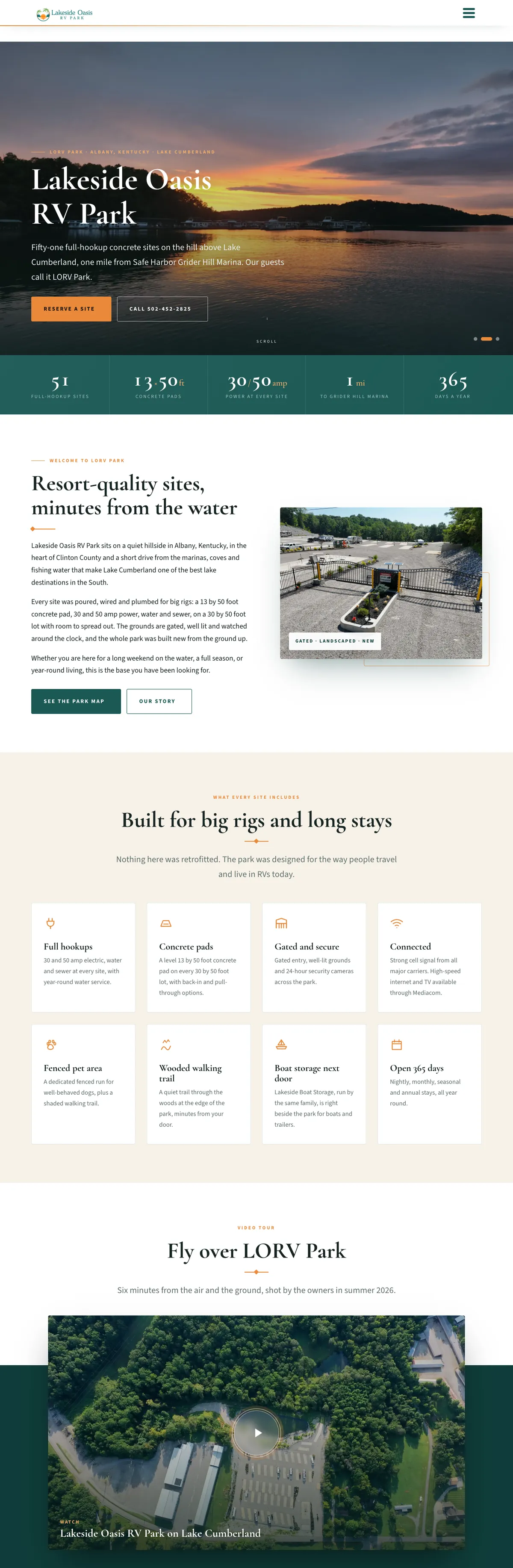

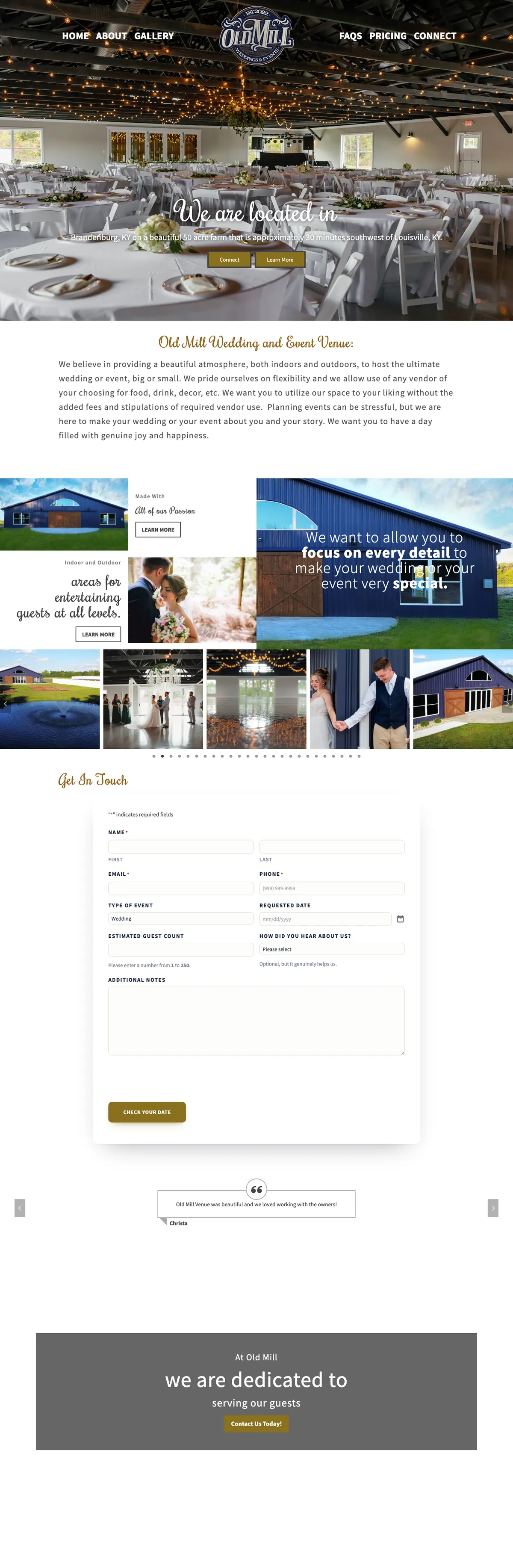


Websites I have built for Kentucky businesses



















About 8 minutes
Site owners, right now
The Louisville developer who does the rescues
September 2026
Not every broken site is a break-in.
A white screen after a plugin update, a database that ran out of space, or an expired SSL certificate all look alarming, and none of them are attacks. Those are crashes, and they are usually a faster repair. A hack leaves fingerprints, and they tend to look like the six below.
If you see any of them, treat it as a hack and keep reading. If you only see a white screen or an error message, start with the crash and update-conflict repair instead. The full cleanup service is WordPress malware removal.
What a hacked WordPress site looks like.
Pages you never wrote
Posts about pharmaceuticals, gambling or knock-off goods, sometimes visible only in Google search results and not on the site itself. That is usually the Japanese keyword or pharma hack.
Redirects
Visitors sent to another site, often only on phones or only when they arrive from a Google click, so you never see it yourself.
A red warning
Chrome shows “Deceptive site ahead”, or Google labels the result “This site may be hacked”.
Users you did not create
New administrator accounts, or your own password suddenly refused.
The host steps in
The hosting account suspended for sending spam or serving malware.
Files that do not belong
Strange names in the uploads folder, or a wp-config.php modified at an hour nobody was working.
Do not delete anything. The evidence is the only thing that tells you how they got in.
Infected files, fake users and odd log entries are the trail. Erase them and the same door stays open.
Six moves, in this order.
Do not delete anything
The infected files, the fake users and the log entries show how the attacker got in. That is the one question a cleanup has to answer, or you will be back here in a month.
Take screenshots
The defaced page, the redirect, the Google warning, the host email. Note the time. Thirty seconds now saves an hour of guesswork later.
Change the passwords you still control
WordPress admin, the hosting panel, FTP or SFTP, and the email tied to the admin account. New passwords, not variations, and two-factor wherever it is offered.
Check backups, but do not restore yet
A backup newer than the break-in puts the infection straight back. One older than the hole leaves the same door open. Know what you have first.
Tell your host, and your people
Good hosts pull logs, scan the account and can isolate the site. And if customers log in, order or pay through it, a short “I know and I am on it” beats a silent site.
Get a professional in before you start deleting
Cleaning a hacked WordPress site is not hard. Cleaning it completely, and proving it, is the part people skip.

Four shortcuts that make it worse.
Do not run a one-click cleaner plugin and call it done. Scanners find signatures; they do not find the backdoor left in a file that looks perfectly normal.
Do not reinstall WordPress over the top and hope. Core files are rarely the problem. The infection lives in plugins, themes, uploads and the database.
Do not pay whoever emailed you first about the hack. A compromised site attracts a second wave of people selling cures.
Do not restore and move on without rotating every credential and closing the entry point. That is how a site gets hacked twice in one season.
The cleanup, stage by stage.
Triage and protect
A full copy of the site and database is taken before anything is touched, so nothing is lost and the evidence survives. A maintenance screen goes up if visitors are being harmed.
Diagnose the entry point
Server logs, file modification times and the database are read together. Usually it is an outdated plugin, a weak or reused password, or a second compromised site on the same account. Until that is answered, nothing is finished.
Clean and verify
Core, plugins and themes replaced with clean copies from the source, not patched in place. Uploads scanned file by file, because PHP should never live there. The database checked for injected content, fake users and hidden options. Then the whole site re-scanned and tested.
Close the door
Every password rotated, two-factor on, file permissions corrected, the vulnerable plugin removed or replaced, and Google asked to re-review the site so the warning comes down.
Live WordPress sites I host, update and answer the phone for.


Years building websites, zero drama
Most single-site cleanups are back online within a day
Stages, always in the same order
Person: the developer you brief does the repair
Two days of “I will look at it Monday” can undo months of search progress.
A hacked site does more than embarrass you. Google drops the pages it flags, browsers block the whole domain, email sent from the domain starts landing in spam, and the payment processor behind an online store can suspend the account.
The sites I keep running for Louisville businesses get looked at the same day for exactly that reason.
Six habits that keep a WordPress site clean.
Update, and remove what you do not use
Most break-ins start with an outdated plugin nobody was watching. Fewer plugins, fewer doors.
Unique passwords and two-factor
On the admin login and the hosting panel. A password reused from another service is the most common key an attacker holds.
Backups that live somewhere else
Off the server, and restored once so you know they work. A backup you have never restored is a hope, not a plan.
Fewer administrators
Editors do not need to install plugins. Give admin rights to the people who genuinely need them.
A firewall in front
Cloudflare in front of a well-configured server blocks most automated attempts before they ever reach WordPress.
Someone whose job it is to notice
A care plan with monitoring catches a compromised file in hours, instead of the week it takes a customer to mention it.
Questions people ask first.
Can a hacked WordPress site be fixed without losing content?
Almost always. Content, images and orders live in the database and uploads, and the first step of every cleanup is protecting a copy of both. Content is lost when someone restores an old backup in a panic, not from the cleanup itself.
How long does it take?
A straightforward infection on a single site is usually cleaned, verified and back online the same day. Sites with many plugins, several domains on one hosting account, or an attacker who has been in for months take longer because there is more to trace.
Will Google remove the warning?
Yes, once the site is clean and you request a review in Google Search Console. Google says a security review can take a few days to a few weeks. Fix every reported issue before requesting a review.
Can you fix a site someone else built?
Yes. Most of the rescues I do are on sites I have never seen before, on every builder and host imaginable. You do not need to know who built it or how. It does help to know who holds the logins, and who owns your WordPress website explains what to look for.
Will a hack hurt my Google rankings?
It can. Google may show a warning or drop infected pages while the site is compromised. After a proper cleanup and a review request in Search Console, rankings usually recover.
Is a security plugin enough?
It helps, but it is not a substitute for updates, strong passwords, off-site backups and good hosting. A plugin warns you; it does not fix the hole that let someone in.
Why would anyone hack a small business website?
Most attacks are automated. Bots scan millions of sites looking for known holes in old plugins and weak passwords, so the size of your business does not matter.
Can a hacked site infect my visitors?
Yes. Some infections try to push malware or scams to the people who visit, which is why a fast response matters for your customers as well as your rankings.


If a cleanup reveals that the existing build no longer fits, a planned website redesign can carry its content and useful addresses forward.
Take the screenshots. Change the passwords you can. Then send me what you see.
You will hear back from the Louisville WordPress developer who does the work, with a plain-English picture of what happened, what it takes to fix, and what it costs, before anything is touched.