A website migration case study: moving more than twenty sites to one server.
In September 2026 I moved my clients’ websites and my own off older shared and reseller hosting and onto one dedicated server I run, behind Cloudflare. Every site was counted file by file and row by row before it switched. This is how it worked, and what the move dragged into the light.
Or call or text (502) 387-1142


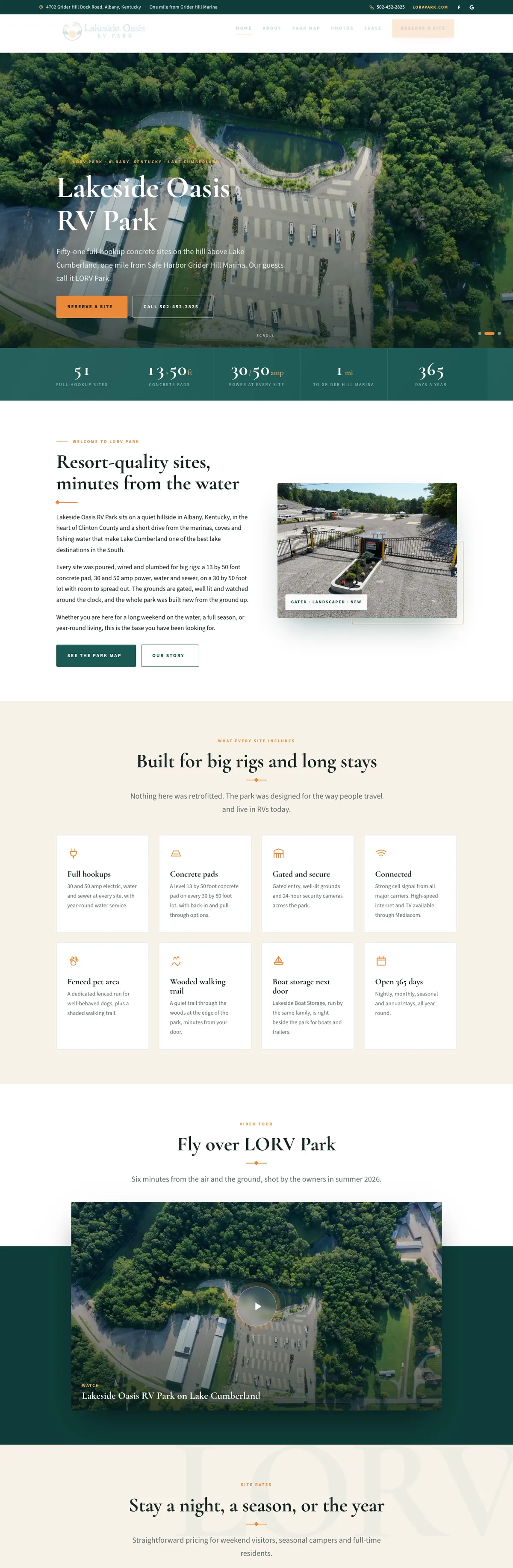

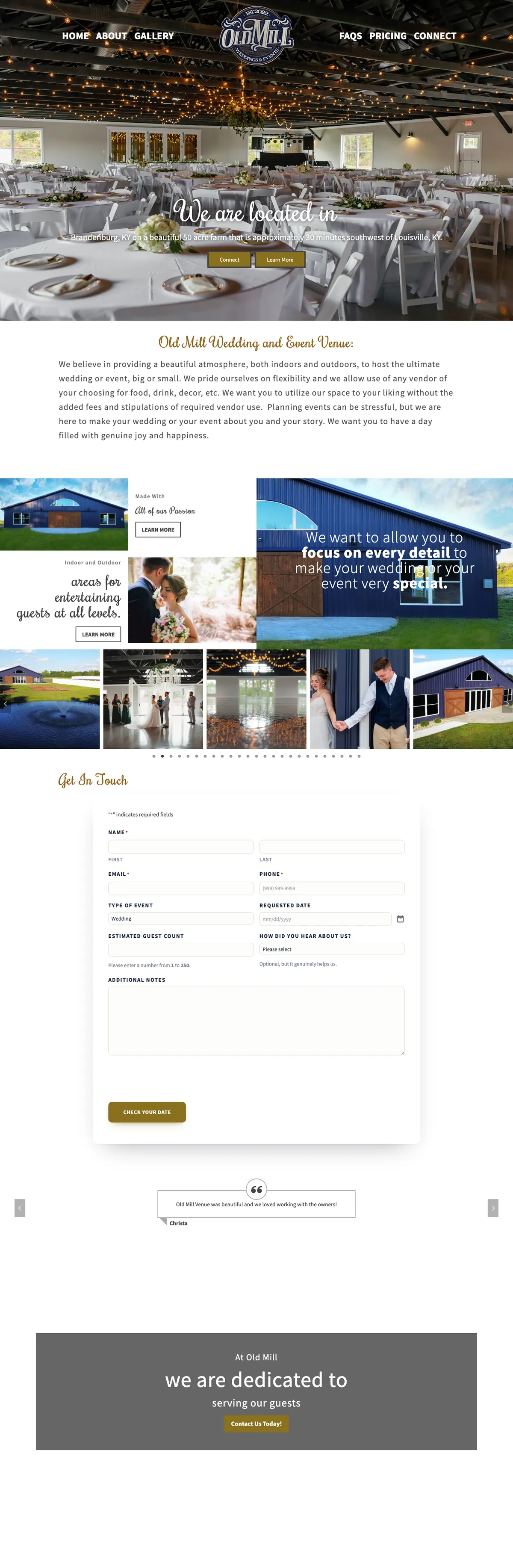
Websites I have built for Kentucky businesses



















The short version
Moving websites to a new server safely comes down to four habits. Copy the site and count everything: every file in every folder and every row in every database table, against the live original. Test the copy behind the real address before any DNS changes. Switch DNS, through Cloudflare where possible, with the old copy left intact as a rollback. Then watch the site, its mail and its backups on the new server.
Done that way, the move did more than relocate the sites. It found backups that had quietly stopped, form emails Google was silently discarding, and caching that handed browsers a file instead of a page.
Website migration case study: why move at all
The sites lived on older shared and reseller hosting, spread across several accounts. It worked, but it was slow, crowded and out of my control.
- Slow. My own site’s home page took about 5.4 seconds to build on the old account when the cache was bypassed. On the new server the same test measured about 0.78 seconds.
- Full. My own account was using 3,758 of its 4,500 MB, with little room to grow and not enough space to make a full archive of itself.
- Out of my hands. On shared hosting, PHP versions, caching, firewall rules and resource limits belong to the host. When a site slowed down, I could only ask.
One dedicated server, run by me, with Cloudflare in front, changed all three. The person who built a site is now the person who can tune the machine it runs on.
The rule for moving websites to a new server: count everything
“It looks fine” is not a test. A site can load perfectly while missing a folder of images, a plugin’s settings or a month of orders. So nothing switched until the numbers matched exactly.
- Files, folder by folder. The file and folder count of every directory on the new server had to match the original, with any intentional difference (such as an old error log left behind) accounted for.
- Database rows, table by table. Every table’s row count was compared against the live source database. Not against the export file, and not against the database’s own size estimate, which on one table read 1,133 rows when the true count was 1,129.
- Served pages, byte by byte. The same page fetched from the old and new servers was compared. On my own site the only differences were the per-visit security tokens that Gravity Forms puts in every form.
My own site came across as 31,445 files, 3.5 GB, and a 52-table database, with every count matching.
Counting also stopped one real loss. On one account, the hosting control panel reported seven old databases at 0.00 MB. Counted properly, they held 377 tables and 208,319 rows of data from websites long since removed. Had the panel’s number been believed, that data would have been left behind on a server due to be retired.
Test behind the real address before anything moves
Before any DNS changed, I pointed my own computer at the new server for each domain, so I could load the real website address from the new machine while every visitor still reached the old one. That is where most of the problems surfaced, privately.
- PHP served as plain text. Old hosting had added a line to sites’ .htaccess files for its own web server. On the new server that line meant PHP files were sent as text instead of being run, which would have exposed code to anyone. It was caught on the private test, removed, and never reached the public.
- Settings silently dropped. PHP limits set the old way were ignored by the new server’s PHP setup. One of them, the maximum number of form inputs, would have fallen from 8,000 to PHP’s default of 1,000, and big forms and page-builder saves would have started saving only partly, with no error anywhere. The settings moved to a file the new setup actually reads.
- Old paths baked in. Some sites had the old server’s folder path written into their configuration. The pages loaded fine while the page cache and a security plugin’s firewall quietly stopped working.
- The wrong home page. One site’s folder held both an index.html and an old index.php. The two servers preferred different ones, so the new server showed a page from years ago. Only the byte-by-byte comparison caught it, because both files had transferred correctly.
- Unreadable folders. Restored folders sometimes arrived with ownership the web server could not read, which shows up as an error page while every file is intact.
One more trap applies to the person testing: after a switch, a computer can keep using the old server’s address from its own cache. A speed test that seemed to show no improvement on one site turned out to be still talking to the old server. Pinned to the new one, the improvement was there.
How DNS switched through Cloudflare
Most of the domains already used Cloudflare, which made the switch itself small: change where the website’s records point, and Cloudflare starts sending visitors to the new server.
- Website records only. Mail records stayed exactly as they were. Sites whose email runs on Google Workspace or Microsoft 365 kept their mail untouched, and the new server was set to hand their mail off to those providers.
- Mail on the server came along. Where mailboxes lived on the old hosting, they were recreated with their password hashes carried over, so existing passwords kept working, along with forwarders and catch-all rules.
- Aliases before proxying. Turning on Cloudflare’s proxy for a domain also captures any record that aliases it, including mail and FTP names, because Cloudflare proxies every name on a proxied CNAME chain. Those were converted to direct records first, or mail would have broken while the website looked perfect.
- Old copies kept as a rollback. The old accounts were kept, suspended or left running, so any site could be switched back. Where old DNS zones still existed, they were pointed at the new server too, so anyone with a stale cached answer still landed on the live site.
One certificate refused to issue for my own main domain. The cause was a Cloudflare firewall rule that challenged traffic from outside the United States. Let’s Encrypt checks a domain from several network locations in different regions of the world, as its certificate policy states, so some of its own checks were being challenged too. Exempting the small folder that holds certificate checks fixed it for every site in that zone.
What the move uncovered
Moving a site means looking at all of it. These problems were already there on the old hosting, quietly:
- Backups that had stopped. Several sites had no per-site backup actually reaching storage, through stale schedules, a scheduled task that never ran, a plugin version that could not upload large files, and destinations on old hosting that no longer existed. Every site was still covered by the nightly whole-server backup, and every one now has daily database and weekly file backups offsite, confirmed in the storage itself. The method is in how to test website backups.
- Form emails Google was throwing away. One site’s SPF record did not list the mail service that sends its notifications. With DMARC set to quarantine, Google silently discarded them. Adding the service to the record fixed it, and checking SPF, DKIM and DMARC is now a standard step in every move.
- Caching that broke pages. One caching setup served its compressed pages without the header that tells a browser to unpack them, so visitors would have been handed a file to download. A second trap: in its faster mode, the same plugin ignores the cookies that mark a shopper with a full cart, so online stores stay on the safer mode, and the details are in my write-up on WP Super Cache serving downloads.
The first weeks on the new server
A new server needs settling in, and the first weeks taught a few things.
- The bots noticed. Login pages across the server started taking heavy password-guessing traffic. The old hosting had been filtering it with a firewall rule set nobody had mentioned. The new server’s web firewall was installed but had no rules loaded. I installed the OWASP Core Rule Set, added Cloudflare rules that block XML-RPC abuse and challenge the WordPress login page on every site, and later a rule that blocks vulnerability scanners.
- Scheduled jobs moved off visitors. WordPress normally runs its scheduled jobs when someone visits, as its developer documentation explains. Every site now runs them from a server task every five minutes, staggered so the sites do not all fire at once.
- Current PHP everywhere. Later in September every site moved to PHP 8.4, one at a time, each checked page by page with an automatic switch back if anything failed.
- Watched from outside. Every site is loaded once a minute straight from the server, so a cached page cannot hide a problem, and a real failure alerts my phone.
If you are moving a site yourself
The checklist I would hand anyone moving a WordPress site between hosts:
- Count files per folder and rows per table on both sides, and require them to match.
- Search the copy for the old server’s folder path and fix every live reference.
- Remove server-specific lines from .htaccess and move PHP settings to wherever the new host reads them.
- Test on the real address, privately, before DNS changes, and compare whole pages, not only status codes.
- Inventory every DNS record, especially mail, before touching any of them.
- Keep the old copy untouched until the new one has proven itself.
- After the switch, confirm backups are landing, form emails arrive, and the certificate covers every name.
If you would rather hand it over, that is my website migration service, and the server it lands on is my managed WordPress hosting, run from Louisville for businesses across Kentucky and beyond.
Frequently asked questions
Did any site go down during the move?
The switches were planned so a site moved only after its copy had proven itself, with the old copy left running as a rollback. For my own site, the records show no downtime at the switch. The first days on a new server do need watching, which is why monitoring started the same day.
How long does it take to move one website?
The switch itself is a DNS change that takes minutes. The real work comes before it: copying, counting, testing on the real address and checking mail. How long that takes depends on the size of the site, the store and the mailboxes, and I tell you before anything starts.
Will my email move too?
If your email runs on Google Workspace or Microsoft 365, it does not need to move, and its records stay untouched. If your mailboxes live on your current hosting, they can come across with their messages and existing passwords.
Do I have to change anything on my end?
Usually nothing, apart from approving the DNS change, or giving access to your domain’s DNS if it is not on Cloudflare yet. Your domain stays in your name.
Can you move a site I host somewhere else today?
Yes. The steps are the same whoever hosts it now. I read the site, its mail and its DNS first and tell you what I find before anything moves.
A century-old manufacturer, same site, much faster.
Vendome Copper & Brass Works moved onto my server with current PHP, server-side caching and Cloudflare Full (Strict) encryption. A third-party image proxy was removed and the database cut from 448 MB to 314 MB.
Nothing on the page changed. Measured before and after, the home page went from roughly one second to between 0.12 and 0.19 seconds for visitors.

Thinking about moving your site?
Tell me where it lives now and what worries you about it. I will look at the site, its mail and its backups, and tell you what a move would involve before anything changes.