
Google review link and QR code generator.
Paste your Place ID or a review link from your Google Business Profile. You get a direct link that opens your review box, a QR code to download and a card to print. It runs in your browser, and I keep the business name and the link it makes so I can follow up.
Or call or text (502) 387-1142
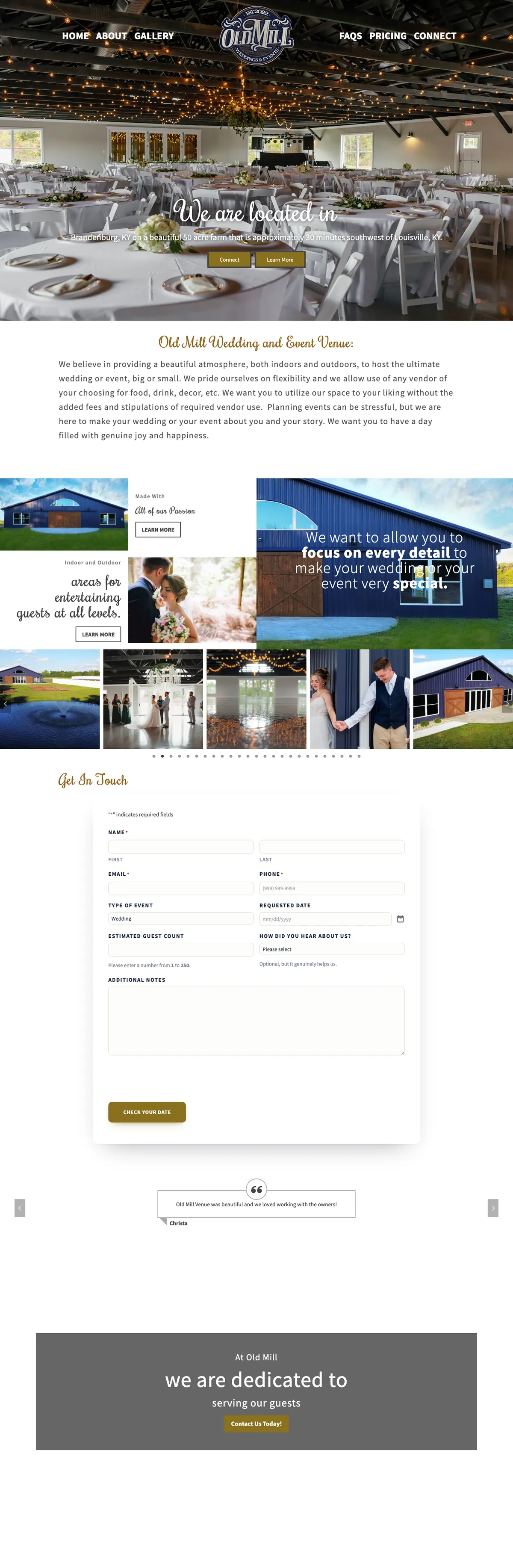

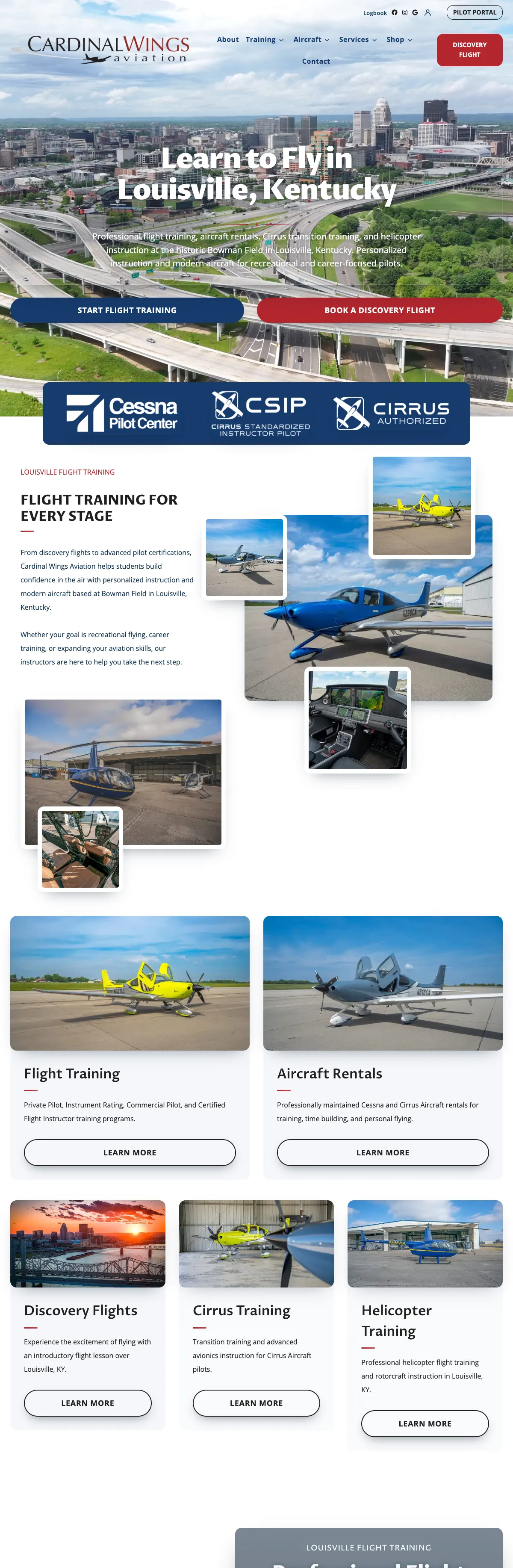

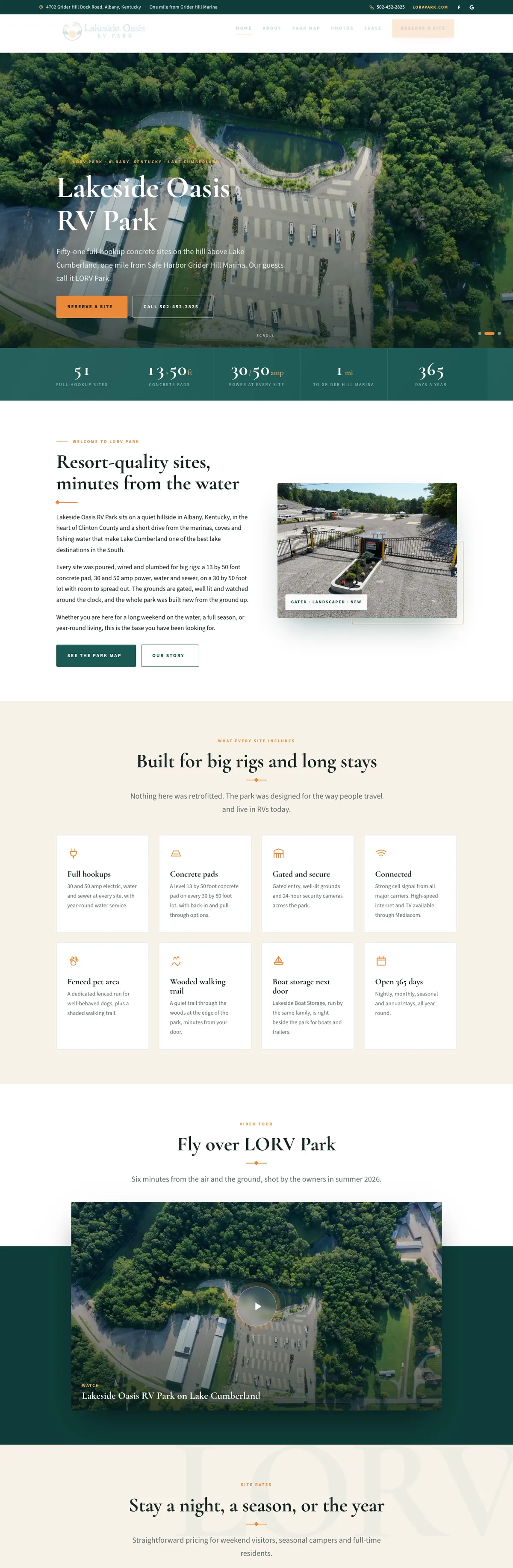
Websites I have built for Kentucky businesses



















Make your direct Google review link.
Paste a Place ID, or any Google review link you already have. The link, the QR code and the printable card are made on your screen. Nothing you type is sent to me or saved.
Every extra tap loses a review.
Plenty of happy customers will leave a review if it takes ten seconds. Ask them to search for your business, find the right listing, scroll to the reviews and find the button, and most of them never get there. A direct Google review link skips all of that. One tap opens your review box with the stars ready to pick.
The same link can live in a text message, an invoice, a thank-you email and a QR code on the counter, so asking becomes part of how you finish every job instead of something you remember once a month.
Four steps, about two minutes.
Get your ID or link
Copy the review link from your Google Business Profile, or look up your Place ID with Google’s Place ID Finder. Both work.
Paste it in
The tool reads either one and builds the direct review link, the QR code and a printable card.
Test it on your phone
Open the link and scan the QR code yourself. Check that your business name is on the review box before you send it to anyone.
Put it to work
Download the QR code, print the card, and save the link where your staff will use it: texts, invoices and thank-you emails.
How to find your Place ID and your Google review link
The easy way: Google’s own link
Google gives every verified business a review link. Sign in to your Business Profile on a computer, open your reviews and choose the option to get more reviews. Google shows a link you can copy and a QR code. Google’s help page notes that the review QR code can only be made in a computer browser, not on a phone. Paste that link into the tool above and it will turn it into a QR code and a printable card.
That review link is not the same as the Share button on your Google Maps listing. A share link opens your listing, not the review form, so your customer still has to find the review button. Use the review link from your profile, or your Place ID.
The other way: your Place ID
Every listing on Google Maps has a Place ID, a long string of letters and numbers that identifies that one place. Google publishes a free Place ID Finder in its Maps Platform documentation: search for your business name, pick the right pin, and the ID appears under it. Copy it exactly, with no spaces, and paste it here.
What the review link looks like
The direct link the tool builds is a long-standing Google review address: search.google.com/local/writereview?placeid= followed by your Place ID. Google does not formally document that address, which is one more reason to test your link on a phone. When someone opens it, Google shows your business with the review box open. Google does not allow anonymous reviews, so a customer who is not signed in to a Google account is asked to sign in first.
One thing to know: Google says Place IDs can change over time and recommends refreshing any ID older than twelve months. Test your link once a year, and again after a move, a name change or a merged listing.
One link, three ways to share it.
Each result is made for a different moment in the job.
The direct review link
Paste it into a text after the job, a follow-up email, your invoice template or your email signature. It is the fastest route for anyone already on their phone.
A QR code to download
For anything printed: the counter, a receipt, a leave-behind on a service call, a sign at the register. Print it large enough to scan from arm’s length and test the printed copy.
A printable review card
A card with your QR code, ready to print. Hand it over with the receipt or the keys, when the customer is happiest with the work.
How to ask for Google reviews without breaking Google’s rules or the FTC’s.
No incentives at all
Google prohibits discounts, gifts or free service in exchange for a review, and removes reviews it finds were paid for. The FTC rule that took effect October 21, 2024 bans incentives tied to a positive or negative review. For Google, the safe answer is simple: offer nothing.
Ask everyone, not just fans
Google’s content policy forbids selectively asking happy customers for reviews or discouraging unhappy ones. Survey-first review funnels that only send five-star customers to Google are exactly that. FTC staff say the practice could also violate the FTC Act.
No staff quotas
Google does not allow businesses to set staff a number of reviews to collect or ask for reviews that name a staff member. Reviews from employees and owners are a conflict of interest and are removed.
Never write or buy reviews
Fake reviews, reviews from people who never used the business and bought reviews are banned by the FTC rule, which allows civil penalties for knowing violations, and by Google’s own policy.
Do not pressure people
Google says businesses may ask, but should not require or pressure customers to leave a rating while they are on the premises. Hand over the card, then let them do it later.
Answer the bad ones well
Responding publicly to a negative review is fine and usually helps. Threatening a reviewer or making false accusations to get a review taken down is prohibited by the FTC rule.
Common problems the link reveals, and how to fix them
- The link opens a different business. Usually a duplicate or old listing with its own Place ID. Find the listing that matches your verified profile and use that ID, then ask Google to merge or remove the duplicate.
- The link opens your profile but nobody can find the review button. Use the direct link from the tool instead of a plain Maps link to your listing. The direct link opens the review box itself.
- A link that worked last year now fails. Place IDs can change. Look the business up again in the Place ID Finder and rebuild the link and QR code.
- Customers say the link asks them to sign in. That is Google, not the link. Reviews need a Google account, so mention it in your ask: it takes a few seconds if they use Gmail or an Android phone.
- Your profile is suspended or not yet verified. Fix the profile first. A review link cannot help a listing Google is not showing.
If the profile itself is the problem, Google Business Profile management is where I sort that out.
Allied Plumbing: real reviews, real photos, one link.
For Allied Plumbing in Bardstown, the website quotes real Google reviews with a link back to the profile, and the job-site photos have captions that say what is actually shown. When I build a service business site, setting up the review link is part of connecting the site to the Google profile, and the profile stays in the owner’s account.
My own Google profile sits at 5.0 across 32 reviews. Everything above is how I would want a client to ask.

Google review links, answered.
What is a Google review link?
A web address that opens the review box for your business on Google, so a customer can pick stars and write a few words without searching for you first. You share it by text, email or a QR code.
Is the tool free, and do you keep what I enter?
It is free. It runs entirely in your browser, so the Place ID or link you paste is never sent to me or stored anywhere. Close the page and it is gone.
Is this different from the link Google gives me?
Google’s own review link, the one your Business Profile offers when you ask for reviews, works well, and you can paste it here. The tool gives you the direct review link, a QR code and a printable card in one step. A plain share link to your Maps listing is different: it opens the listing, not the review form.
Will my review link ever stop working?
It can. Google says Place IDs may change over time and recommends refreshing IDs older than twelve months. Test the link once a year and after any move, rename or listing merge.
Do my customers need a Google account?
Yes. Google does not allow anonymous reviews, so anyone who is not signed in is asked to sign in first. Most people with Gmail or an Android phone already are.
Can you help me get more reviews?
Yes. I set up the review link, the profile and the follow-up so asking becomes part of every job. Start with the Google Business Profile management page or send me a note with your business name.
Want more reviews without the awkward ask?
Tell me your business name and how you finish a job today. I will tell you where a review link fits and what your Google profile needs first.
Connect with me
Tell me about your business.
What happens next
- 01I reply, usually the same day. Every message comes straight to me, not a ticket queue.
- 02A short call. What the site needs to do, who it is for, and what has not worked before.
- 03A written scope and flat quote. Before any work starts, with hosting and ongoing care listed separately.
5.0 on Google · 29 reviews · I usually reply the same day