What should a service-business website ask before the first call?
A good request form helps a customer explain the situation without turning a simple inquiry into paperwork. The first decisions are what to ask immediately, what to ask only when it applies, and what to leave for the conversation.
About seven minutes
Plumbers, HVAC, electricians and any business that starts with a phone call
Shaun Wilson
September 15, 2026

The form is the first conversation. Design it like one.
Most service websites treat the contact form as a formality: name, email, message, send. Then the office calls back and asks everything the form should have asked. The customer explains it twice and the visit still starts with a guess.
A better form does three things. It lets the customer say what is wrong in their own words, it asks only the follow-up questions that apply to that problem, and it is honest about what happens next.
The examples below come from the Allied Plumbing website, a Bardstown plumbing company whose form changes its questions based on the service selected.
What to ask, and when.
Six decisions, in the order a customer meets them.
Start with the reason for getting in touch
Let the customer identify the service or describe the problem. Use familiar language: “drain is slow or clogged”, not “drainage services”. Include a way to continue when they do not know which category fits.
Reveal the questions that matter
A water heater inquiry and a drain problem need different follow-up details. Conditional questions keep irrelevant fields out of the way. On Allied’s site, choosing a service shapes the rest of the request.
Let photographs add context
A photograph can show a fixture, an equipment label or a visible condition. Explain what is useful to photograph, and never ask customers to take a risk to get a picture.
Ask how and where to follow up
Collect the contact details and the service location the business actually needs, and nothing more. Town or ZIP is usually enough to schedule a route.
Finish with a clear confirmation
Tell the visitor the request was received and what the next step is, using only response commitments the company can keep. Confirm that the notification emails work, not just that the page looks finished.
Measure useful actions
Phone clicks and submitted forms are useful starting points. Keep job applications separate from customer requests so recruiting traffic does not inflate the lead count.
Ask what changes the visit. Leave the rest for the phone.
If an answer would not change who comes, what they bring or when they arrive, it does not belong on the form.
Familiar words first. Then only the questions that apply.
Allied’s form opens with one question: what do you need help with? The choices read the way customers talk. Drain is slow or clogged. Water heater problem or replacement. Sewer or septic issue. Something else.
Pick a water heater and the form asks whether it is tank or tankless, gas or electric, what it is doing, and roughly how old it is, with a note that a photo of the label is better than a guess. Pick a drain and none of those questions appear. Instead: which drain, has it happened before, has anyone used a chemical cleaner. That last one changes how the crew works safely, which is exactly the kind of question that belongs on the form.


Photos when they help, and only when they are safe.
An optional photo field with a one-line hint does most of the work: the heater label, the faucet, the notice from the utility. The hint also says what not to do. No crawl spaces, no leaning over flooded floors near electrical equipment. The crew will look at all of that on site.
Then the follow-up details: a name, a number, a town or ZIP. Only those three are required. Everything else on the form is there to help the visit go better, and the form says so.
Say what happens next. Then measure whether it did.
Sending Allied’s form does not book a visit, and the confirmation page says exactly that: the shop calls you back, and if it is urgent, call. That sentence prevents the worst outcome of a good form, a customer who thinks a plumber is on the way when nobody has read the request yet.
Behind the page, a phone-click event and a form-submission event feed the analytics, and the careers application reports separately. After thirty days the owner can see how people actually got in touch instead of guessing.

1
question to start: what do you need help with?
3
required fields: name, number, town
9
service paths, each with its own follow-up questions
2
forms kept apart: customer requests and job applications
Before you redesign your own form.
Should the form book an appointment?
Only if someone can honestly keep every slot it offers. For most owner-run service companies a call back is more truthful and converts better, because the scope gets understood before a time is promised.
Is a long form a problem?
A long form that asks irrelevant questions is. A form that asks four relevant questions after the customer picks a service feels short, because every question obviously matters to their problem.
What about spam?
Conditional forms with honeypots and a modern anti-spam layer stop nearly all of it without a puzzle for the customer. If real requests are being lost to a captcha, the captcha is costing more than the spam.
Can you rebuild the form on our existing website?
Usually, yes. The form logic, the notifications and the confirmation page can be rebuilt on most WordPress sites without touching the rest of the design.
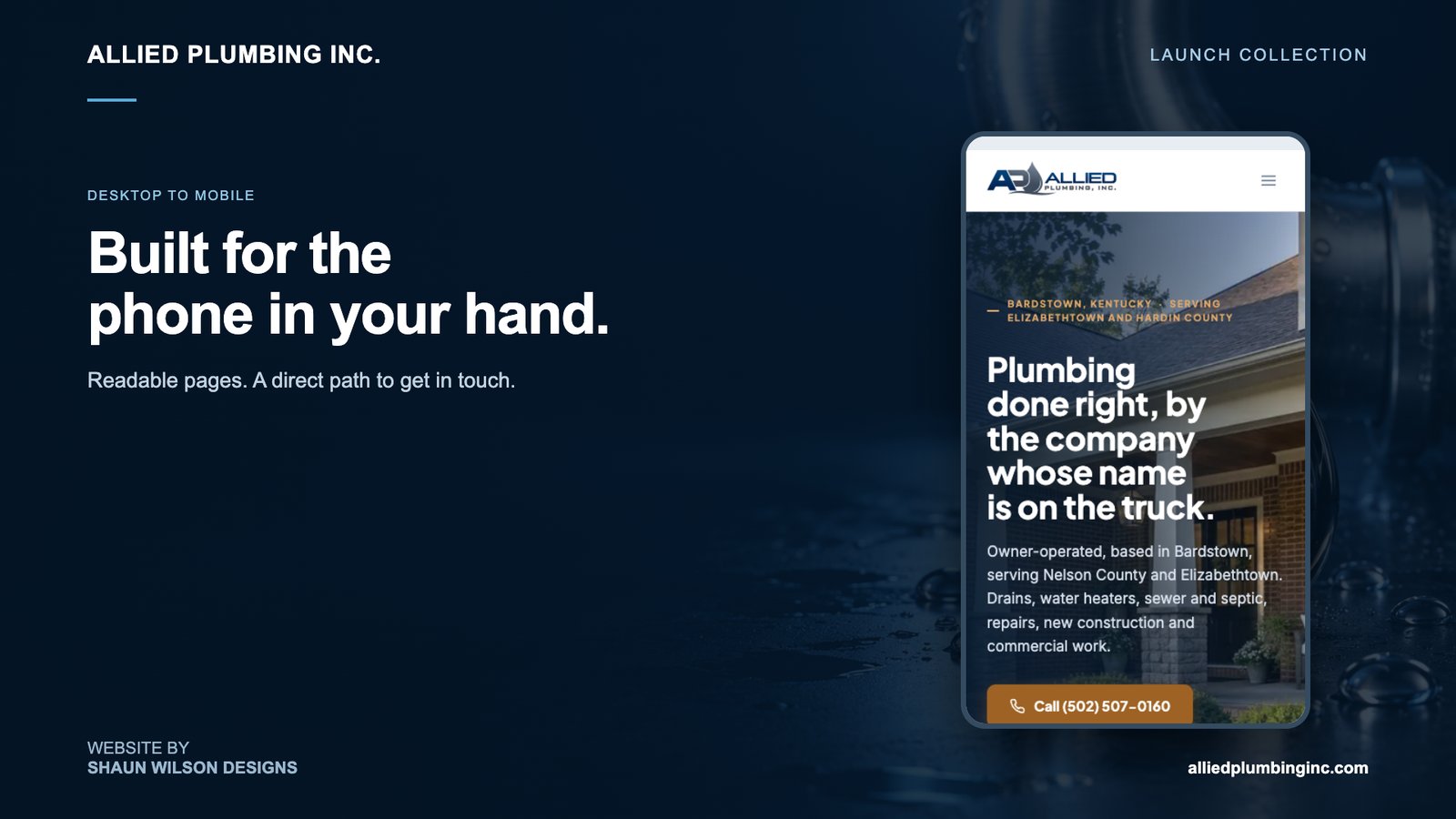
Seen on a desk, and in a hand.
Read the full Allied Plumbing case study for the rest of the build, or see how we approach plumbing website design in general.
Tell me what your customers call about.
One conversation, one builder, a request form shaped around the visit that follows. The person you brief is the person who builds it.

