WooCommerce migration: how to move an online store without losing a single product.
A WooCommerce migration is mostly a counting problem. Every product, photo and category has to arrive, and you have to be able to prove it did. This is the order the work happens in, written from the Lucas Play rebuild, where 1,374 products moved from an older WooCommerce store to a new one that launched on October 10, 2026.
Or call or text (502) 387-1142
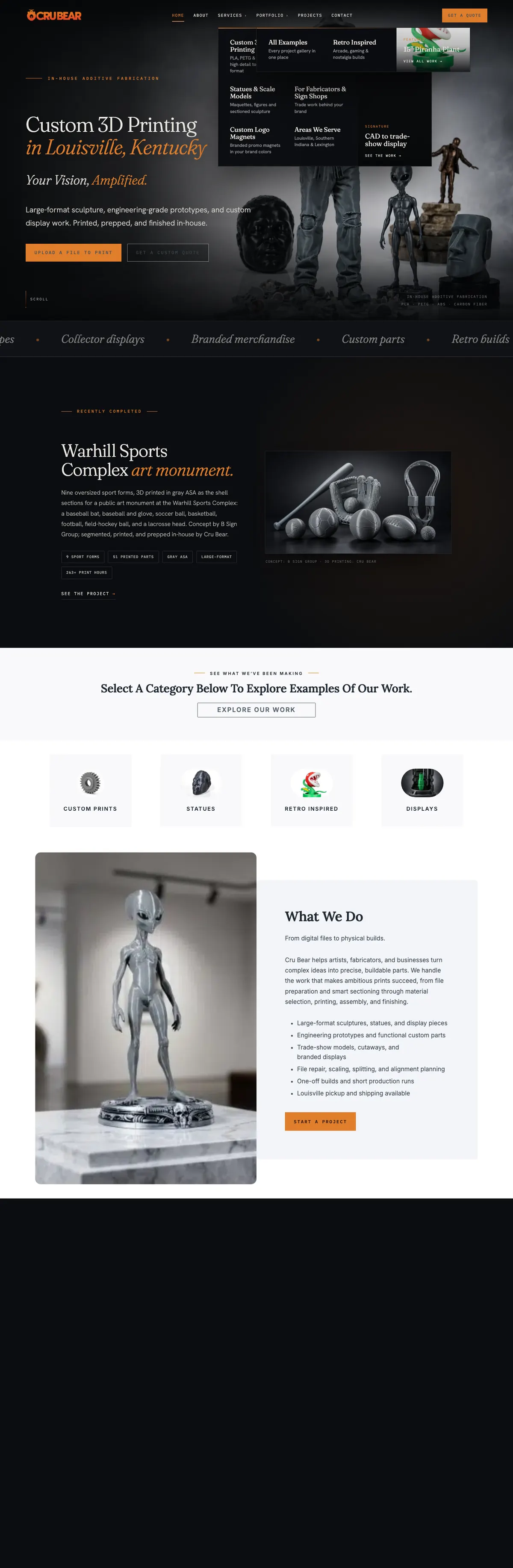


Websites I have built for Kentucky businesses



















About eight minutes
Store owners moving an existing catalog to a new website
Shaun Wilson
October 10, 2026

A store is its catalog. Lose part of it and nobody tells you.
A new design is the visible part of a store rebuild. The risky part is the catalog behind it: years of listings, each with a name, a price, photos, a category and a description someone wrote by hand. When a migration drops a few of them, nothing breaks loudly. A product is simply not there, and the customer who searched for it buys somewhere else.
A careful WooCommerce migration treats the catalog as the job and the design as the reward. Count it, extract it, import it with a way back to the original, reconcile the numbers, and only then rewrite and redesign.
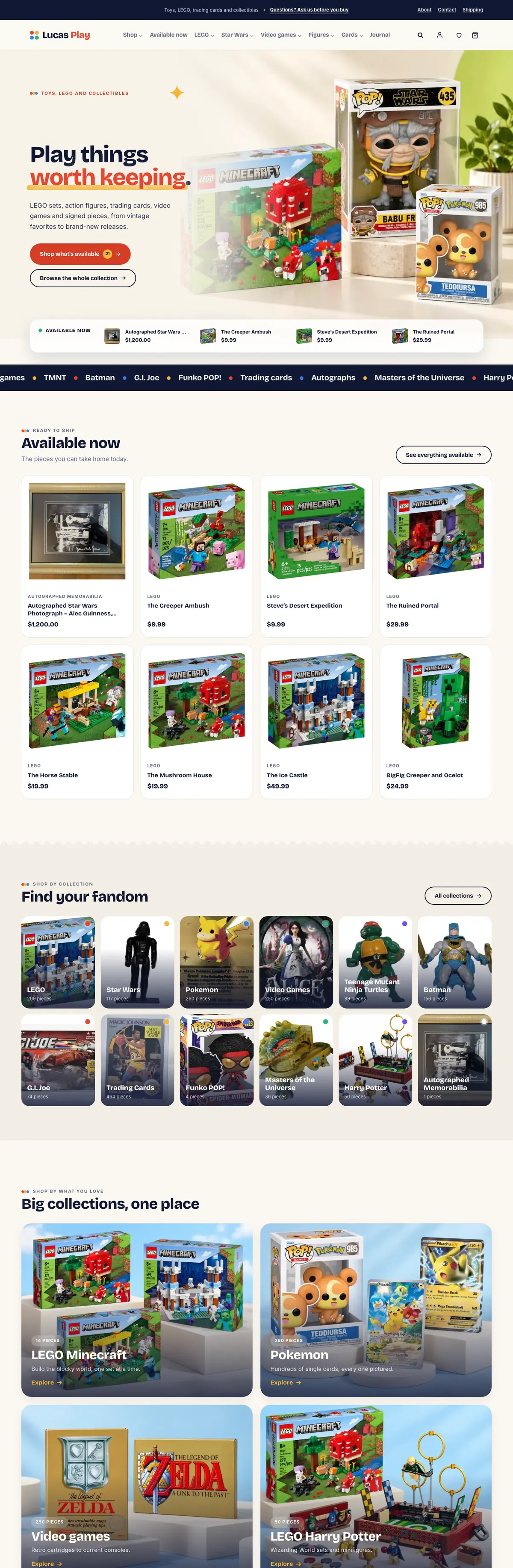
The examples come from the Lucas Play ecommerce rebuild: toys, LEGO sets, vintage action figures, trading cards and collectibles, moved from an older WooCommerce store to a new one. If your store is on Shopify, Wix or Squarespace today, the platform switch is its own job, covered on moving to WordPress.
A WooCommerce migration, in the order it works.
Six steps, in the order a store migration actually runs. Skip the first and you cannot prove the fourth.
Count everything first
Before anything moves, write down the totals: products, photos, categories, tags and brands. These are the numbers you check against at the end. Without them, “it all came across” is a guess.
Get the data out, with or without a login
A WooCommerce store publishes its catalog through its own Store API: names, prices, descriptions, categories, stock status and full-size photos. A login or an export adds the rest: exact stock counts, hidden products and order history.
Import with a key back to the original
Every new product carries the ID of the listing it came from. The importer can run again without making duplicates, and any product on the new store can be traced to its source.
Reconcile the counts
Products in, products out. Photos in, photos out. Then check every product for a photo, a price and a category. A migration is finished when the numbers match, not when the import stops.
Rewrite, then check against the source
New descriptions and SEO fields are where a migration earns its keep, and where it can drift. Check every rewritten listing against the original so no year, set number or condition is invented, and keep the original on file.
Decide on sold items and old addresses
Sold products can stay as a browsable archive or be hidden; either way nothing is deleted. If the store keeps its domain, every product address that changes needs a permanent redirect to its new home.
If you did not count it before the move, you cannot prove nothing was lost.
Write the totals down first. Check them again before launch.
Count it, then get it out.
The Lucas Play catalog came to 1,374 products, 1,763 photos, 60 categories, 70 tags and 20 brands. Those five numbers went into the project notes before a single product moved.
The old store was a WooCommerce shop, and its public Store API carried everything the rebuild needed: names, prices and sale prices, descriptions, categories, tags, brands, weights, stock status and every full-size photo. No login was needed to start. The data was pulled slowly, with pauses, because the old host’s firewall turns away visitors that ask too fast.
What the public data does not include: exact stock counts, hidden or draft products, the old SEO fields, shipping and tax classes, and customer and order history. A login or a WooCommerce export adds those, and it is worth asking for when the store has them.


Import in batches. Then make the numbers match.
The importer copied products in batches of 40, each one keyed to its original listing ID and address. Running it twice updates the same product instead of creating a second one, which is what makes a large import safe to repeat after a fix. The category hierarchy came across intact, and the original address of every listing is stored on the new product.
Then the reconciliation: 1,374 products in, 1,374 products out, every one with a photo, a price and a category. The 1,763 photos arrived at full size with their alt text, and category thumbnails and product counts were rebuilt so every collection page shows the right number.
New words, checked against the old ones.
Most of the original descriptions were a single line. All 1,374 were rewritten, with an SEO title, a meta description and alt text on every one of the 1,763 photos. Each new listing was then checked against its source, so no number, year or condition was invented along the way.
The original text is still stored on every product, and 20 typos in product names were corrected with the old spelling kept on file. A details card with maker, line, year, item number and condition was filled from each listing’s own facts for 1,124 products.


Sold items, old addresses and the last check.
Only 21 of the 1,374 pieces were still available. The other 1,353 had sold, and the easy move would have been to drop them. Instead they stayed as a browsable collection archive: each sold piece keeps its page and photos, says it has found a home, and offers a way to ask about one like it. Available pieces always sort first.
Lucas Play launched on its own domain, separate from the old store, so its address structure started clean. When a store keeps its domain, every product and category address that changes needs a permanent 301 redirect to its replacement, mapped before launch and tested after. The full checklist is in what happens to your Google rankings in a website redesign.
Before launch every URL in the new sitemap was crawled, 1,486 in all, and every one answered. A check of 1,307 internal links found none broken, and the sitemaps went to Google Search Console on launch day.
products in, and 1,374 products out
photos carried over at full size
products per import batch, safe to run again
URLs crawled before launch, all answering
What store owners ask before a move.
How long does a WooCommerce migration take?
Copying the catalog is the quick part. The time goes into checking it, rewriting it and building the store around it. The Lucas Play catalog was imported on October 7, 2026 and the rebuilt store launched on October 10. A store with order history, customer accounts or product variations takes longer, and I quote from a written scope.
Will I lose my Google rankings?
Not if the addresses are handled. Products and categories that change address get permanent 301 redirects, titles and descriptions come across or improve, and the new sitemap goes to Search Console on launch day. I do not promise rankings, and any page that does is guessing.
Do you need a login to my current store?
Not to start. A WooCommerce store publishes enough product data to rebuild the catalog, and the Lucas Play migration began that way. A login or a WooCommerce export adds exact stock counts, hidden products, SEO fields and order history, so I ask for one when the store has them.
What happens to my orders and customer accounts?
They do not travel in the public product data. With an export or database access they can be moved; if they stay behind, the new store starts a clean order history. Lucas Play moved its catalog only, so the new store started fresh.
My store is on Shopify, Wix or Squarespace. Is this the same job?
The counting is the same and the tools are different. Switching platforms has its own steps for products, pages and redirects, covered on moving to WordPress. This guide is for stores already on WooCommerce that are moving to a new website.
Do you only move stores in Louisville?
No. I work from Louisville, Kentucky, and a store migration happens over the phone, email and screen share, so I take them on from anywhere in the United States. The person you brief is the person who moves the products.


What the migration produced.
Read the full Lucas Play case study for the storefront, the decade pages and the want list. The development side of store work is on the WooCommerce developer page.


Store migrations, built in Louisville.
Shaun Wilson Designs builds and moves online stores from a studio in Louisville, Kentucky. If you are planning a new store or rebuilding an old one, start with ecommerce website design in Louisville. If the catalog is the hard part, WooCommerce development covers the import, the reconciliation and the custom work around it.
Tell me how many products you are moving.
One conversation, one builder, a plan for the catalog before anything moves. The person you brief is the person who counts the products.