
Online invoice payments through a pay-an-invoice page on your website.
A pay-an-invoice page on your site: the customer enters the invoice number, checks the balance and pays by card or PayPal. It carries your name and your design, every payment arrives tied to the right invoice, and it is the same kind of system I use to get paid myself.
Or call or text (502) 387-1142


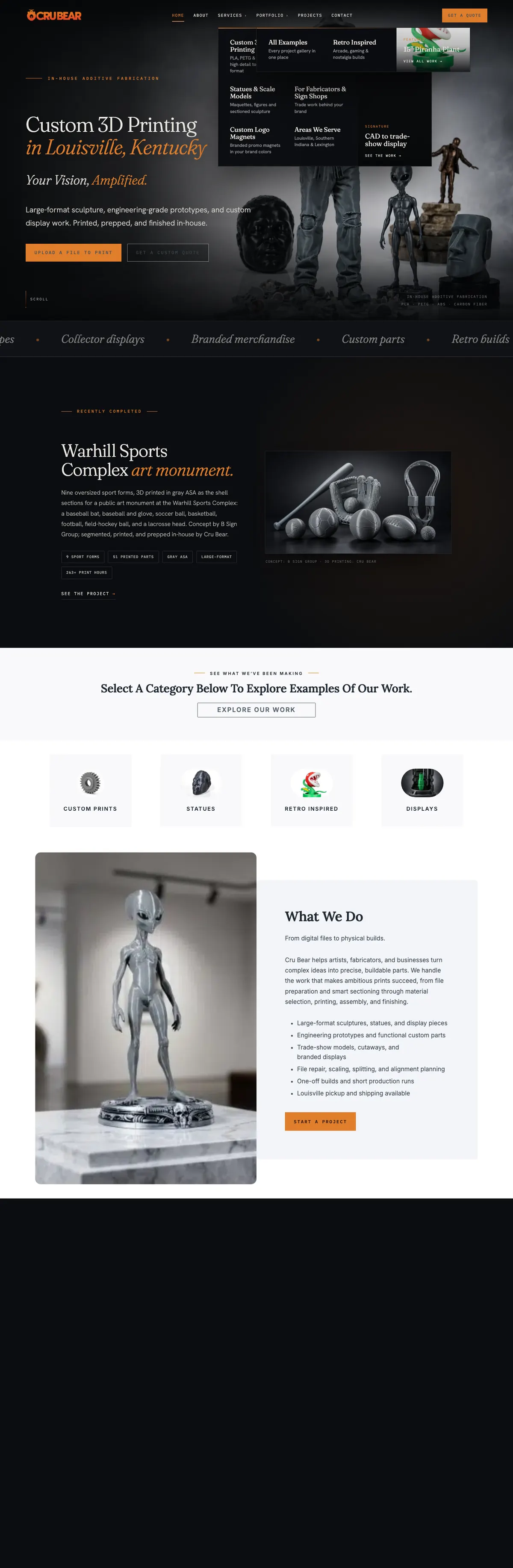

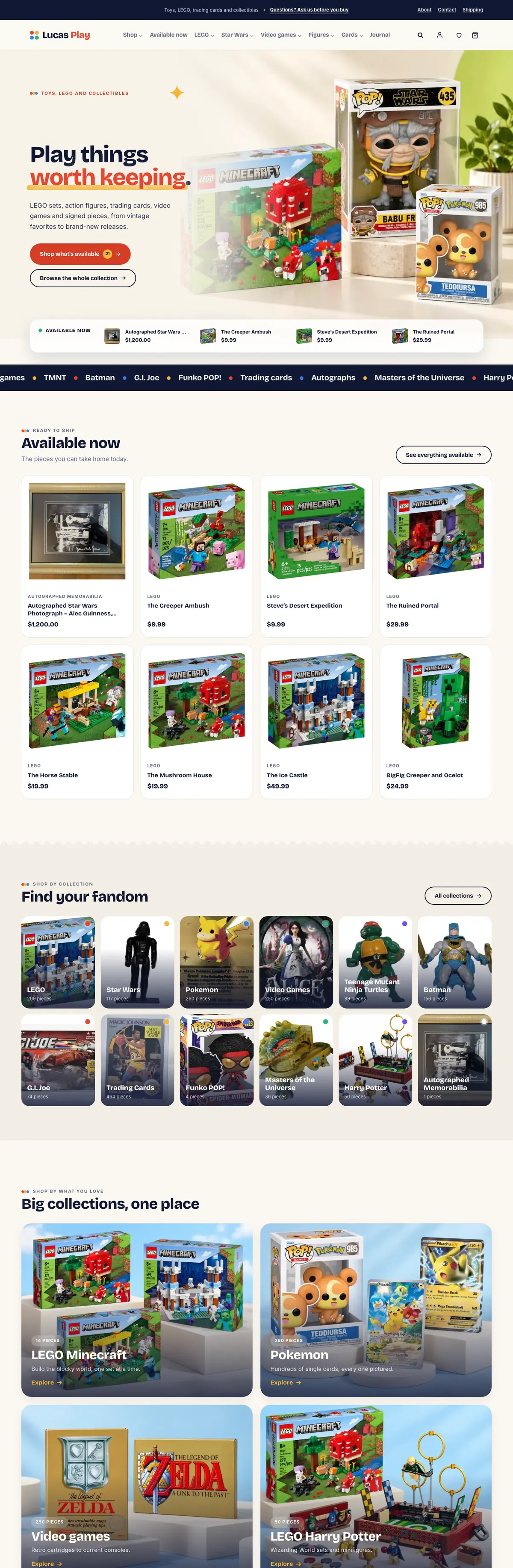
Websites I have built for Kentucky businesses



















Getting paid should not take three emails.
For a lot of service businesses, sending the invoice is the easy part and getting paid is the chase. The invoice goes out as a PDF, the customer cannot find the payment link, someone asks for the details again, and a check arrives weeks later with no invoice number on it.
Online invoice payments on your own website fix that last step. The customer goes to an address they already trust, finds the invoice and pays it, and the payment lands already matched to the job. Your bookkeeping starts from a record instead of a guess. This is not invoicing software: keep making invoices where you make them now, and the page on your website is where customers pay them.
A payment page built around your invoices.
Find the invoice
The customer enters the invoice number and the billing email on it. The page finds that invoice and shows what is owed before anything is paid.
Pay in full or in part
The invoice sets the minimum payment and the remaining balance, so a deposit or a partial payment is handled without a phone call or a new invoice.
Card or PayPal
Card and wallet options through the processor you choose, with PayPal for customers who prefer it. Card numbers go to the processor, never to your website.
A note with the payment
Room for a purchase order, a project name or a job address, so the payment arrives with the detail your bookkeeper needs.
One link for every invoice
The same address works in an email, a text message or a QR code printed on a paper invoice, and it never changes from one job to the next.
Automatic payments too
For care plans, retainers and service contracts, a client reviews the agreed schedule, approves automatic card payments and can cancel future ones from a private link.
How my own invoice page works
I built one for my own business, and my clients pay me through it.
A client enters the invoice number from the PDF or email and the billing email address, reviews the balance and billing details, then pays by credit card or PayPal Checkout through PayPal. The invoice decides the minimum payment and the remaining balance, and there is a box for a note, such as a project name or purchase order. Three steps: find the invoice, review the details, make the payment.
Clients on a care plan use a second page to set up the payment schedule they agreed with me. Before approving anything they see the services, the amount and the start date. Their card is stored by PayPal, so my site only ever learns the card brand and the last four digits, and they can cancel future payments from their private link without asking me.
I keep my page out of search results, because it is only useful to someone holding an invoice. Yours can work the same way, or sit in your main menu if most of your customers pay online.
Deposits, orders and gateways, built into real websites.
HogMatch, a show-pig marketplace built in WordPress, takes deposits through PayPal at checkout on its own site. Kentucky Peerless: shop moved to Clover eCommerce when its old processor was retired, with the hosted card fields styled to look native to the store.
An invoice page is made of the same parts: a payment processor, a form that knows the amount, and a record of what was paid and for what. If your business already runs a store or a booking system, it can often share the processor you already have.

From invoice PDF to paid, in four steps.
Map your invoicing
Where invoices are made today, whether that is accounting software, a spreadsheet or a billing app, and where each payment needs to be recorded.
Pick the processor
PayPal, Stripe, Square or Clover, often the one you already use. You see the processor’s own published fees in writing before you choose.
Build and test
The page is built in your site’s design, then tested end to end in the processor’s test mode before a real customer ever sees it.
Hand it over
You get the link to put on every invoice and a short written guide for whoever sends them.
Worth knowing before you build one.
Processing fees still apply
Card processors charge for each payment, on your page or anywhere else. The page makes paying easier; it does not change what the processor charges.
Surcharges have rules
If you want to add a card surcharge, talk to your processor first. Visa, for one, requires a business to notify its processor 30 days before it starts surcharging. Ask what else applies where you do business.
Your books stay in your books
The page collects payments and records them. Your accounts still live in your accounting software, and I can connect the two where it has a way in.
Online invoice payments, answered.
Why not just use the pay link from my accounting software?
Those links work, and they may be all you need. A page on your own website keeps the payment under your name and design, gives every invoice the same easy address, and can record payments where you want them.
Is it secure for my customers?
Card details are typed into the processor’s own secure fields and go straight to the processor. Your website never stores a card number, and the page runs over HTTPS like the rest of your site.
Can customers make partial payments or deposits?
Yes. The invoice can set a minimum payment, and the page shows the remaining balance after each payment, so a deposit now and the rest on completion both work.
Which payment processors can you use?
PayPal, Stripe, Square and Clover are the common ones. If you already have a merchant account for a store or a register, I usually start there.
Can it handle recurring payments?
Yes. A client reviews the agreed schedule, approves automatic card payments stored by the processor, and can cancel future payments from a private link.
How much does an invoice payment page cost to build?
It depends on where your invoices come from and how payments need to be recorded. I quote it from a written scope after one conversation, before any work starts.
Let me look at how you get paid today.
Tell me how you send invoices and how customers pay now. I will tell you what a payment page on your own site would take, from Louisville or wherever you are.
Connect with me
Tell me how you get paid now.
What happens next
- 01I reply, usually the same day. Every message comes straight to me, not a ticket queue.
- 02A short call. What the site needs to do, who it is for, and what has not worked before.
- 03A written scope and flat quote. Before any work starts, with hosting and ongoing care listed separately.
5.0 on Google · 29 reviews · I usually reply the same day